How you can get a Macy´s Picture in HQ
7 replies · 13075 views

derDude
Posts: 1030
#1
How you can get a Macy´s Picture in HQ
1. Choose the picture you like
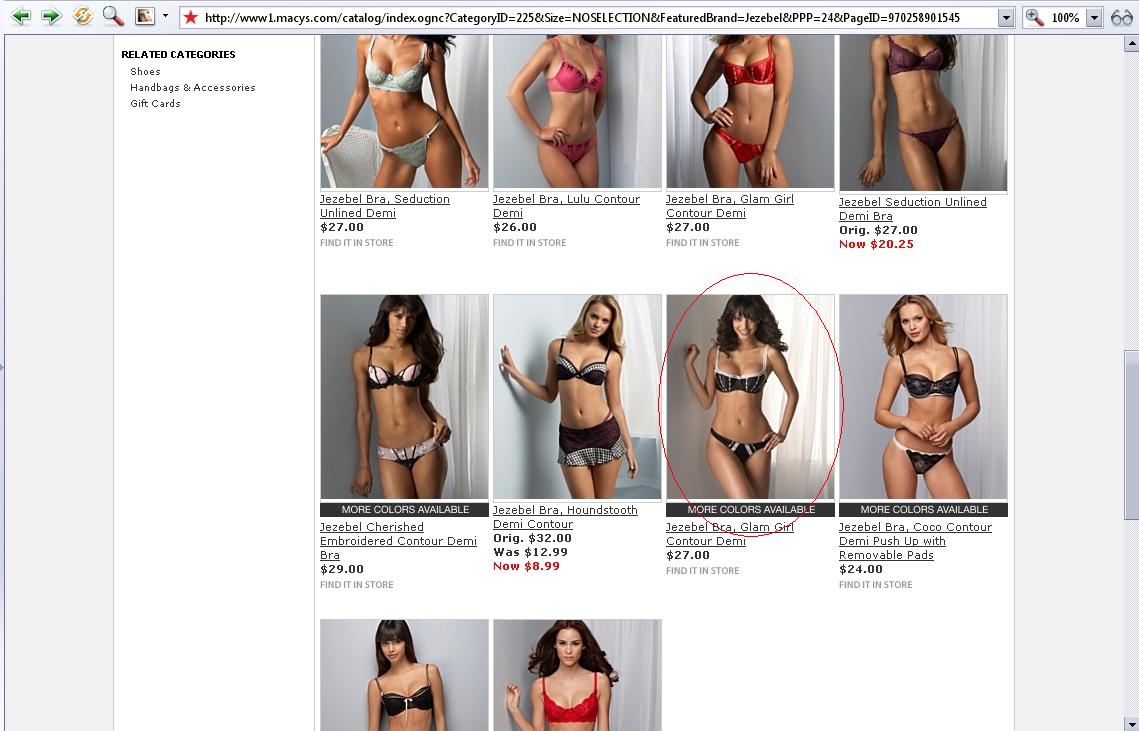
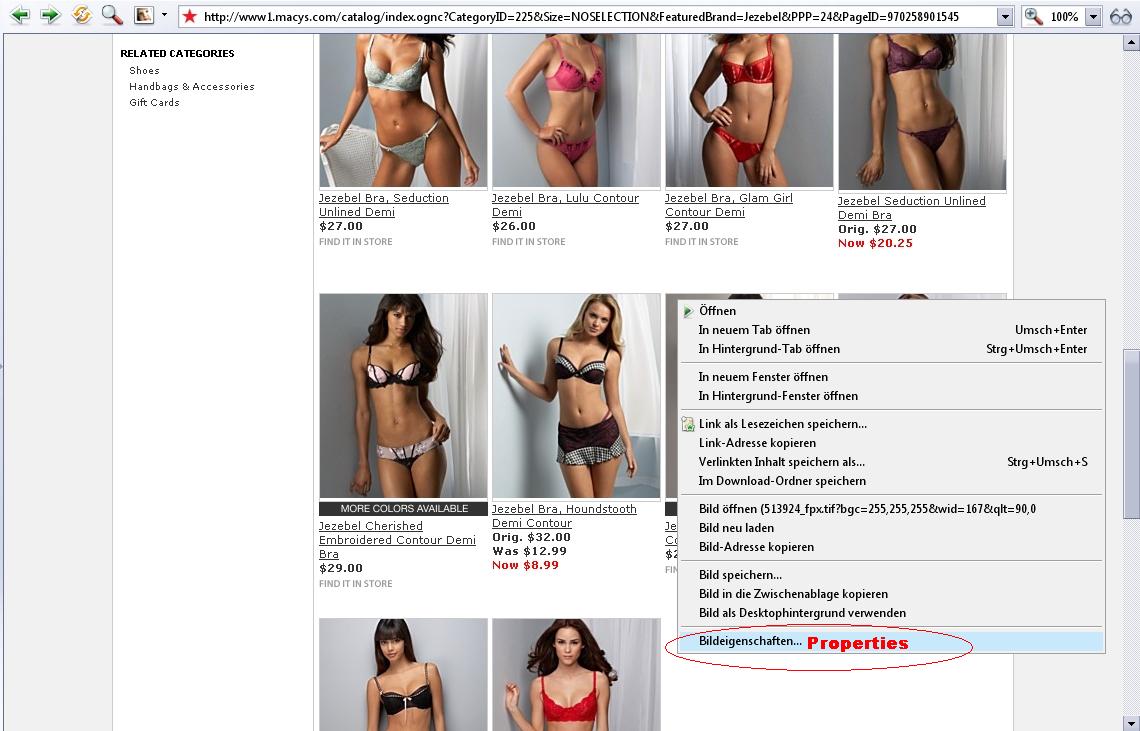
2. Right click and select "Properties"
3. Copy the "Adress"
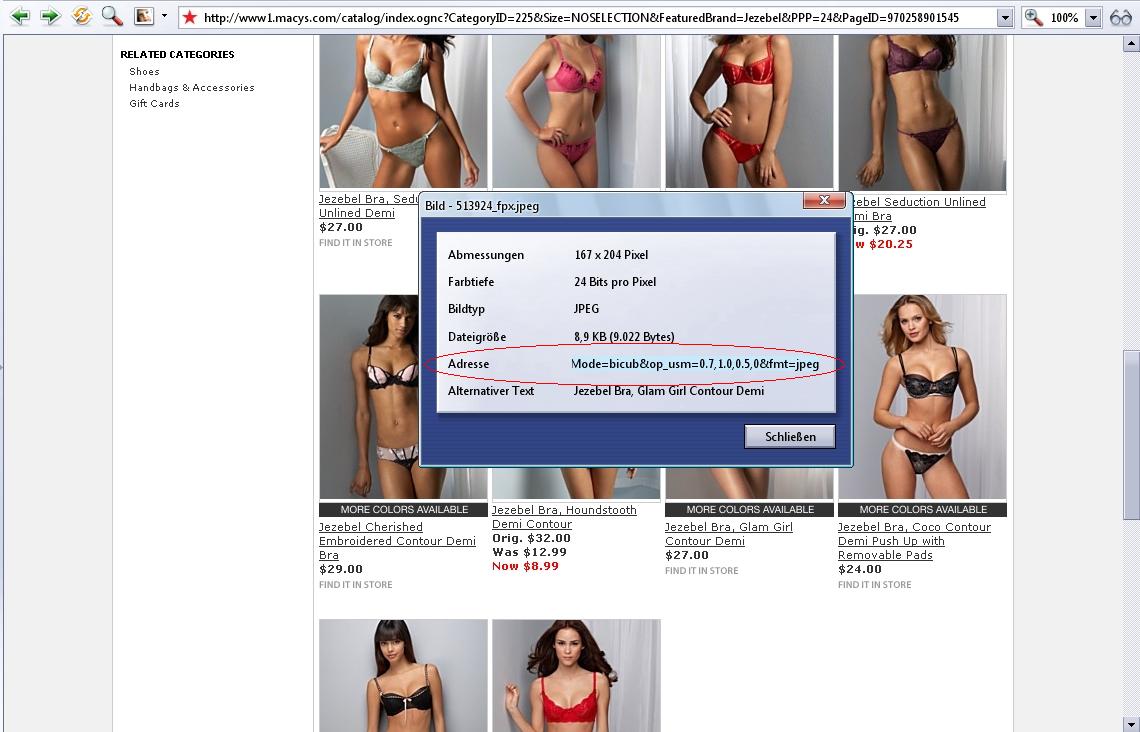
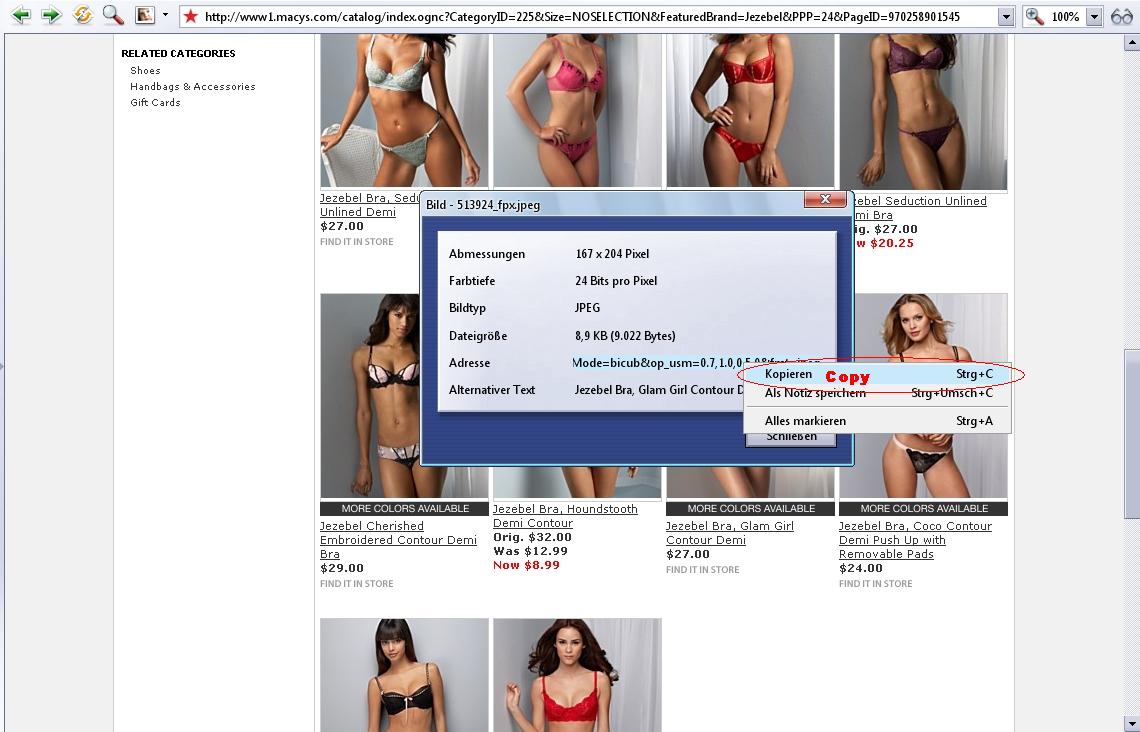
4. Open a new window and paste the copyied adress in the adress line

5. Delete all characters after
.http://slimages.macys.com/is/image/MCY/pro...ized/513924_fpx


6. Paste ?hei=2000&qlt=90,0&fmt=jpeg instead

5. Enter
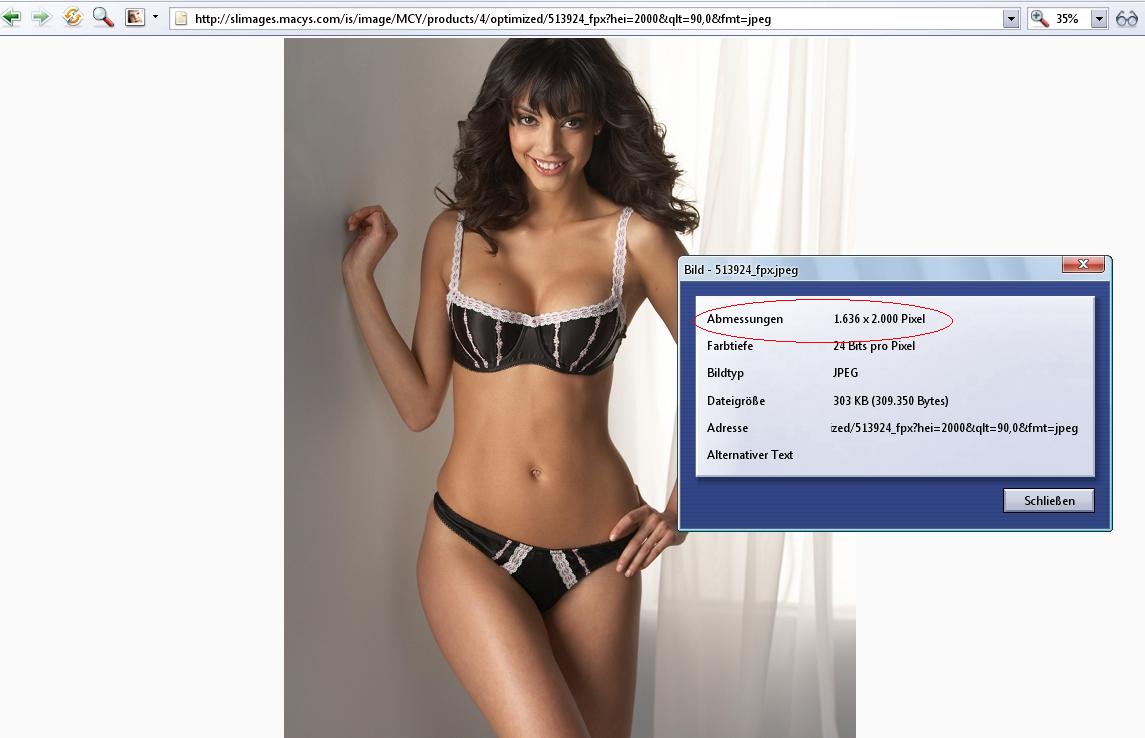
Same works also at:
feel free to complete the list!
P.S. at some sites you can chance
?hei=2000&qlt=90,0&fmt=jpeg to ?hei=3000&qlt=90,0&fmt=jpeg
to get a better resolution! 

roxana
Posts: 1172
#2
thank you so much! 

irregular visitor
Posts: 1418
#3
Opera - best browser evaa! 

2 kewl 4 skewl
Posts: 7664
#4
I have a kind of easier way of doing it... If anyone's interested. 
How you can get a Macy

Ana Beatriz Barros Fan
Posts: 6869
#5
Thanks Baby Jude, thats so much easier 
m
marinf77
Posts: 6
#6
that's amazing, jude...thanks!

misterZ
Posts: 129
a
audiantony
Posts: 56
#8
Thanks