Emoticon, font color etc
13 replies · 3072 views

How can I activate them? I can't never see them & I want to see them.
As in when you're posting? Click 'toggle editing mode' (the little lightswitch icon underneath 'reply to this topic') and you should be able to see them. 
I don't have that option

Bumping this.
Plus my own issue where my green text keeps disappearing half way through a message or doesn't show at all on 2 different computer. Cache/Cookies cleared but still nothing 

Bumping this.
Plus my own issue where my green text keeps disappearing half way through a message or doesn't show at all on 2 different computer. Cache/Cookies cleared but still nothing
Screenshot plz
I don't have that option
Can you post a screen shot of your reply window? Mabye you dont have the RTE enabled. Please post a screenshot and ill figure out how to enable it if that is indeed the case. thanks.
Bumping this.
Plus my own issue where my green text keeps disappearing half way through a message or doesn't show at all on 2 different computer. Cache/Cookies cleared but still nothing
Screenshot plz
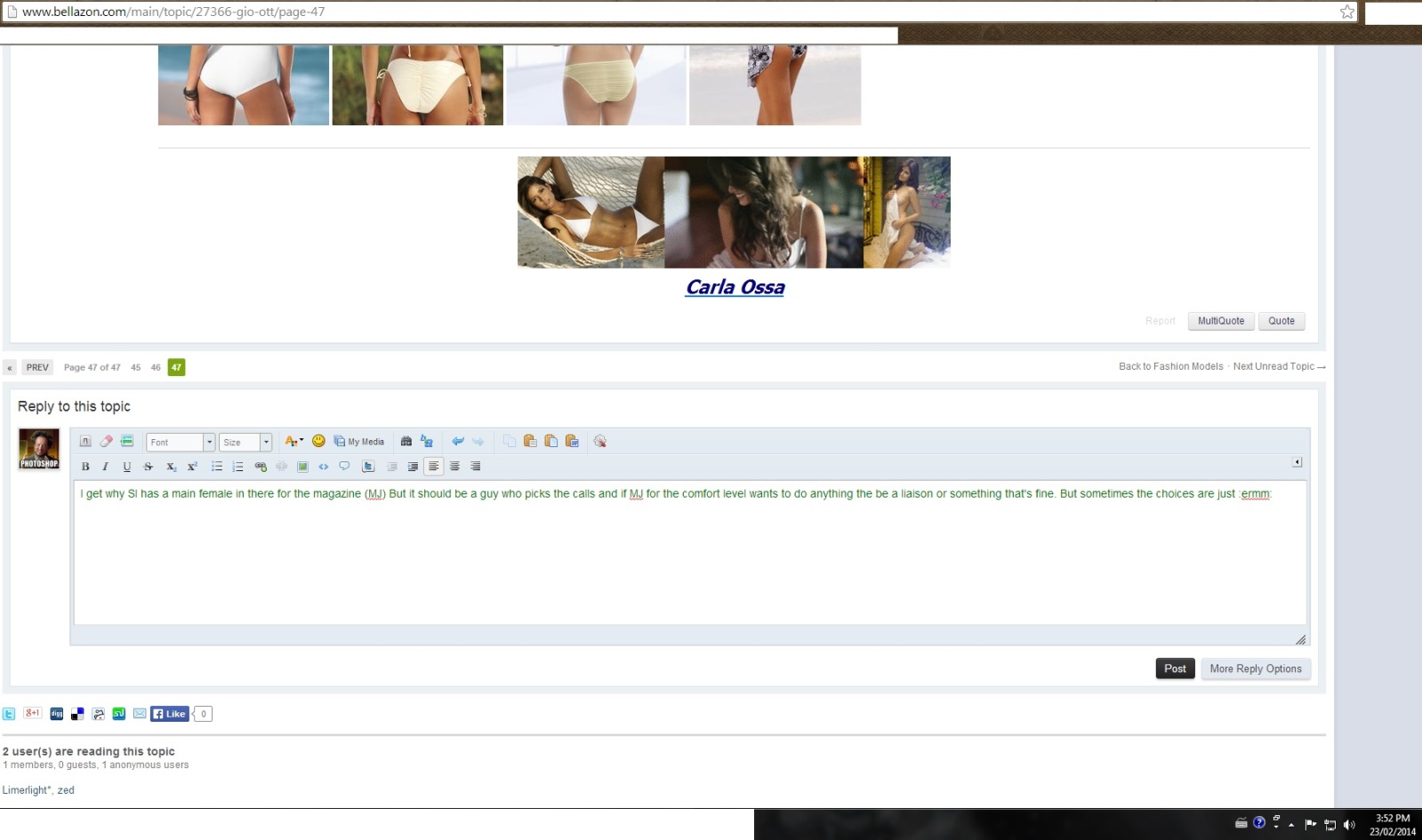
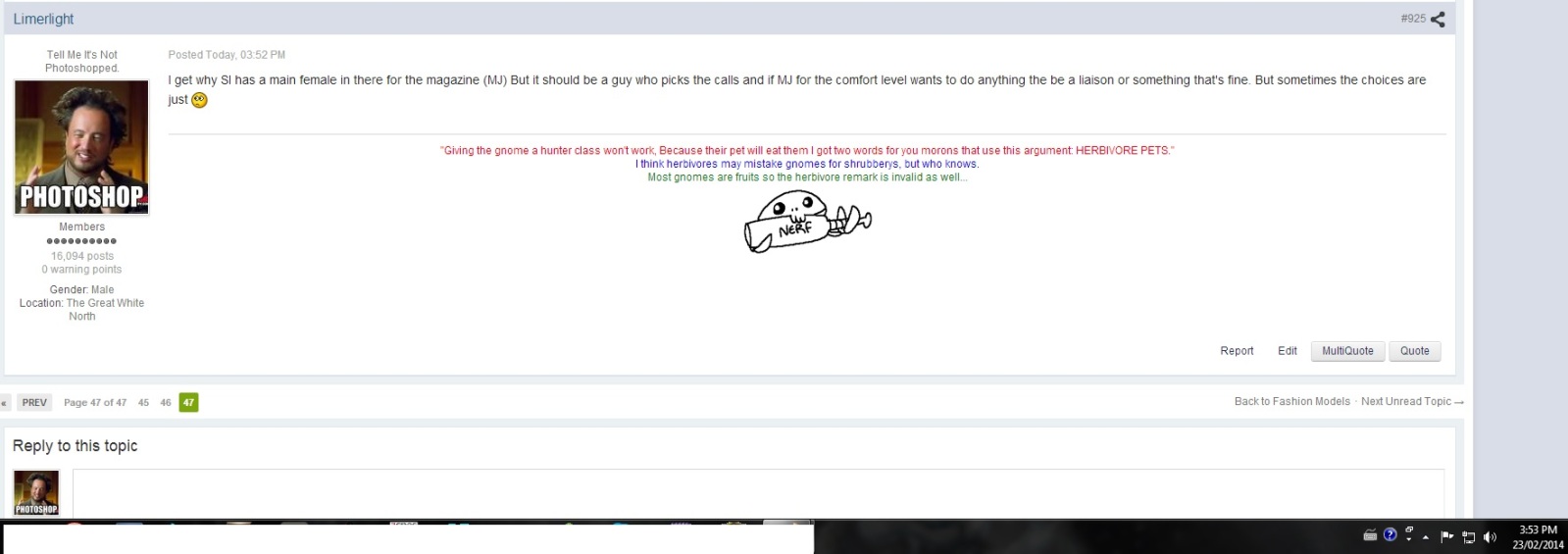

^ When you apply the green, do you enter the code first or do you apply it after you finish typing your post?
I'll select the green text first, though I do see what you may be leading to and try the other way for awhile see if it goes on, never gave me an issue though until about a month and a bit ago
^ Or try it your way but before you post, click on/off the toogle to make sure the code is working properly.
 Which toggle
  i think I'm missing something there cause I don't see any when I hit text colour and hit my green
  Or maybe that's just me still being super tired
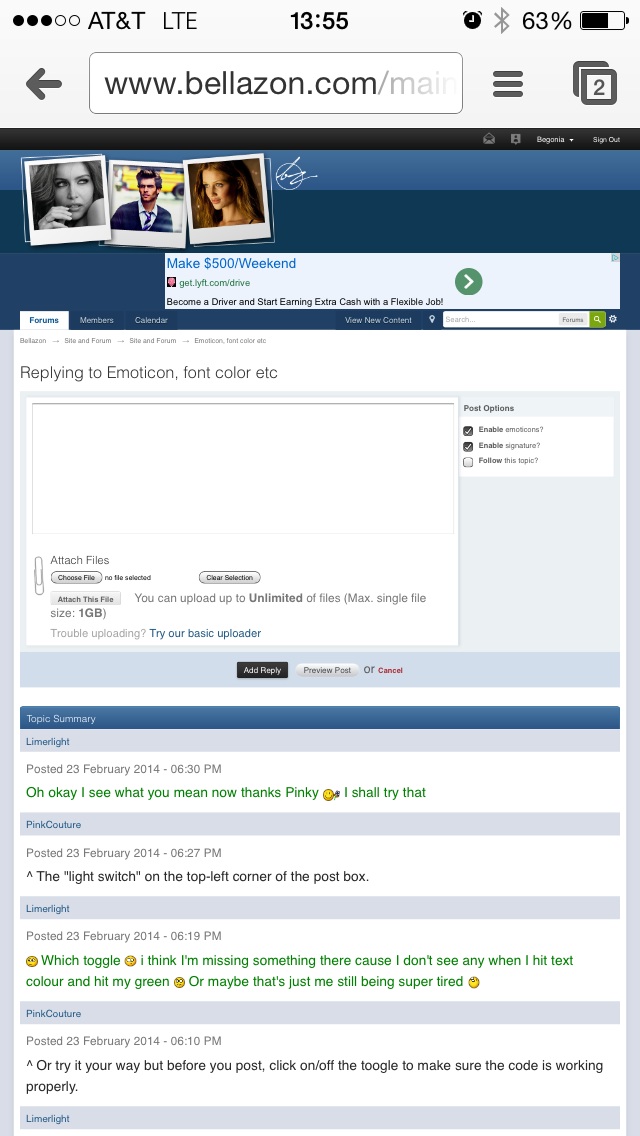
^ The "light switch" on the top-left corner of the post box.
Oh okay I see what you mean now thanks Pinky I shall try that
Here is my screenshot
Does emoticons, font, alignment , etc does it not work on mobile devices?