Image Editing Questions
41 replies · 11019 views
I thought this the best place to ask. I'm setting up a gallery for a hockey player I know, and whose career I follow. That being said I have a lot of pictures that are overly bright because the flash reflected off the ice. Does anyone know how I can fix this?
Here's an example:

I'm thinking it's just a matter of levels ( I use photoshop ) but I haven't tried messing with it yet. Anyone have any other suggestions?
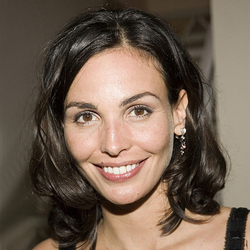
You can "tinker" with 3 parameters, Brightness, Contrast and Gamma. Brightness makes the pic darker or brighter. Contrast increases or decreases the difference between the lightest and the darkest parts of the pic. Gamma is more difficult to understand. It defines how dark and light areas are weighted, how unlinearly the pic is interpreted. Look at the pic below to see how reducing brightness, constrast or gamma would affect to your sample picture. In this case reducing contrast is maybe the right thing to do and maybe brightness as well. Play with the parameters to find out how they chance the look of pictures. Right adjustments can make pictures look very good!

could i use this for a sig?
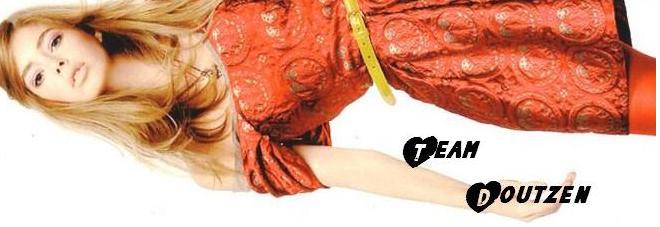
too big, I don't recall what the allowed dimensions are...but this is kinda too big !

max size is 140*600 pixels... just resize it, Dutchygirl 
like this?
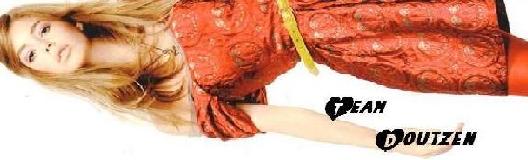
too big, I resized it and improve the quality for you:

too big, I resized it and improve the quality for you:
woah thanks! u're great 
god i'm so stupid with sigs! but i really want to make them myself!! 
god i'm so stupid with sigs! but i really want to make them myself!!
do you use photoshop? ^^ 
you are doing great dutchygirl, just go at Image/Image Size/ High: 140

I have tried before to download photoshop but I am computer retarded(I swear, it's a disease). Anyway, i'm stuck with a sucky paint program and I would be okay with that if it weren't soooooo stupid... it keeps doing this weird thing to the pictures and it's driving me insane... I was wondering if anyone could tell me how to fix it... or give me very descriptive step by step instructions on how to get a better (free) program.
Okay... here's a example of what it does... can anyone help?
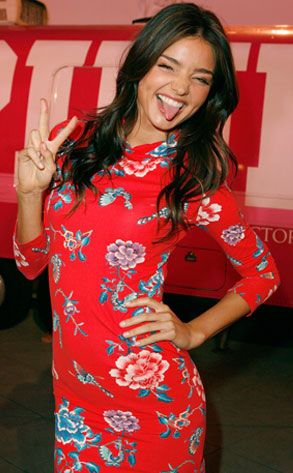
Thank you!
No problem, if you have any questions you can PM me it's the program i use...so i can try my best to help you
okay... thank you very much... I've already put it to work... i think I'll be able to get the hang of it... but if not... I will definately pm you


oooh
I saw in some shops to buy photoshop...it's really amazing and you just have to search for tutorials...I also download brushes and they give me some cute effects 

thank you!!! 