Advertisements
2009 replies · 861533 views
Just to let you know, Signature limits are 600 x 128,
I guess Yamamay does publish a catalog 
And here are three scans from it.


And one more

Thanx Capt
the other day i saw an intimissimi ad with ana. I didnt know she did intimissimi..



Thank you so much for posting all the Naf Naf ads!!! I thought she looked so beautiful in their campaign. They have really nice clothes, too.
I cant wait until Ana Beatriz' official site is up, has anyone heard when?
I used to always go to http://anabb.free.fr/ but it doesn't seem to be updated anymore...that was a good site though.
And thanks also for posting the Yamamay catalog Capt. Snow!!! Are they recent ads? She looks sooooooooo pretty there!! My hair color is almost exactly like that right now!  I love Ana!!
Man thats a great avatar abbeyroad.
AbbeyRoad, those Yamamay pictures are brand new, and the larger ones are scanned from the Spring/Summer 2005 catalog.


Man thats a great avatar abbeyroad.
Thanks!! Neo resized it for me so he gets 1/2 the credit

resized and sharpened
I scanned this from the March Elle Magazine. Take your pick. "Regular" or "Extra Large"?
lg 3025x2240
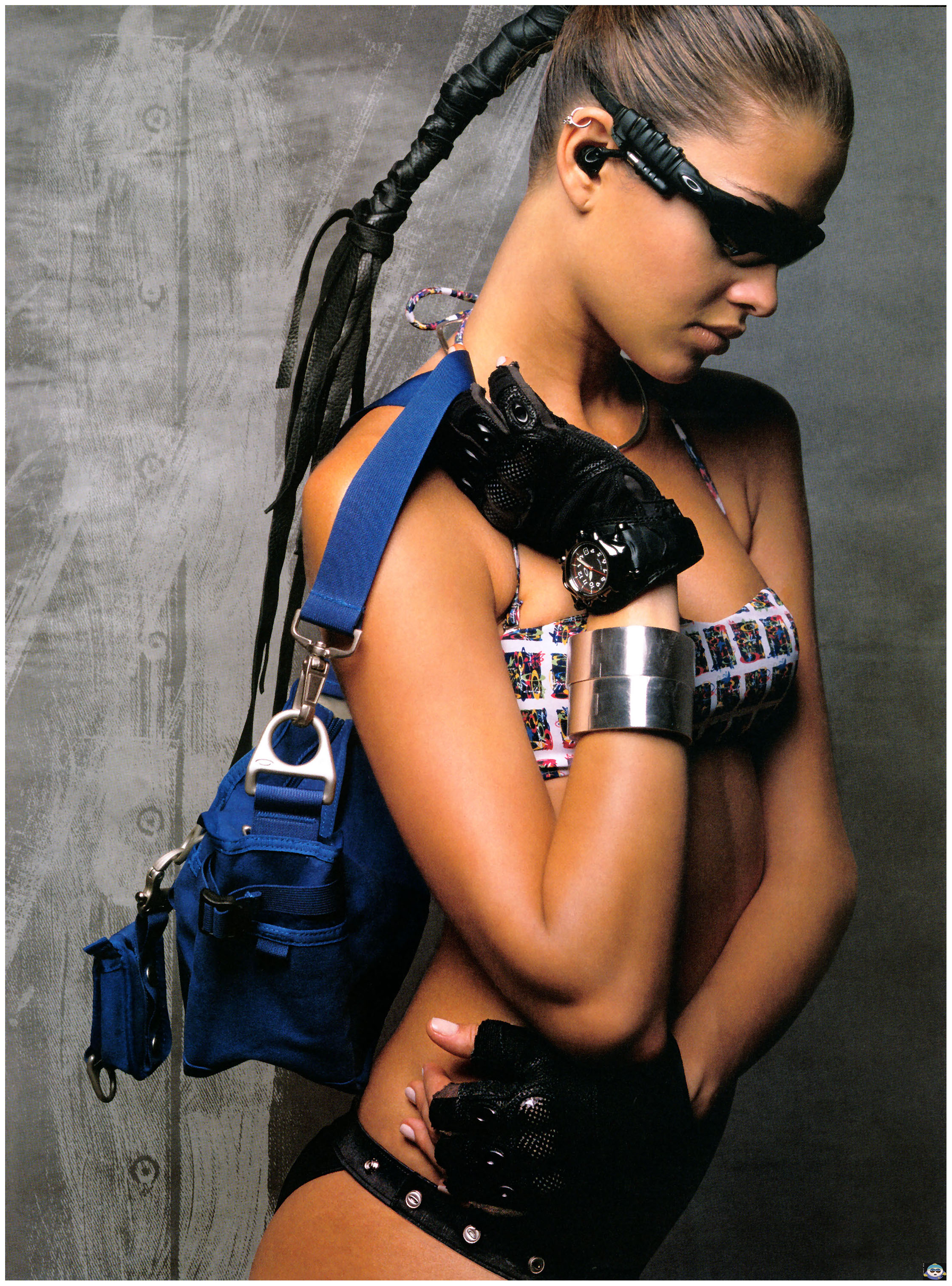
"normal"

That's nice, what kind of scanner are you using, if you don't mind me asking?
Actually, I'm on the lookout for a good scanner as well - how many dpi is yours? What's a good standard?
Didn't know Ana did Oakley!!
Actually mines a 4 year old or so Visioneer 5800.
https://visupport.visioneer.com/Portal/view...22-2bb07df3013c
I scan directly into Photoshop 7 using the Import feature in Photoshop. It'll do up to 2400 dpi but most of the scans I do at 1200. Some of the VS Cat. stuff I do at 600 dpi because of the quality of the paper.
The make and model don't really make much of a difference since there's only a few companies that make the actual optics for all the scanner manufacturers. What matters is the size of the bed (how big a page it will hold), the number of colors it will reproduce, and the highest dpi it will scan at. The Visioneers are good because they have good specs (colors, dpi, ect...) and are cheep.
Glad you folks like the scans.
Oh, and in case anyone wanted to know I didn't really have to do a lot with that after I scanned it. I used Gaussian blur to a setting of 2.0 (basically until the dots from the printing process were blended) resized it in half. Did "sharpen" at the full setting (didn't use fade any), did "sharpen edges" at full setting, resized down again to the "Extra Large" size and used "selective colors Neutral" and increased black by 5, Yellow by 2 and red by 1. Sharpened again and faded to about 75% and that's about it.
My old visioneer just busted a few months ago, it was from like 1999. I gotta pick up a new scanner.