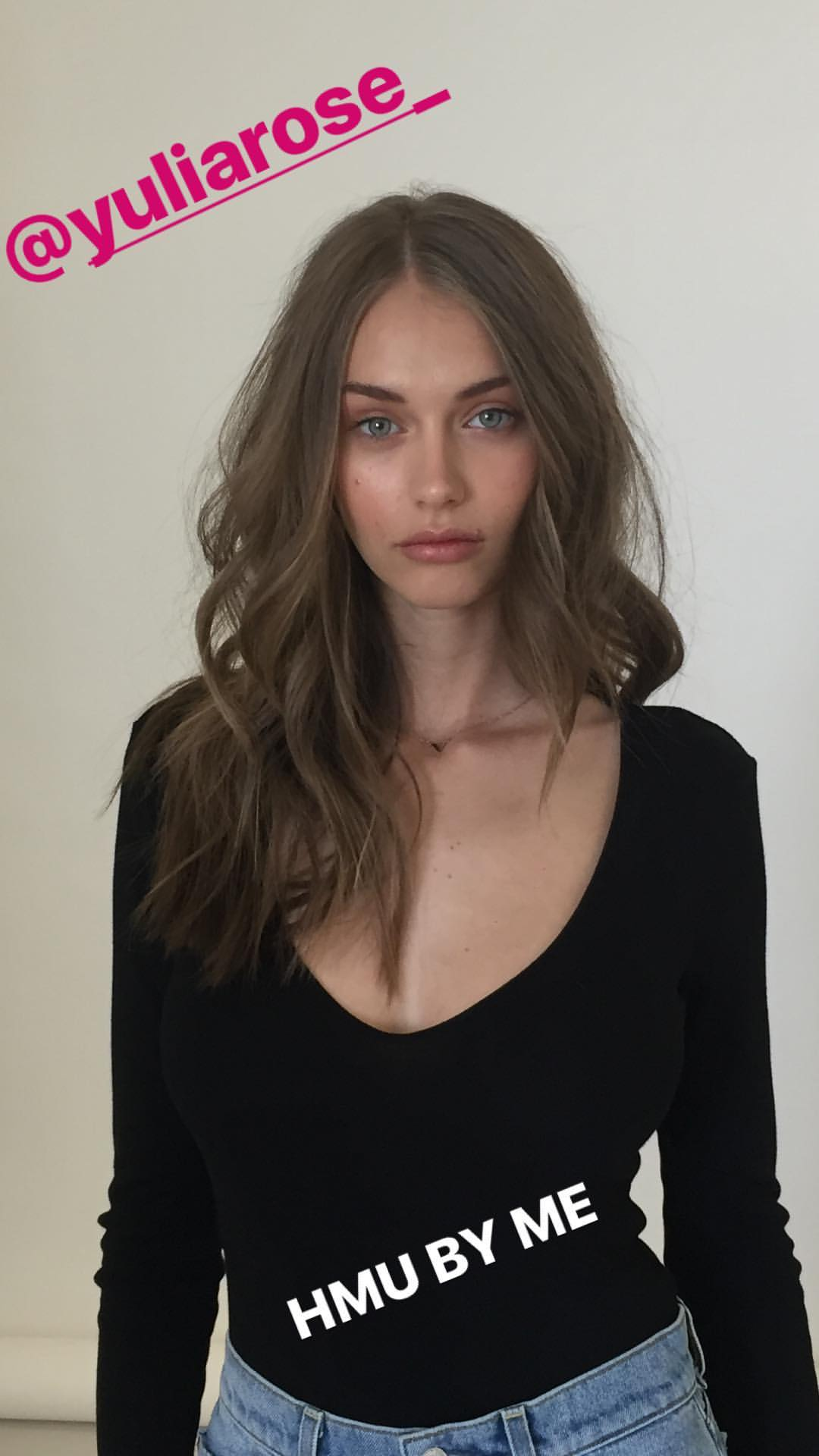
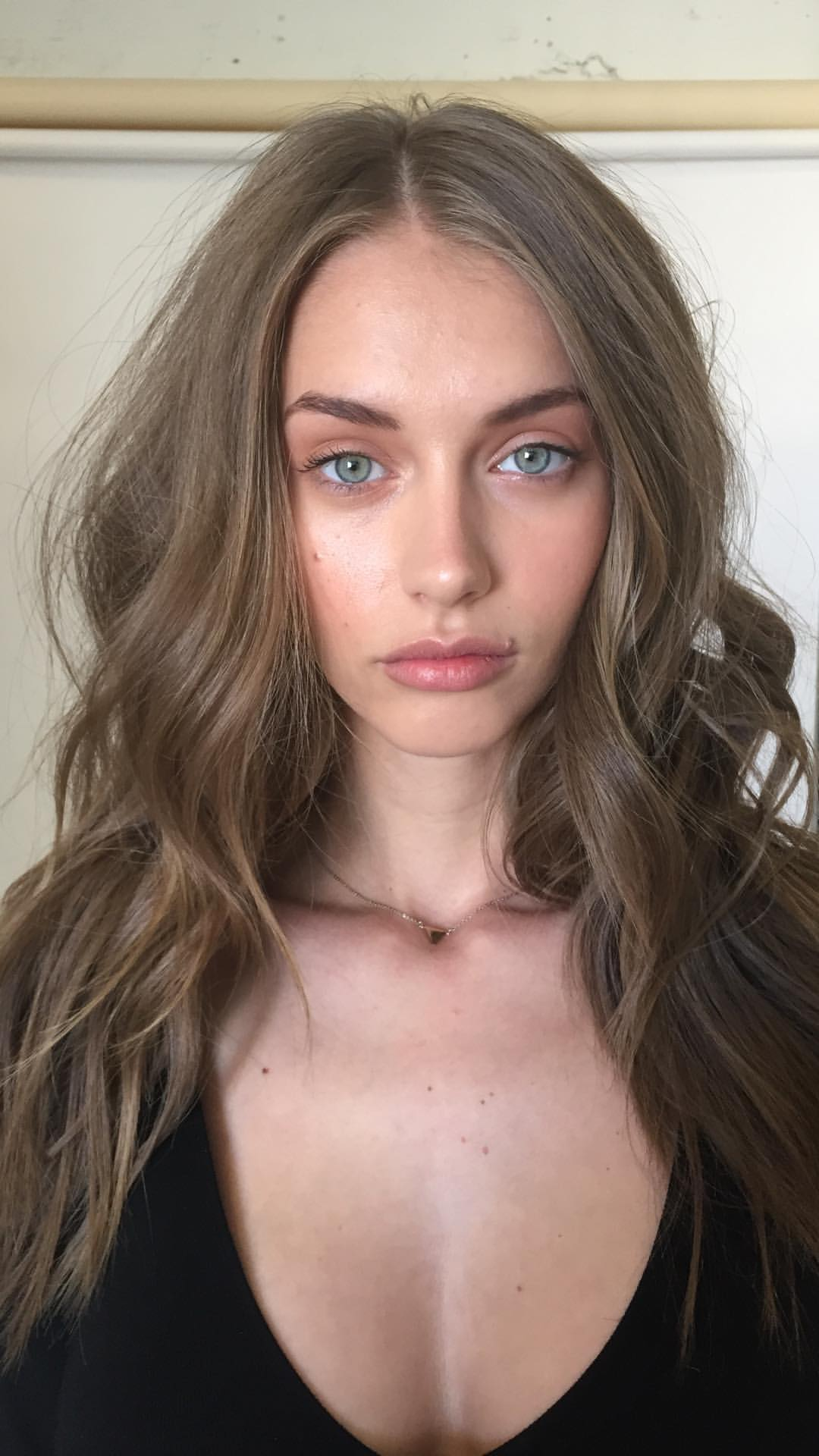
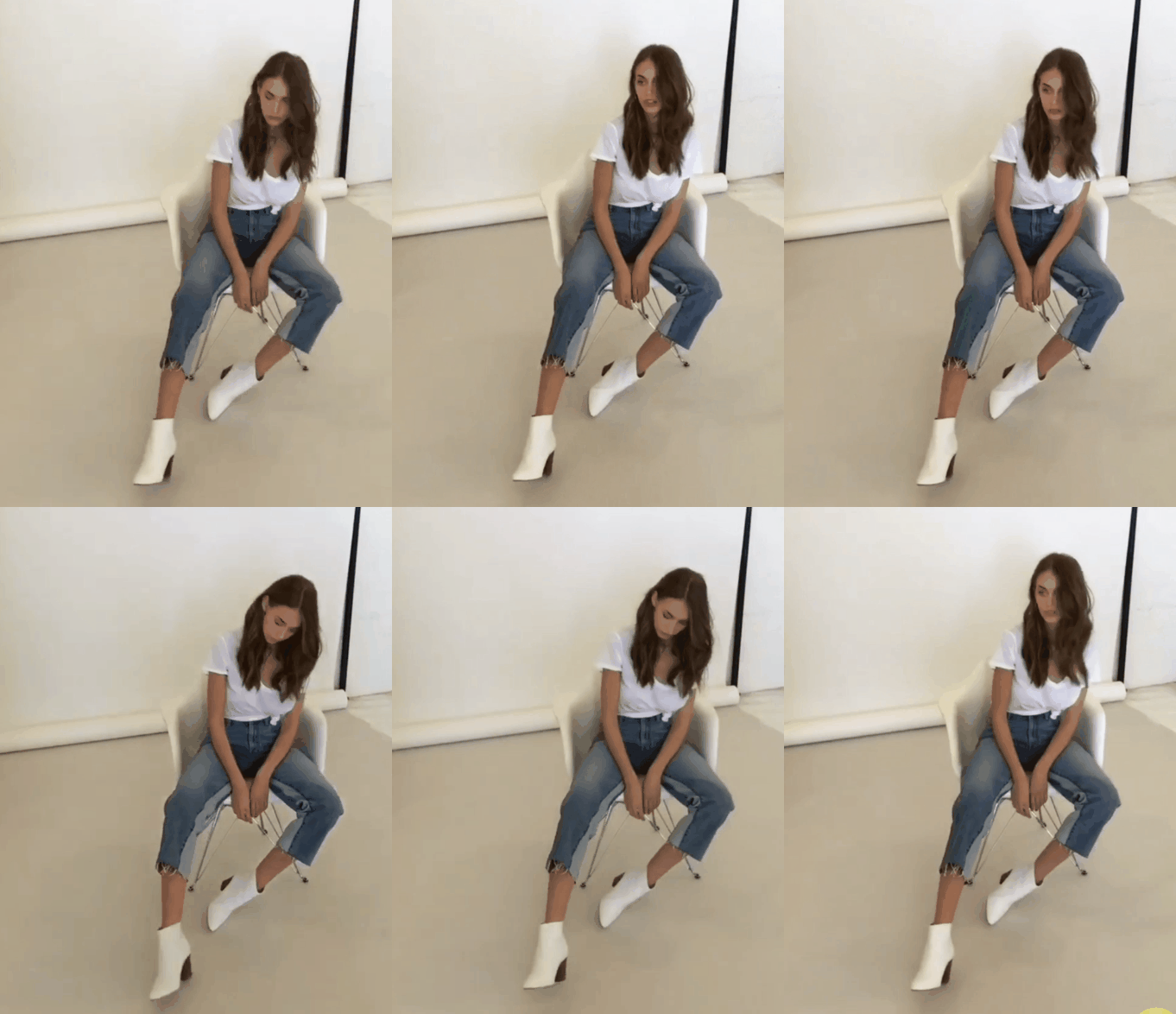
Yulia Rose
1077 replies · 1145252 views

Star System
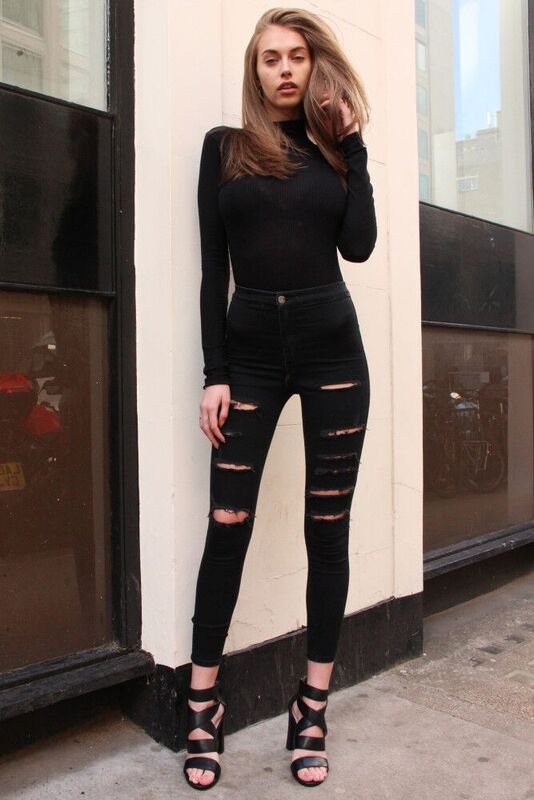
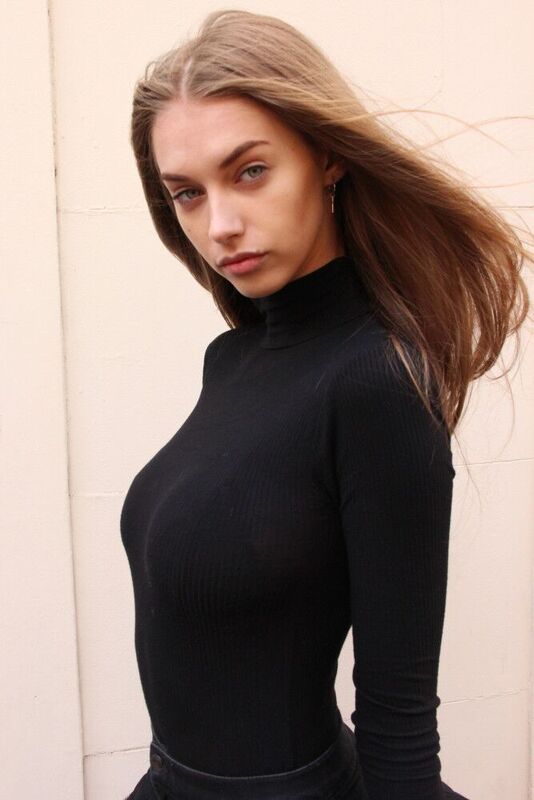
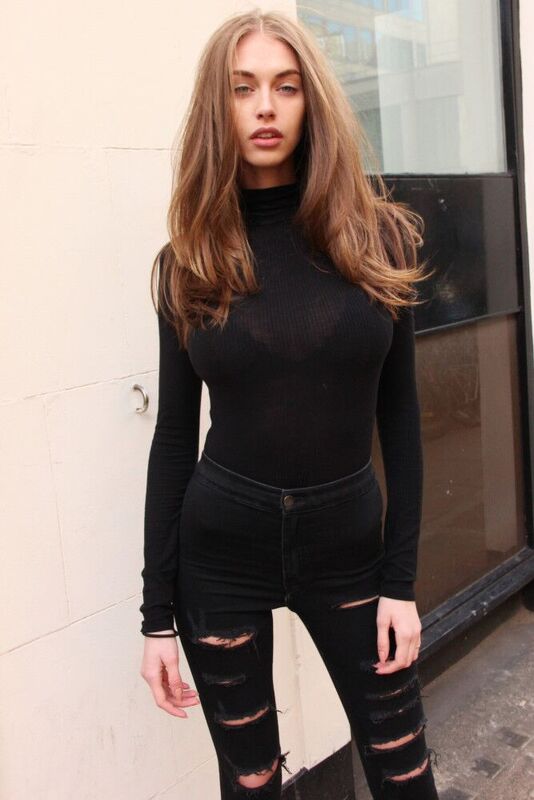
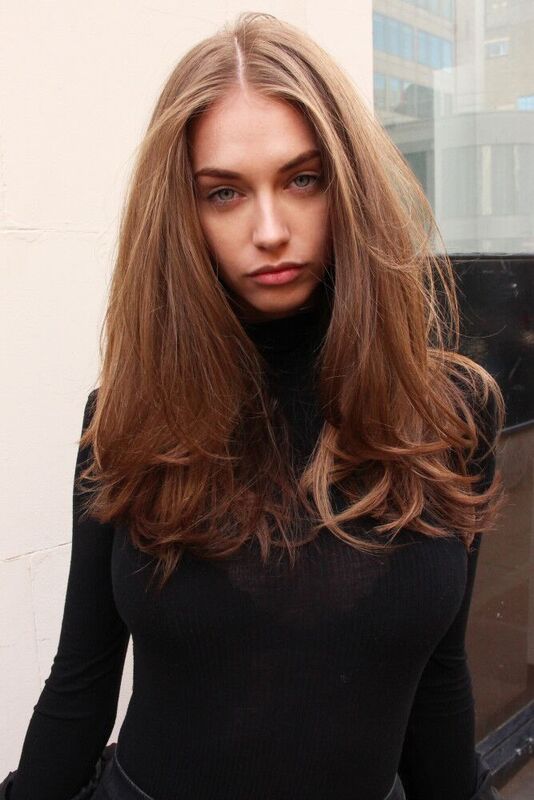
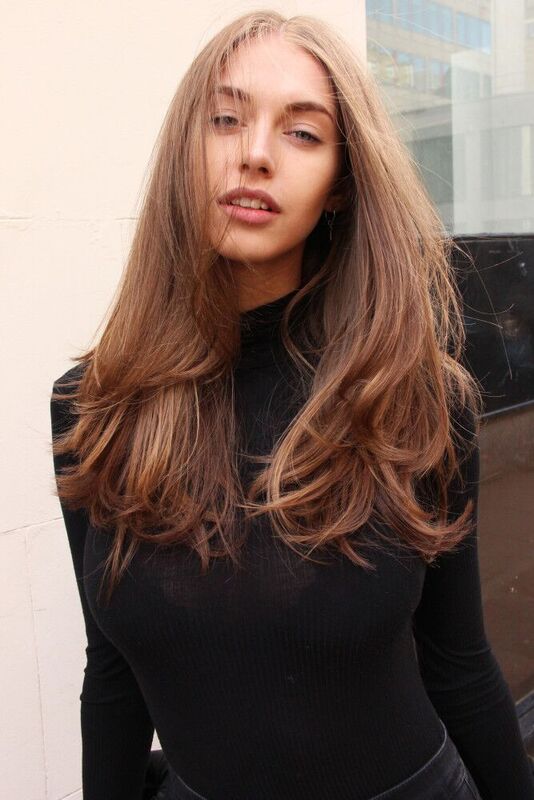
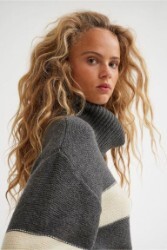
thanks kugelschreiber,danke sehr
You´re welcome. 
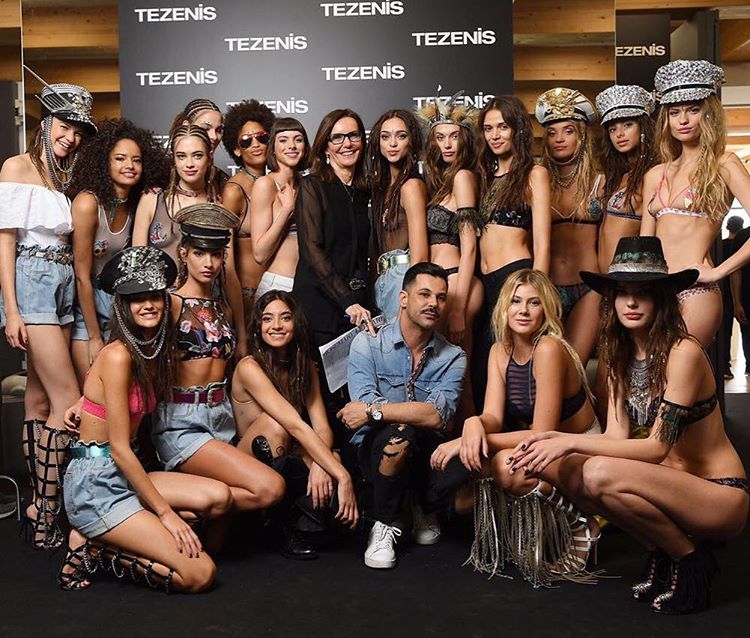
IG
tezenisofficial
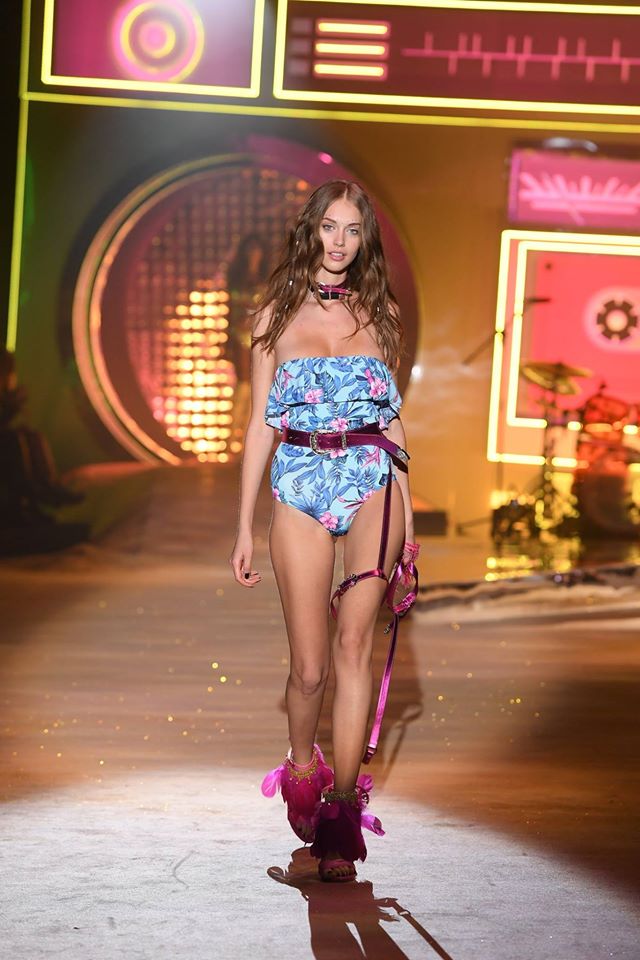
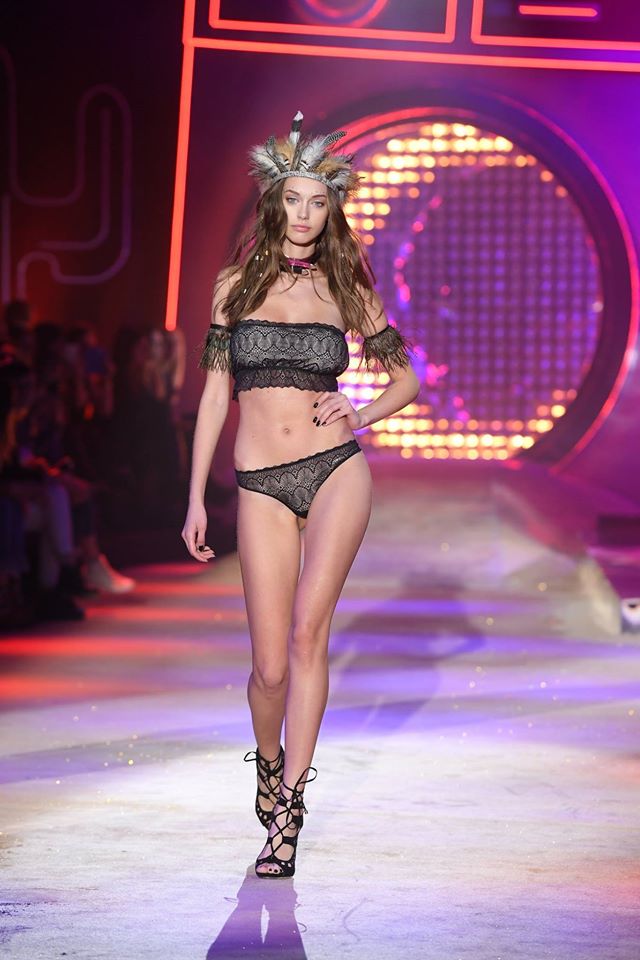
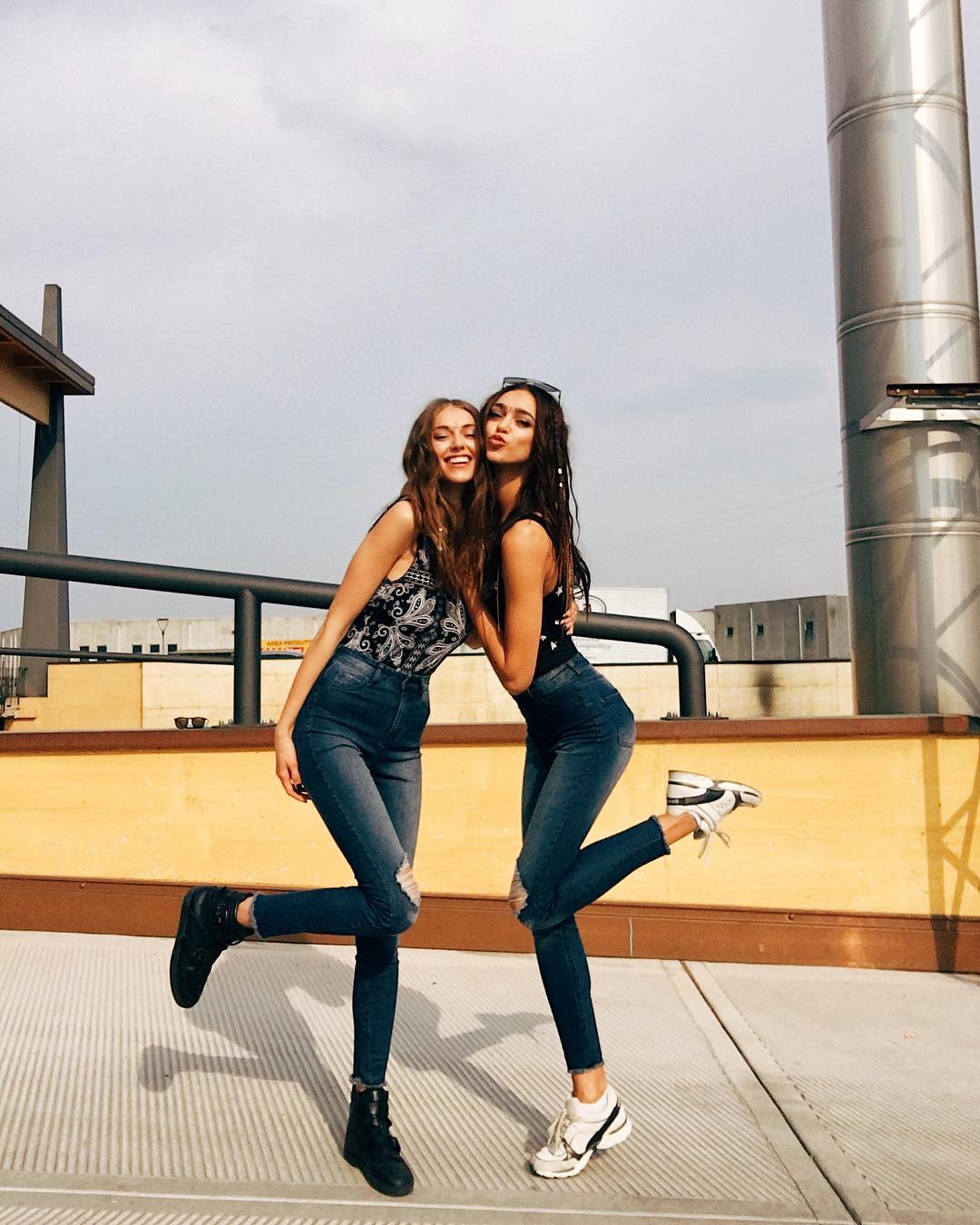
IG
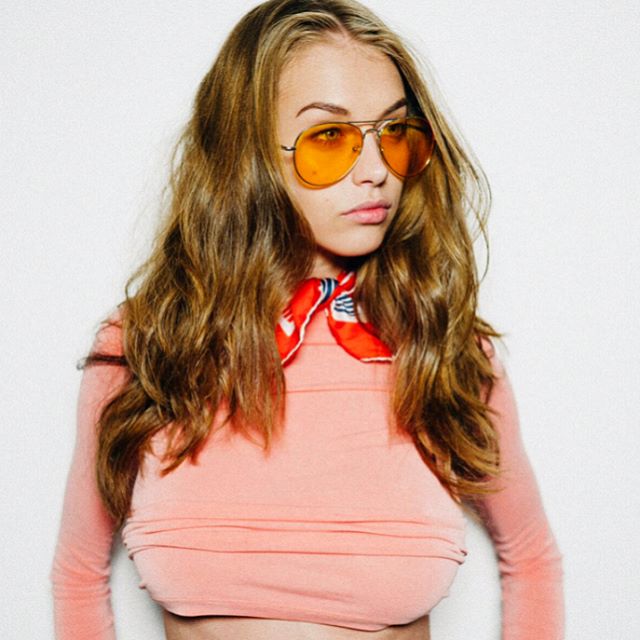
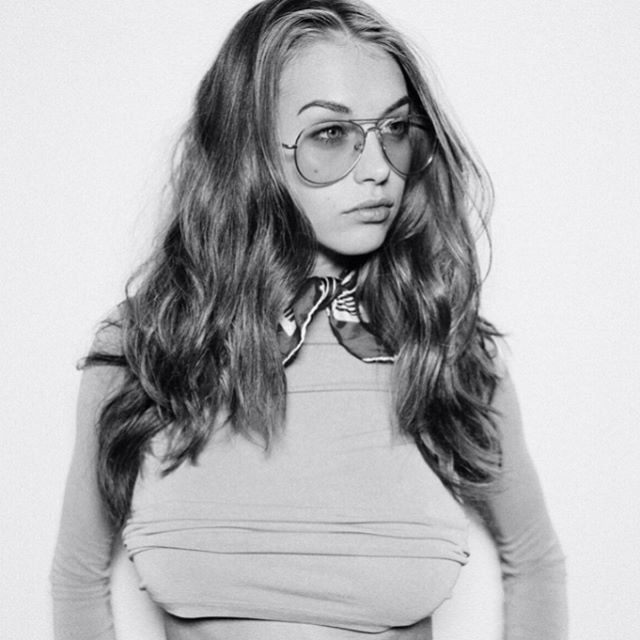
theres a much easier way to grab HQ from ASOS.
Simply click on image, select "open image in new tab"
Replace the portion after "?" with "scl=1" or a number lower than 1 like "scl=0.6"
Too high resolution causes photos to be blurry tho 

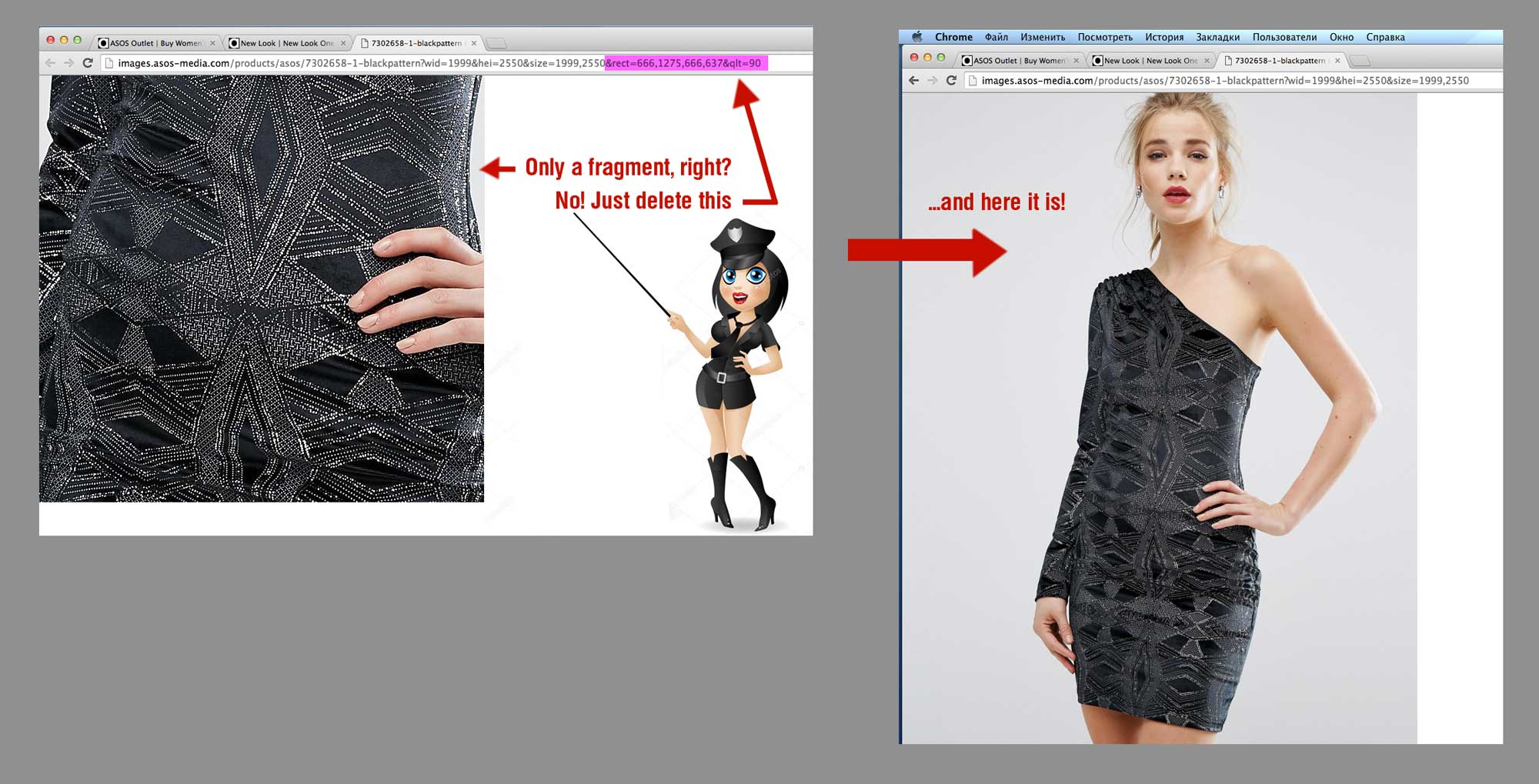
On 11.04.2017 at 1:56 AM, ICEStarlet said:They were cut up into pieces on there where do I click to get the whole zoomed in image?
Hi! Yes, they seem to be cut into pieces, but in fact they are not. They are just masked, so that only a portion of an image is visible. To take the mask off, all you have to do is to delete the last part of the URL that defines the size of the mask. And... voila! — here's the whole pic in the original resolution with the best available quality.
(hopefully you can understand my Russian  )
)
☟☟☟
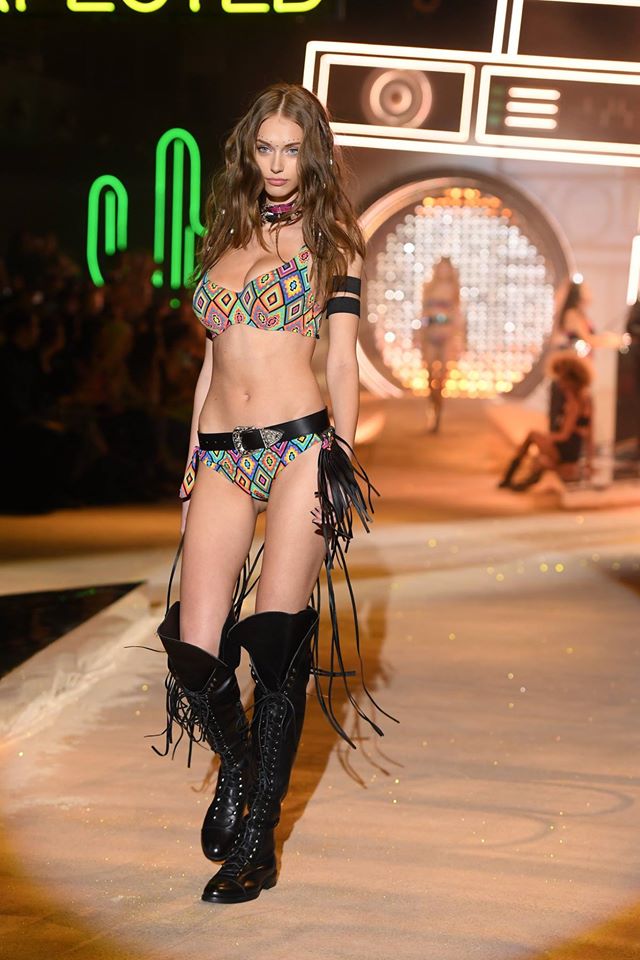
IG
On 14.04.2017 at 0:29 PM, Kugelschreiber said:IG

Thank you Kugelschreiber ! Really nice and very unexpected look!
13 hours ago, ICEStarlet said:Do you know where the exact cut-off masks are for the links is on other sites like H&M? I'm trying to do this on all of the fashion sites with the zoom feature on it.
Hi! Thanks for your kind words. As to H&M... Well, they seem not to use any kind of protection at all. All you have to do is:
• Left click on the image to enlarge it in the viewport;
• Right-click on the elarged image and choose «Open image in the new tab» option from the conext menu and...
...and it seems to be all... Works for me.
Hi!
OK, I'll try to explain it, but this is more tricky than Asos. Here's the URL you have:
2 hours ago, ICEStarlet said:
![http://lp.hm.com/hmprod?set=key[source],value[/environment/2017/8KZ_0117_004R.jpg]&set=key[rotate],value[0]&set=key[width],value[4176]&set=key[height],value[4883]&set=key[x],value[0]&set=key[y],value[-1]&set=key[type],value[FASHION_FRONT]&set=key[hmver],value[0]&call=url[file:/product/zoom]&zap=ver[1.22],size[128],x[5],y[6],layer[100]&sink](http://lp.hm.com/hmprod?set=key%5Bsource%5D,value%5B/environment/2017/8KZ_0117_004R.jpg%5D&set=key%5Brotate%5D,value%5B0%5D&set=key%5Bwidth%5D,value%5B4176%5D&set=key%5Bheight%5D,value%5B4883%5D&set=key%5Bx%5D,value%5B0%5D&set=key%5By%5D,value%5B-1%5D&set=key%5Btype%5D,value%5BFASHION_FRONT%5D&set=key%5Bhmver%5D,value%5B0%5D&call=url%5Bfile:/product/zoom%5D&zap=ver%5B1.22%5D,size%5B128%5D,x%5B5%5D,y%5B6%5D,layer%5B100%5D&sink)
• First off, type "2" right after "lp" so you have "://lp2.hm.com" instead of just "://lp.hm.com"
• Then delete the last part of the URL : "&set=key[rotate],value[0]&set=key[width],value[4176]&set=key[height],value[4883]&set=key[x],value[0]&set=key[y],value[-1]&set=key[type],value[FASHION_FRONT]&set=key[hmver],value[0]&call=url[file:/product/zoom]&zap=ver[1.22],size[128],x[5],y[6],layer[100]&sink:"
and repace it with this: ",type[FASHION_FRONT]&hmver=0&call=url[file:/product/zoom]&zoom=zoom"
So your new URL looks like:
![http://lp2.hm.com/hmprod?set=key[source],value[/environment/2017/8KZ_0117_004R.jpg],type[FASHION_FRONT]&hmver=0&call=url[file:/product/zoom]&zoom=zoom](http://lp2.hm.com/hmprod?set=key%5Bsource%5D,value%5B/environment/2017/8KZ_0117_004R.jpg%5D,type%5BFASHION_FRONT%5D&hmver=0&call=url%5Bfile:/product/zoom%5D&zoom=zoom)
Boom! The full-resolution pic.
But there's a simplier way. Just use non-US H&M website (Russian, French, etc.). All you have to do there is to enlarge the pic in the viewport and then right-click to open the image.
Good luck!
social Media


IG Story