Anastasiya Scheglova
3691 replies · 3537994 views

Enliland overload.  And THANK YOU!
thanks for adding

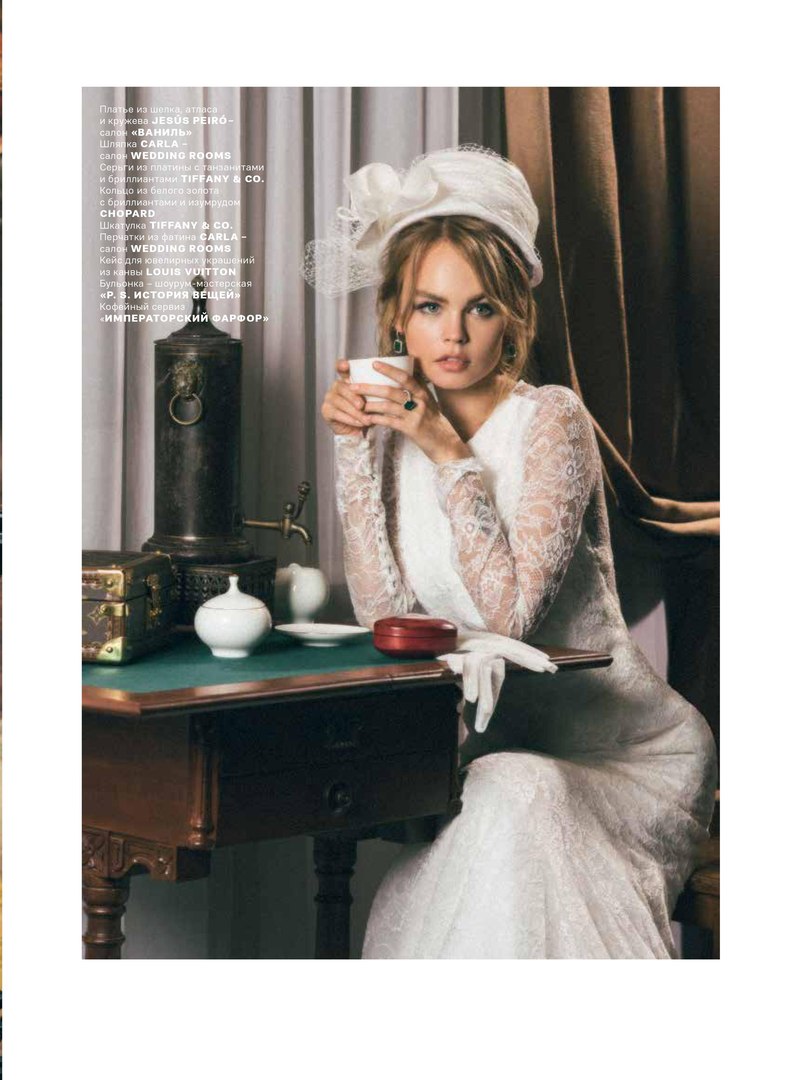
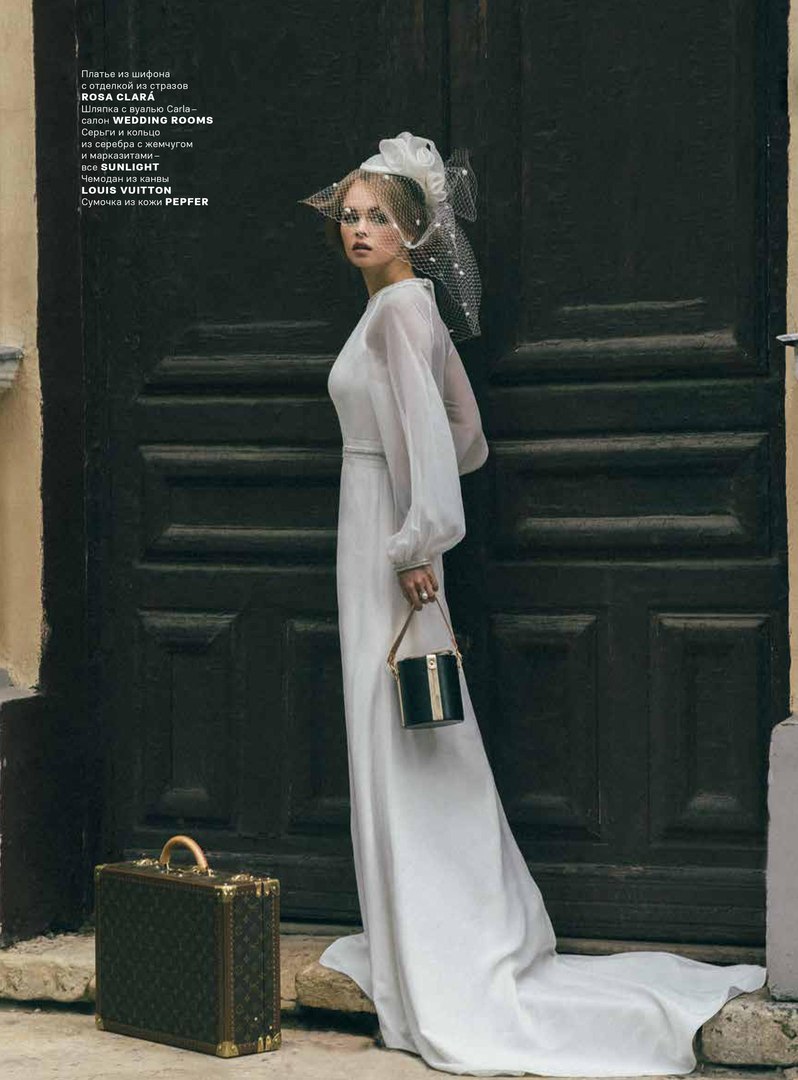
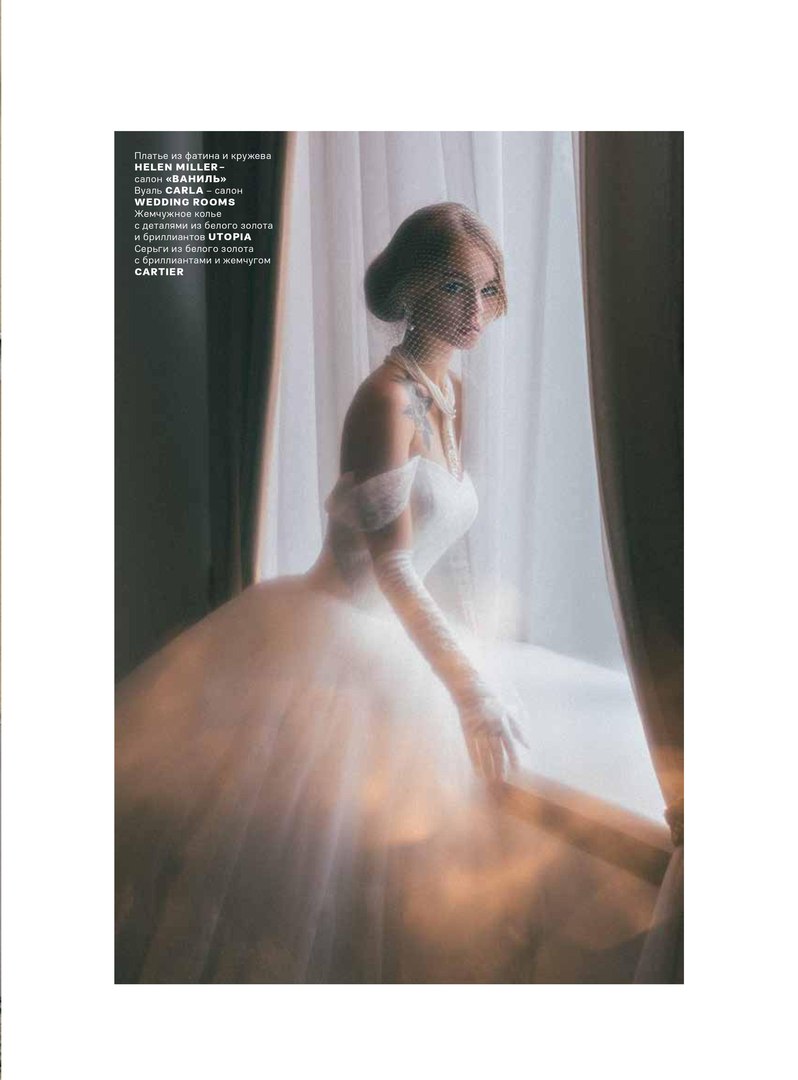
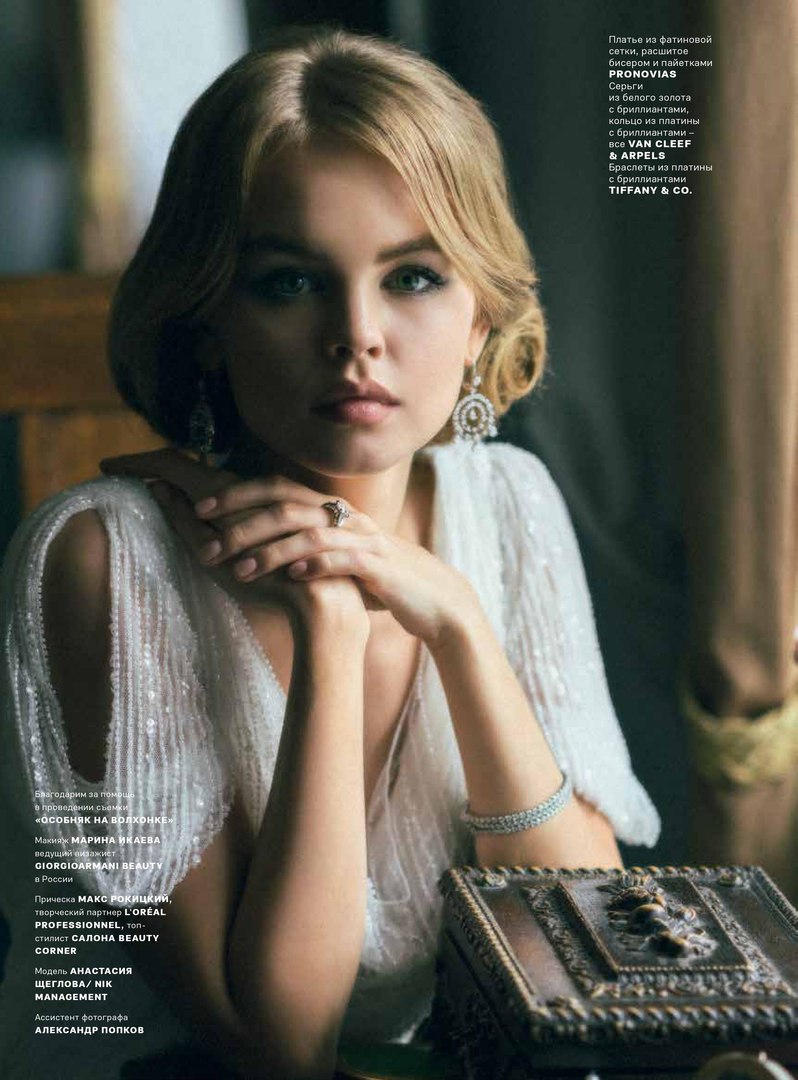
Nastya Wedding Magazine Cover
Ph: Igor Pavlov
St: Kirill Akimov
nikmanagement.com



Spoiler

Nudie
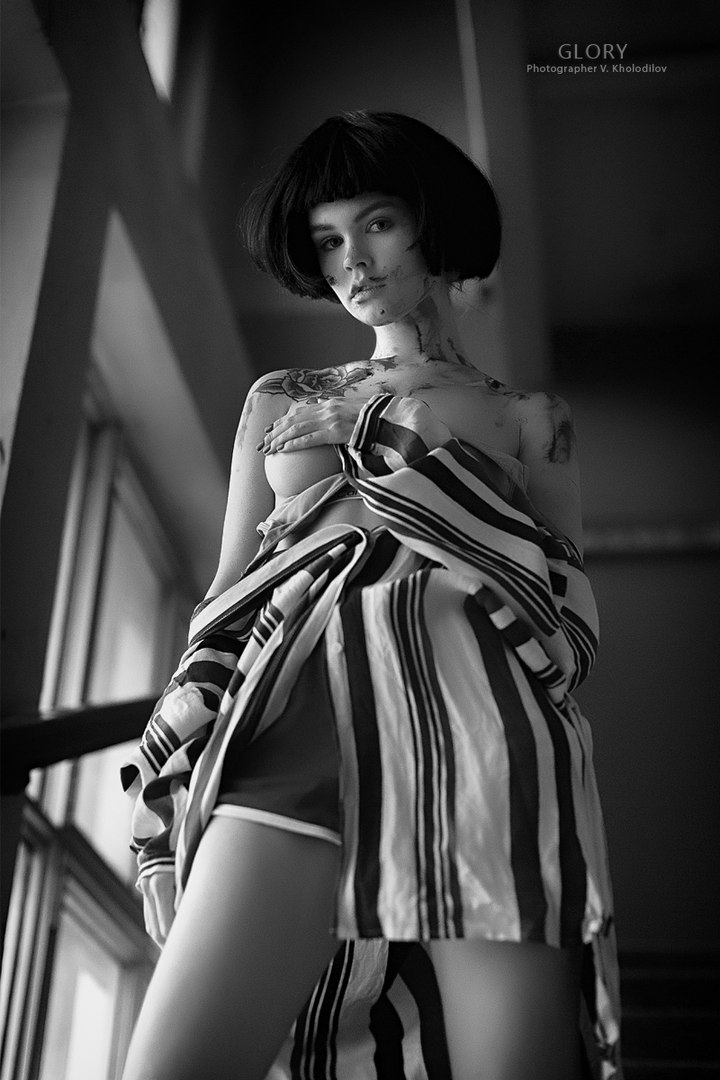
GLORY | Photographer Vyacheslav Holodilov
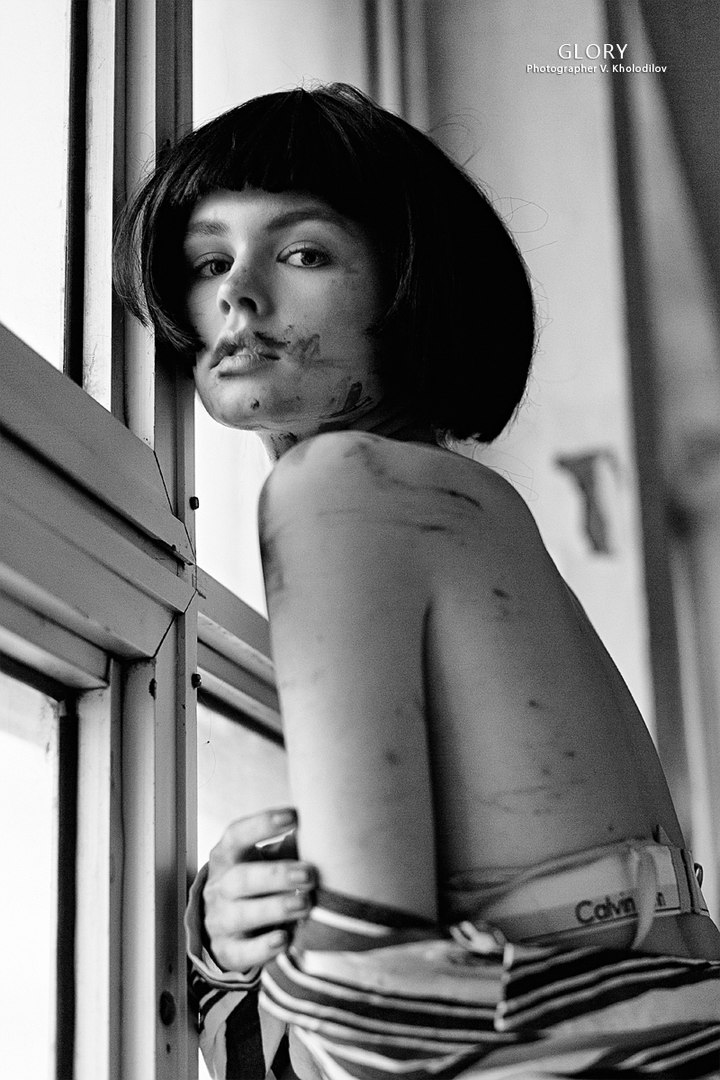
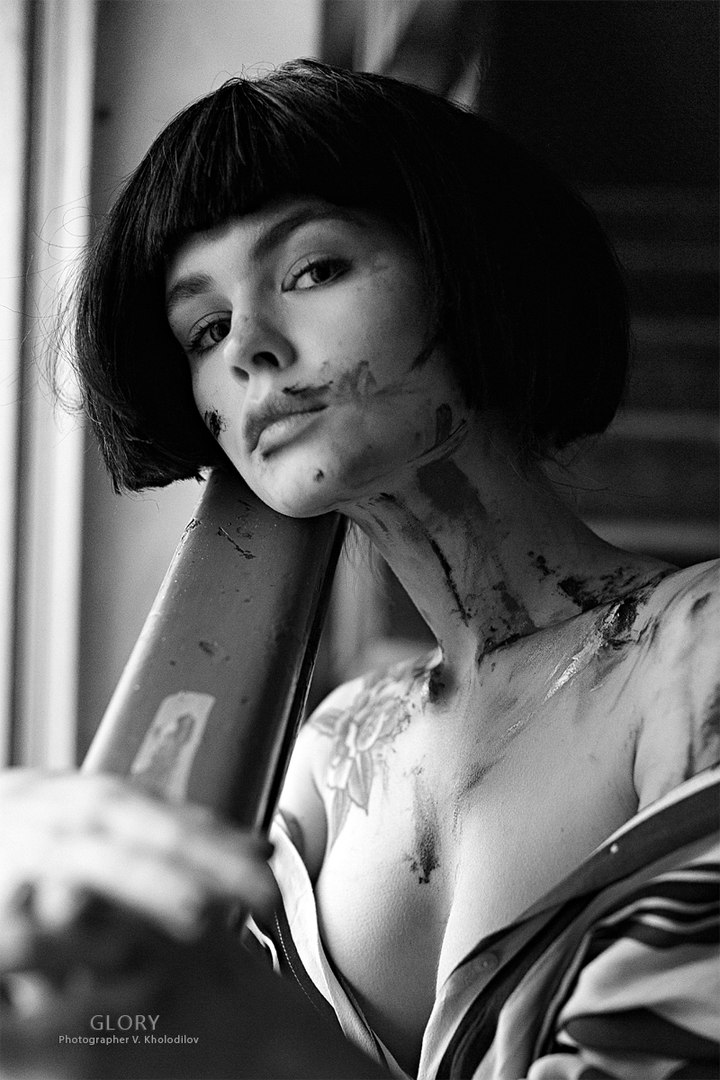
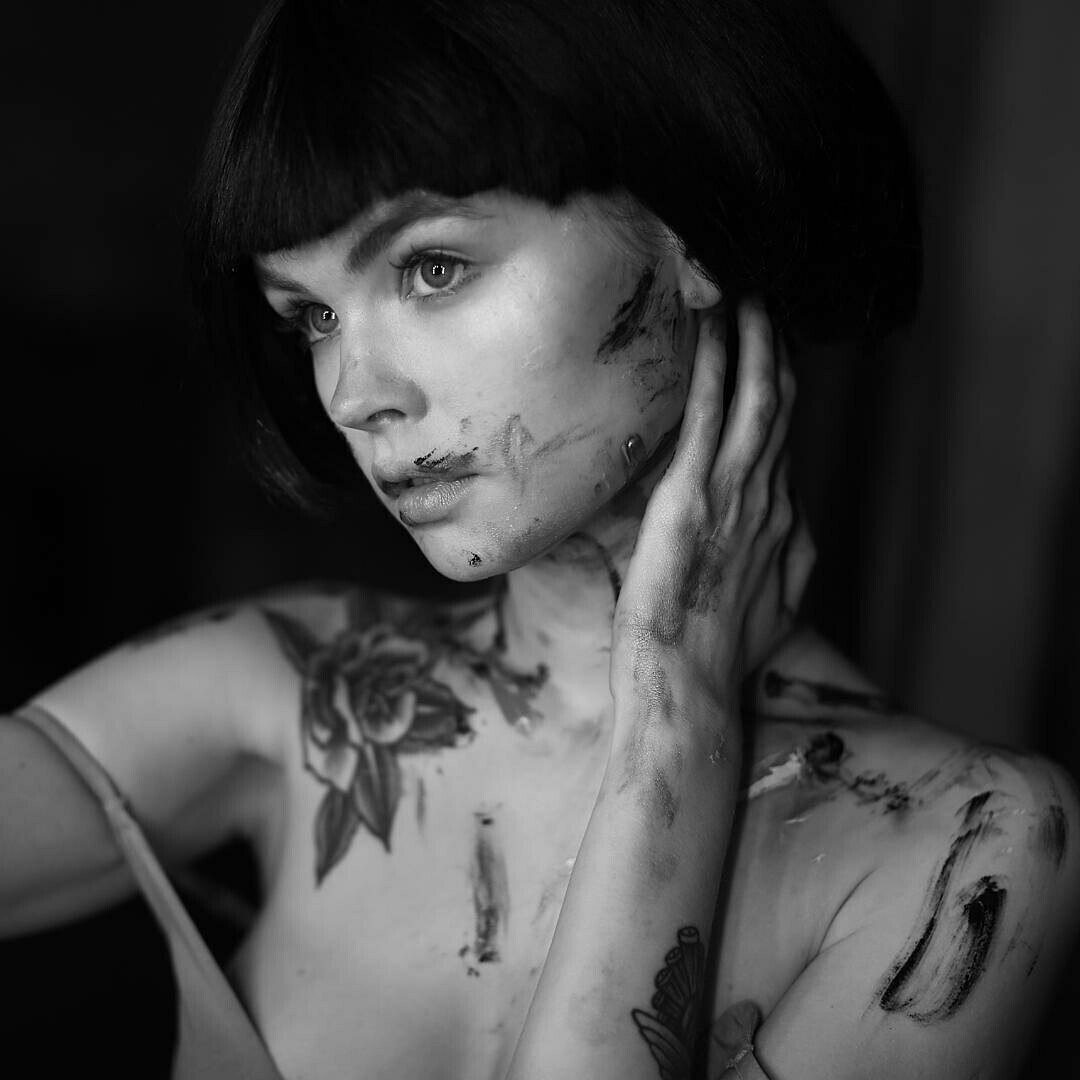
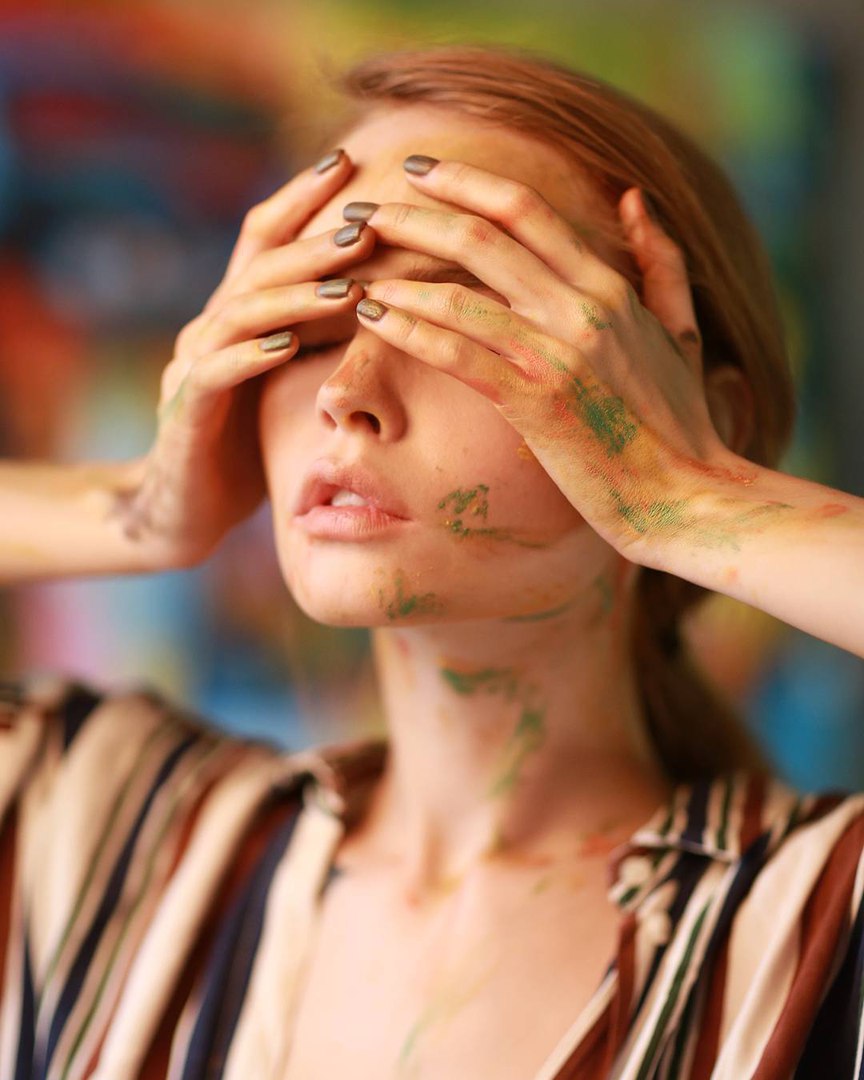
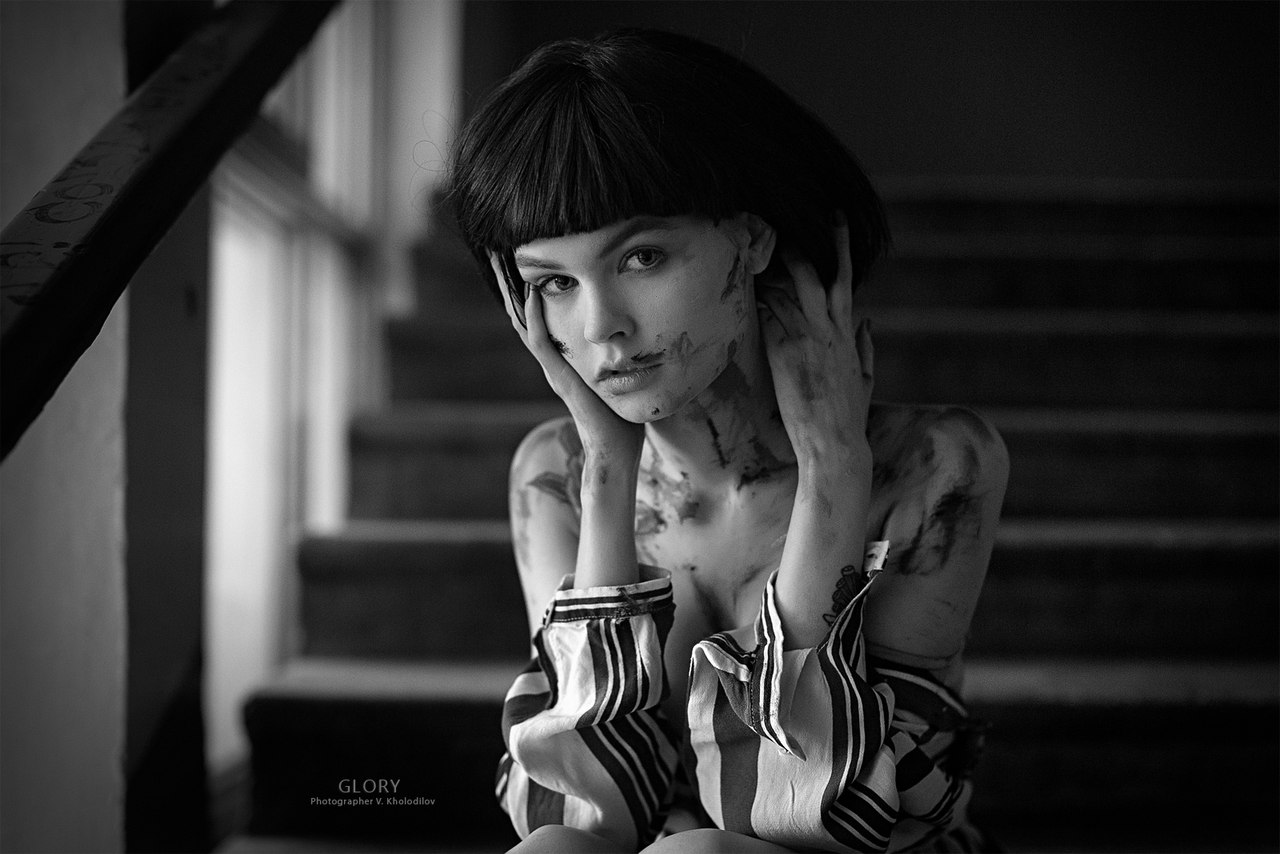
find no Way to download them (always get HTML instead of jpg
Lena Oganesyan Shoot 2015
https://500px.com/photo/114512109/venus-garden-by-lena-oganesyan

On 03.11.2016 at 11:51 PM, tzdon said:find no Way to download them (always get HTML instead of jpg
Lena Oganesyan Shoot 2015
https://500px.com/photo/114512109/venus-garden-by-lena-oganesyan
https://500px.com/photo/136761341/kingdom-by-lena-oganesyan
https://500px.com/photo/136761341/kingdom-by-lena-oganesyan
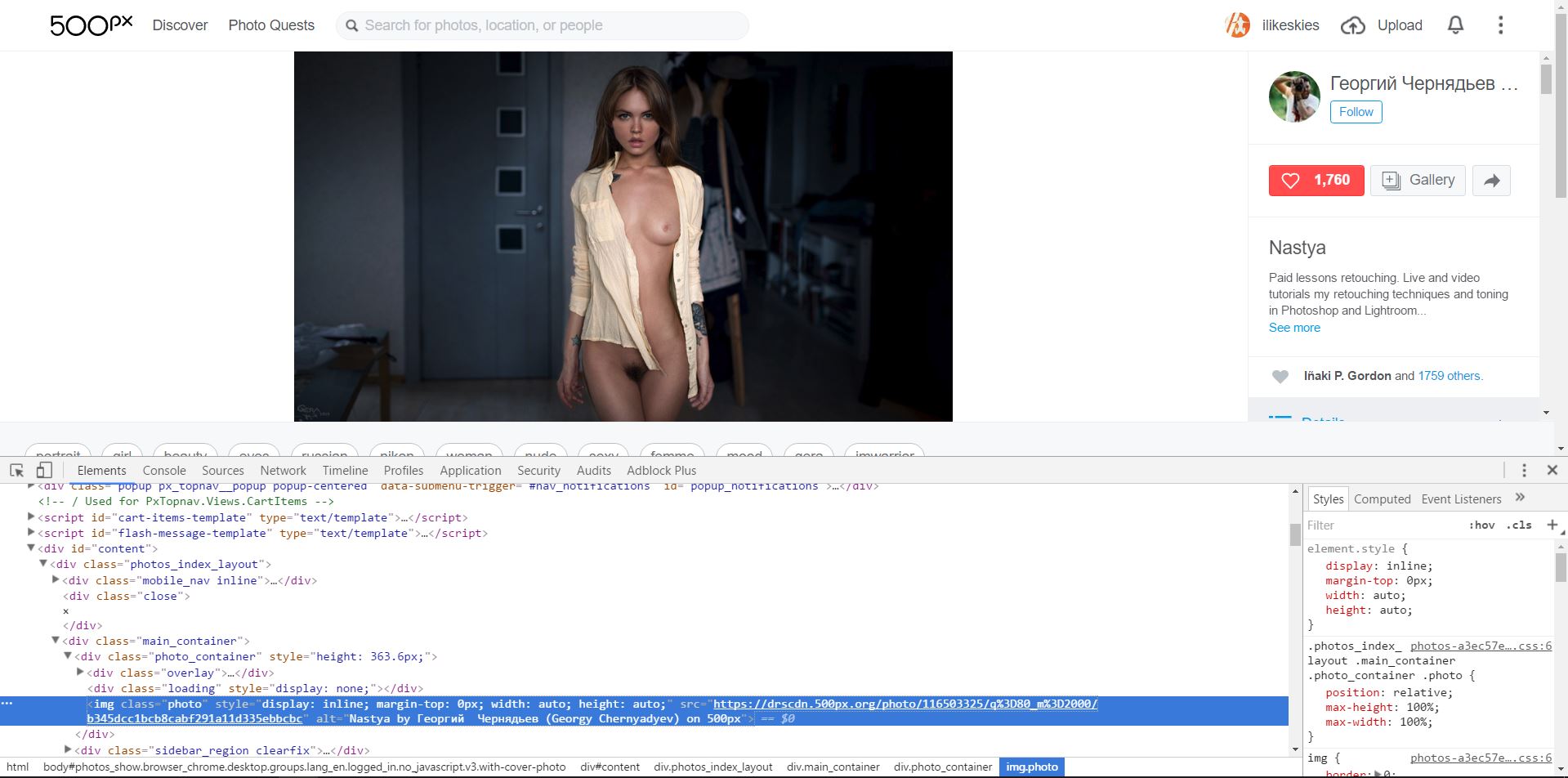
There is way. Take for example this link - https://500px.com/photo/116503325/nastya-by-Георгий-Чернядьев-georgy-chernyadyev-
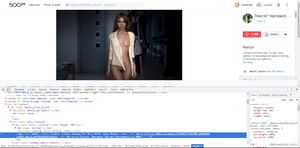
If you are using Chrome,
1) right click somewhere near the photo, last item in context menu - Open a feedback form (Ctrl + Shift + i), for example lets click a litle bit below inscription "500px"
2) in opened meny look for "<div id="content">..." open it by clicking on triangle to the left
3) in submenu "<div class="photos_index_layout"" look for "<div class="main_container">" and open it (triangle)
4) there you will find <div class="photo_container", after opening it you will see next line:
"<img class="photo" style="display: inline; margin-top: 0px; width: auto; height: auto;" src="https://drscdn.500px.org/photo/116503325/q%3D80_m%3D2000/b345dcc1bcb8cabf291a11d335ebbcbc" alt="Nastya by Георгий Чернядьев (Georgy Chernyadyev) on 500px">"
5) just take URL from that line and paste it in new Chrome window - https://drscdn.500px.org/photo/116503325/q%3D80_m%3D2000/b345dcc1bcb8cabf291a11d335ebbcbc
now you can save the photo
It will be much easier after you tried to do that for few times)
30 minutes ago, unbreakable said:There is way. Take for example this link -
If you are using Chrome,
1) right click somewhere near the photo, last item in context menu - Open a feedback form (Ctrl + Shift + i), for example lets click a litle bit below inscription "500px"
2) in opened meny look for "<div id="content">..." open it by clicking on triangle to the left
3) in submenu "<div class="photos_index_layout"" look for "<div class="main_container">" and open it (triangle)
4) there you will find <div class="photo_container", after opening it you will see next line:
"<img class="photo" style="display: inline; margin-top: 0px; width: auto; height: auto;" src="https://drscdn.500px.org/photo/116503325/q%3D80_m%3D2000/b345dcc1bcb8cabf291a11d335ebbcbc" alt="Nastya by ??????? ????????? (Georgy Chernyadyev) on 500px">"
5) just take URL from that line and paste it in new Chrome window - https://drscdn.500px.org/photo/116503325/q%3D80_m%3D2000/b345dcc1bcb8cabf291a11d335ebbcbc
now you can save the photoIt will be much easier after you tried to do that for few times)
Your trick works very well . Thanks .
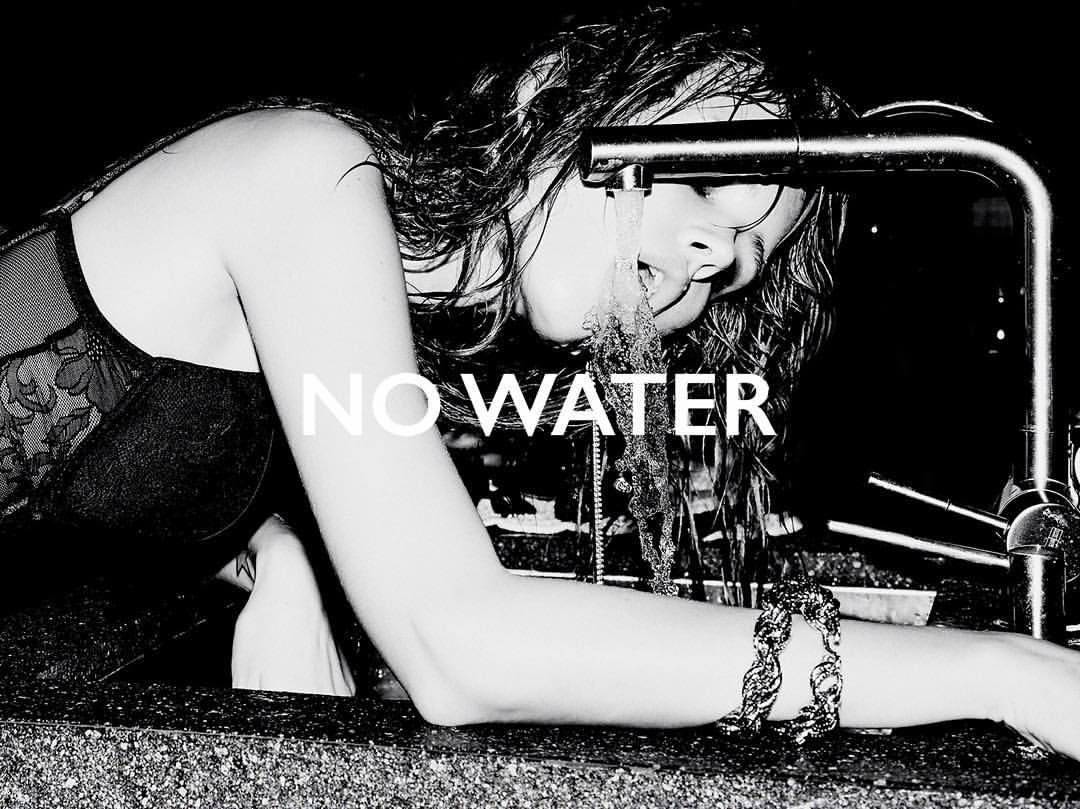
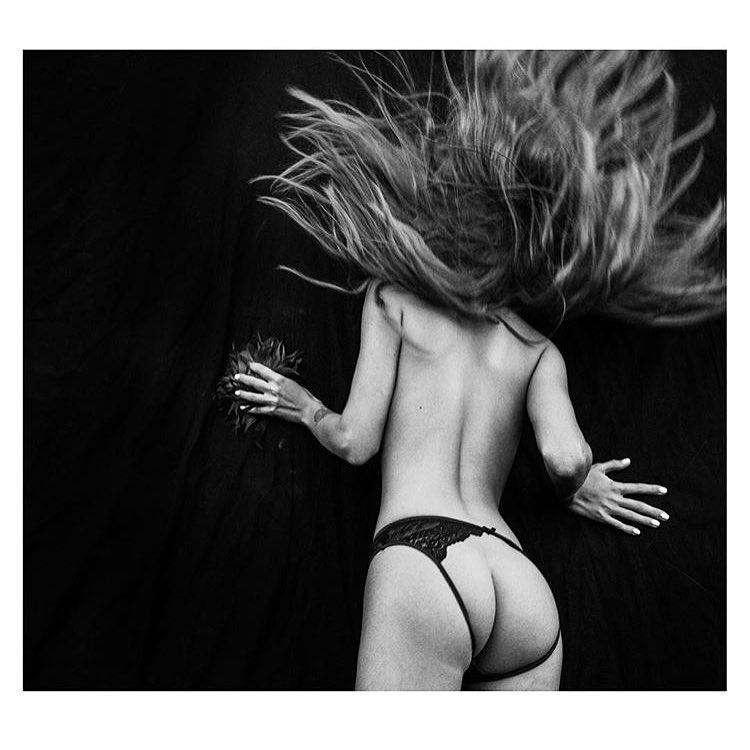
@tzdon if you know a little HTML you can view the source file and pull the pics out.
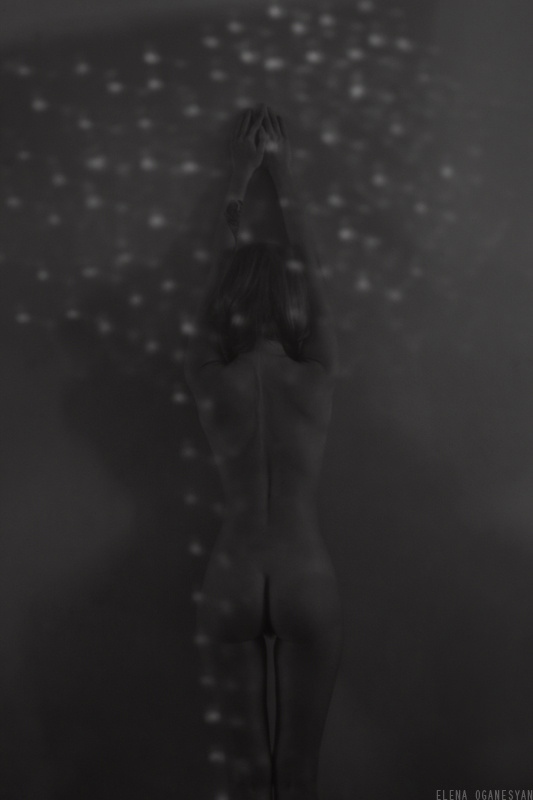
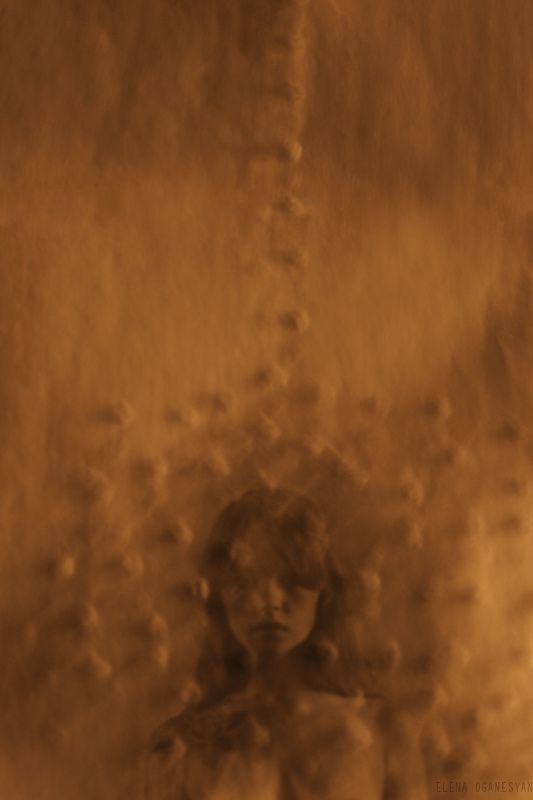
frontal nudity
Spoiler
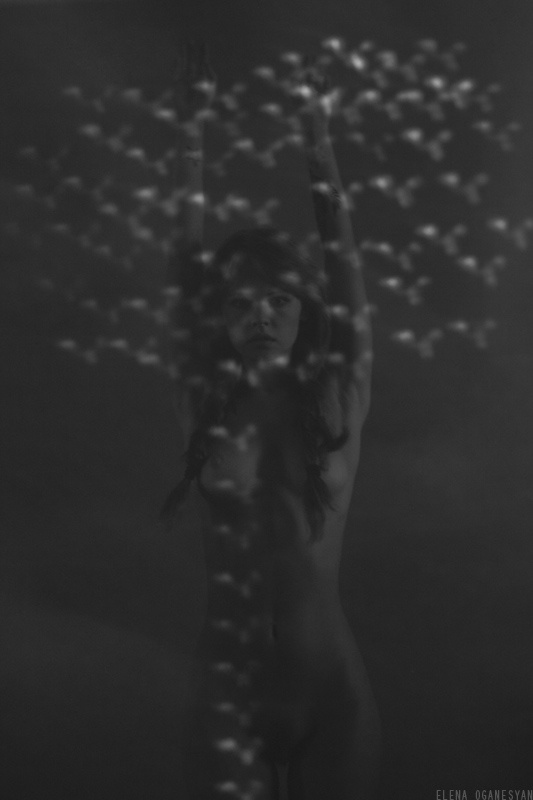
Ph: Valery Novikov
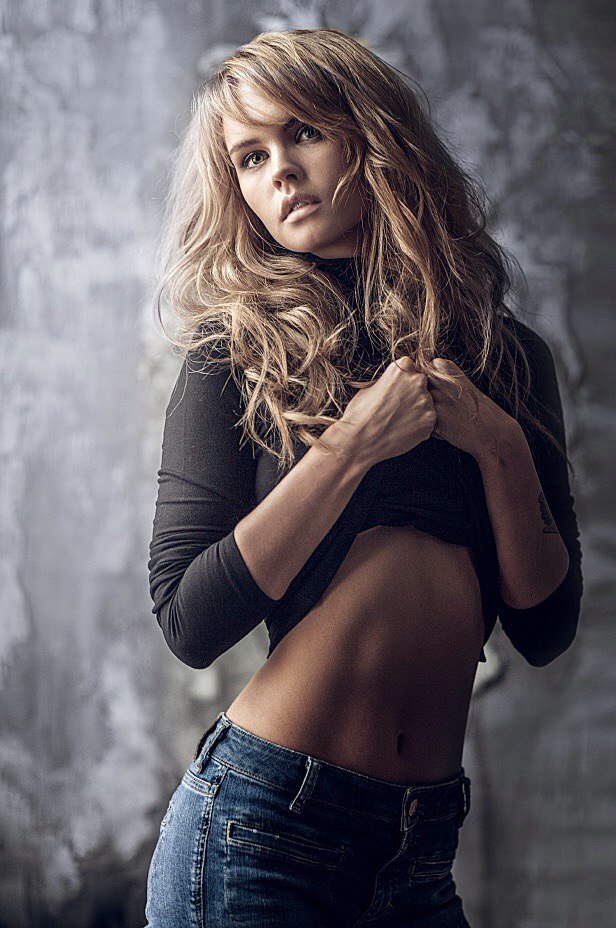
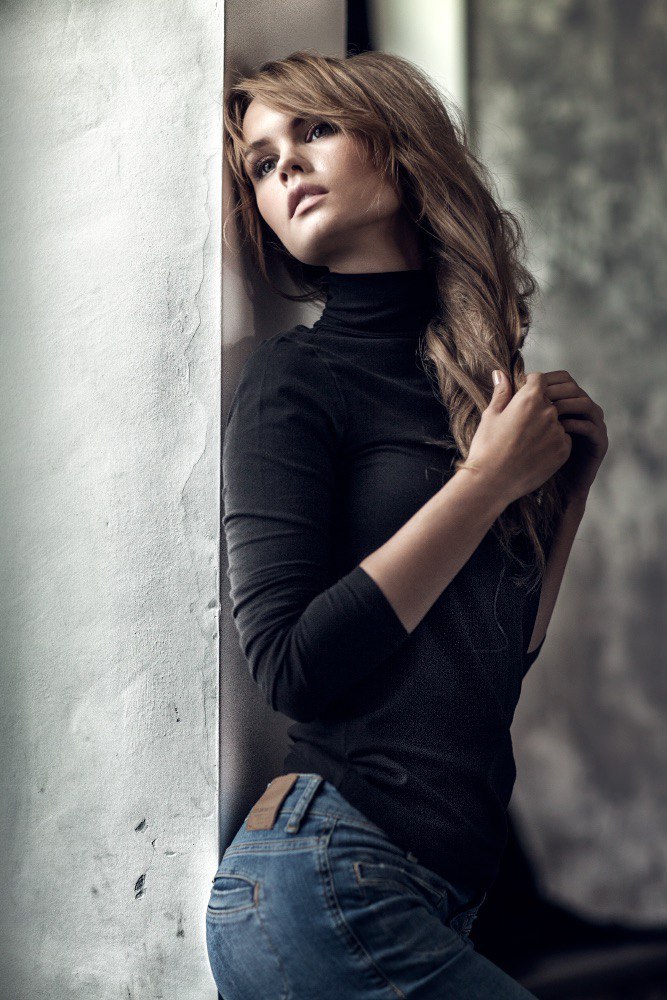
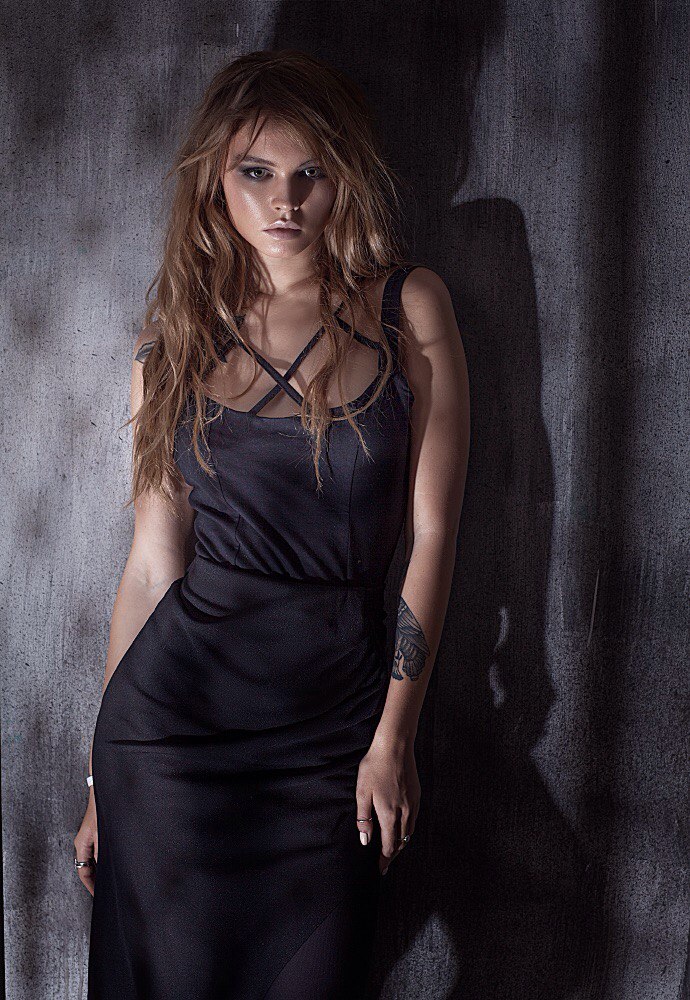
Ph: Lech Kim
Style: Valery Pavlov

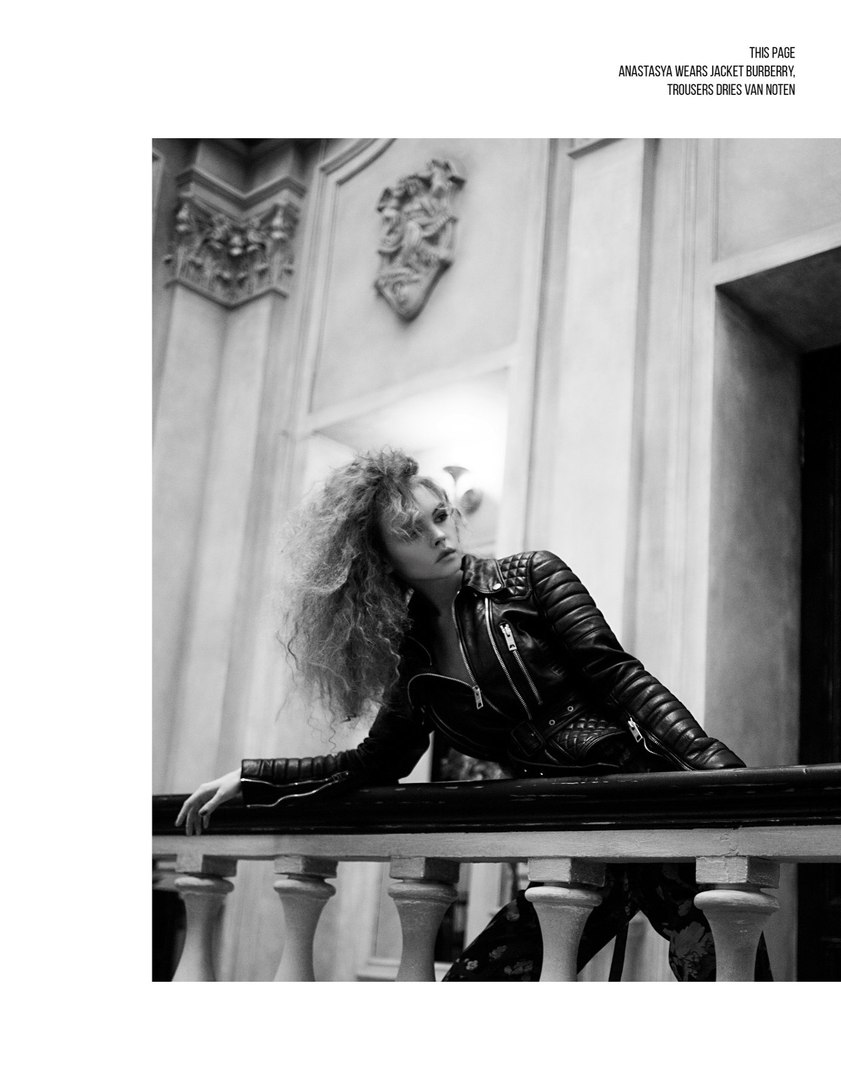
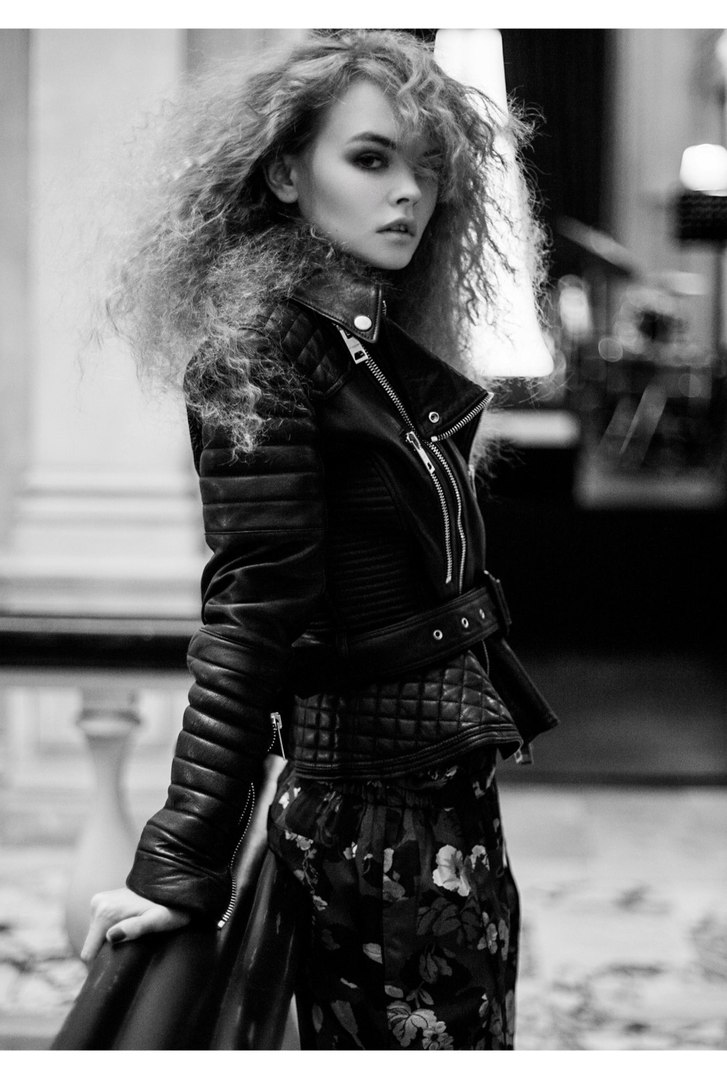
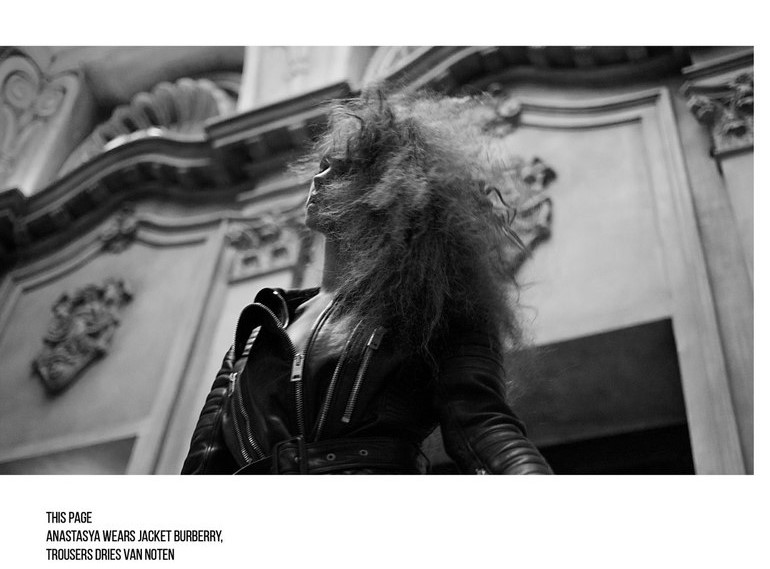
Nudity
Spoiler
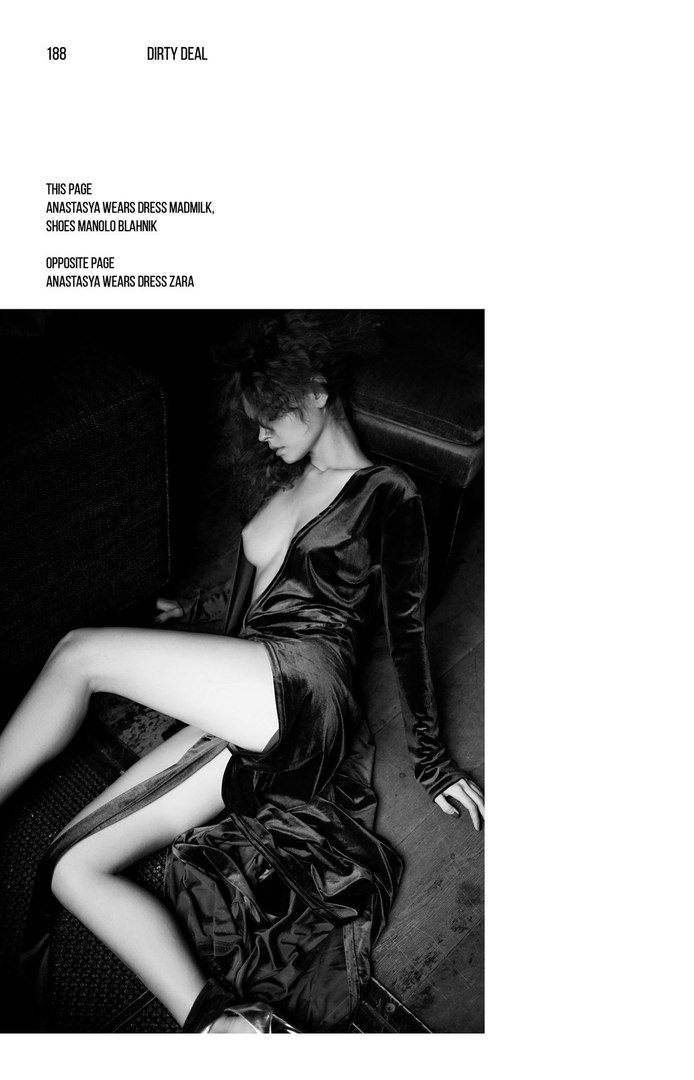
@unbreakable: thanks - but i don´t use Chrome and,sorry wndmkr:not mich Knowledge about html and such Things..
But we get the Pics -that counts 
Misc from her VK


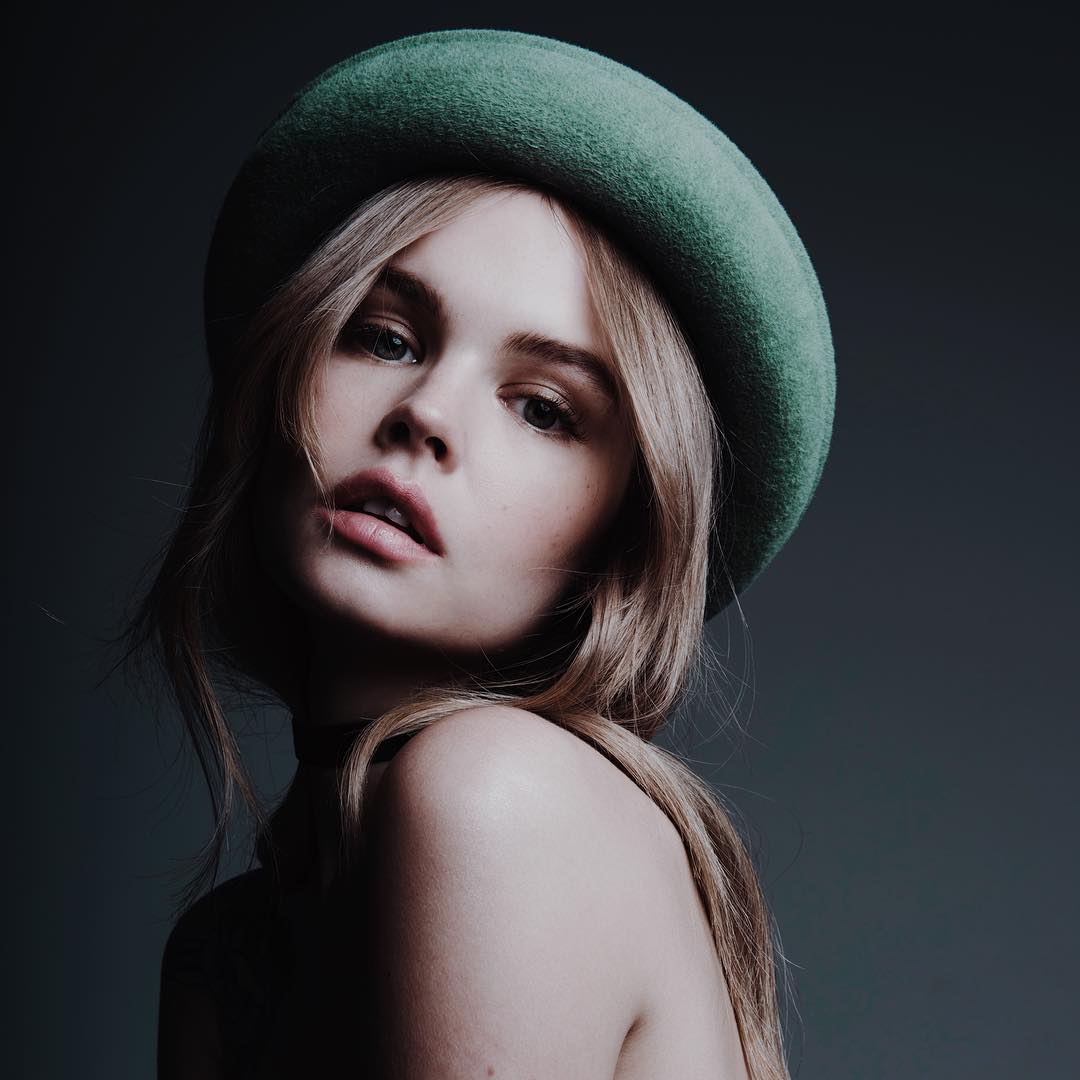
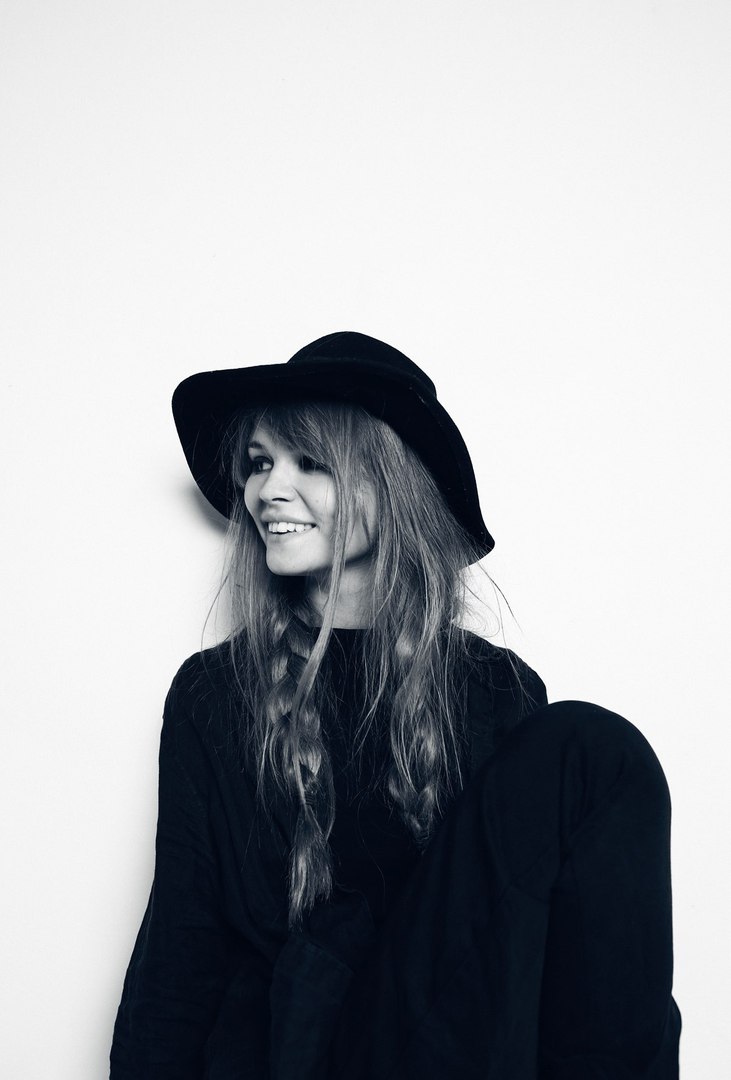

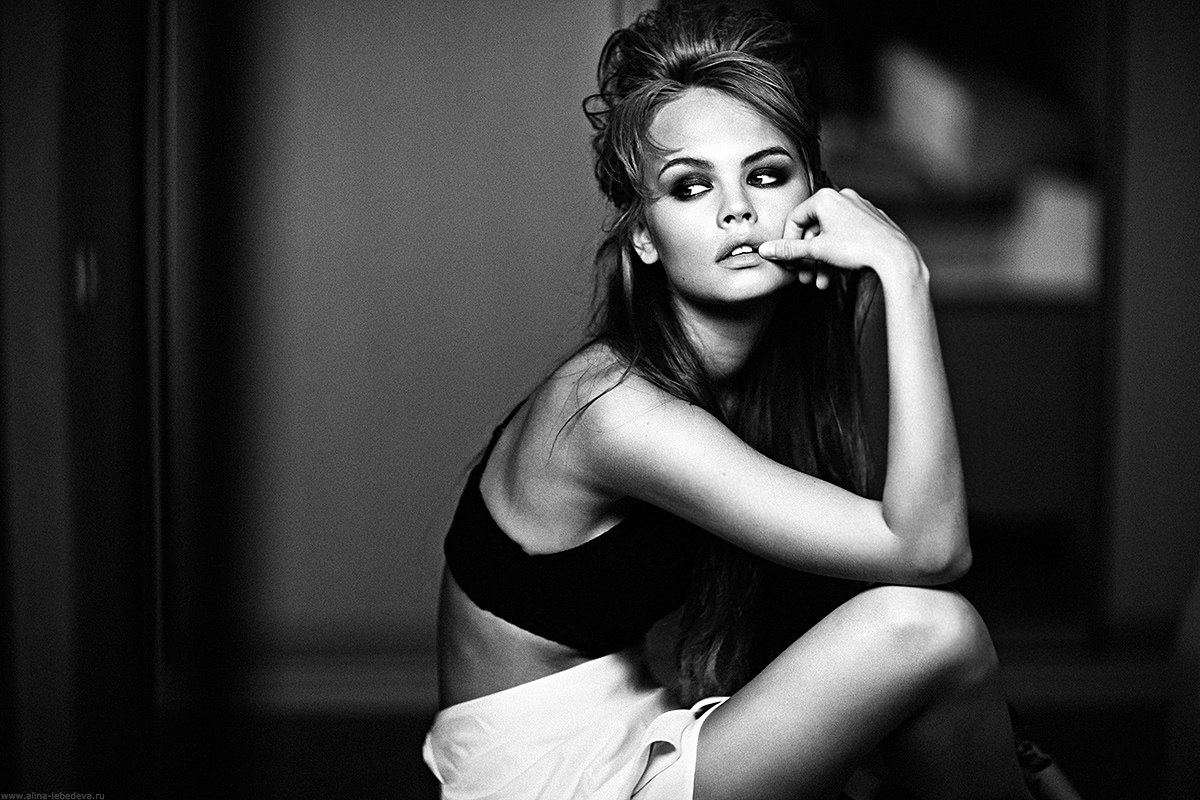
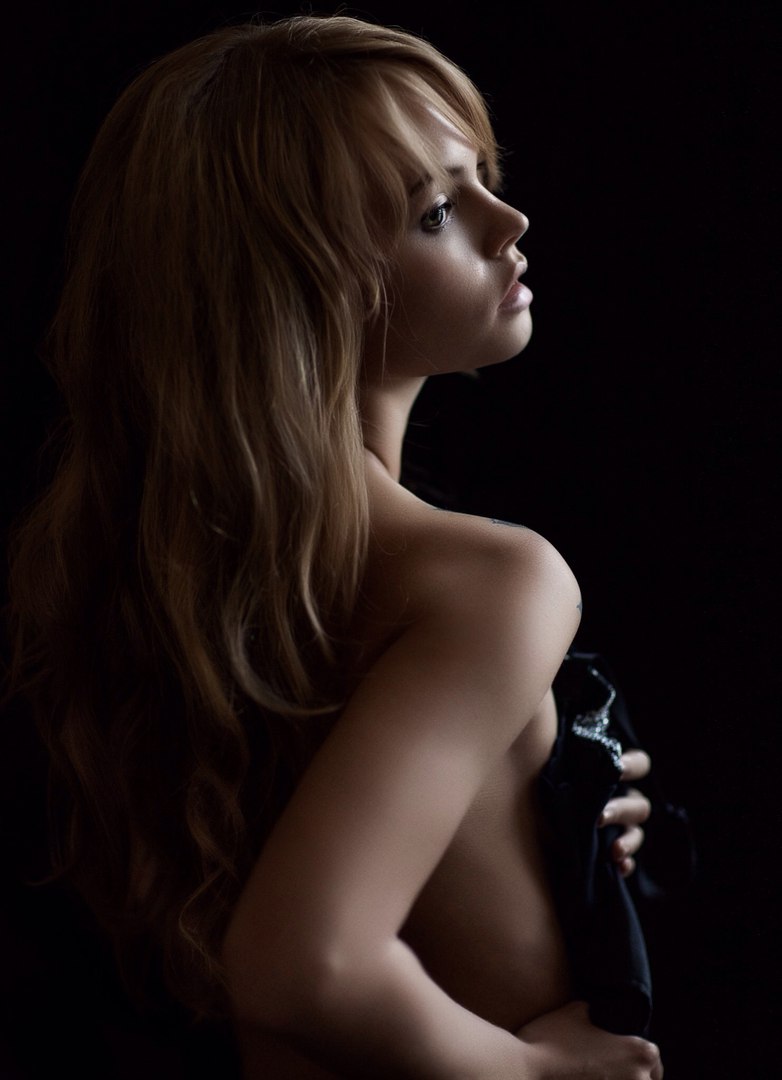





Nudity
Spoiler


Few more finds
Nudity and my wishful thinking
Spoiler

Thanks wndmkr. 
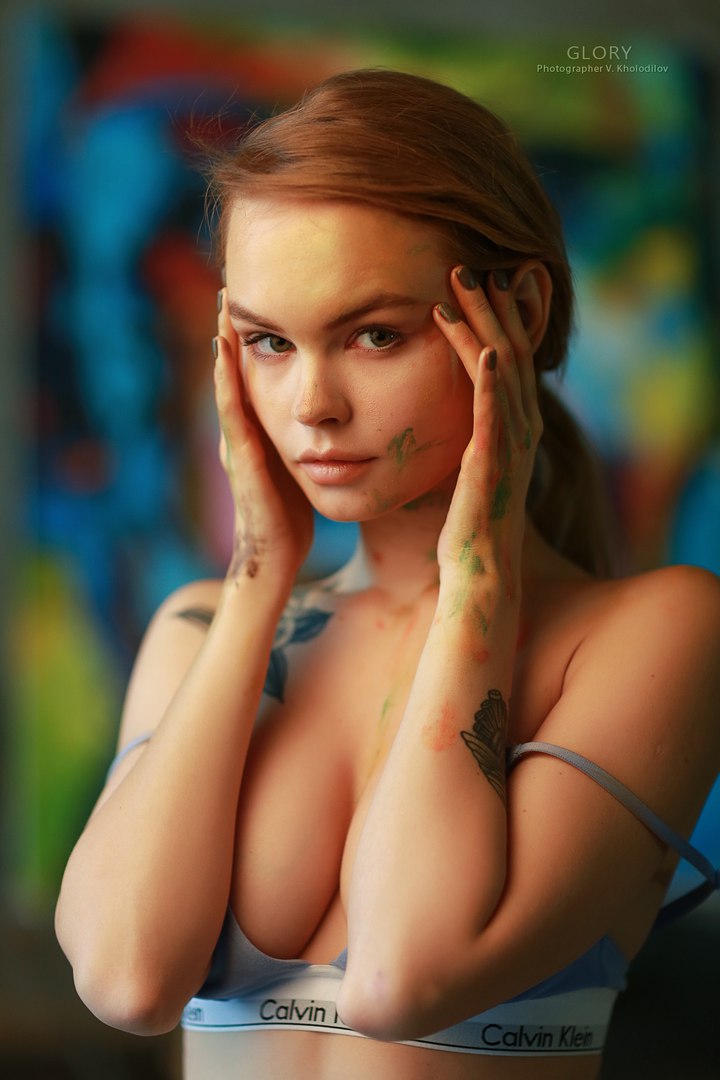
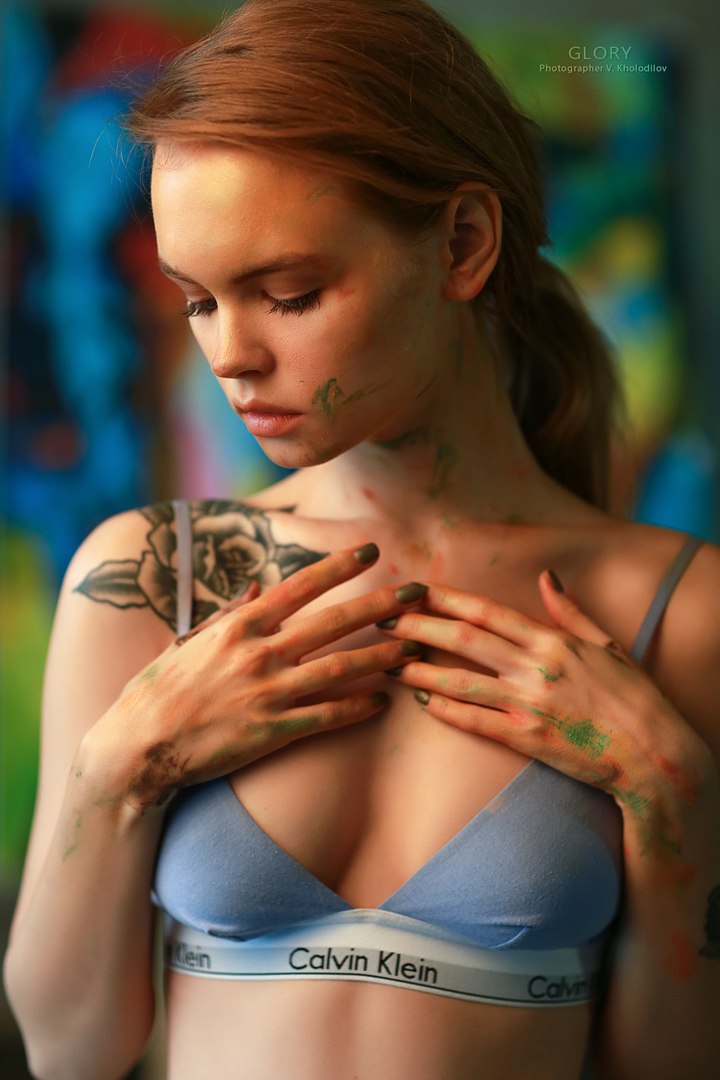
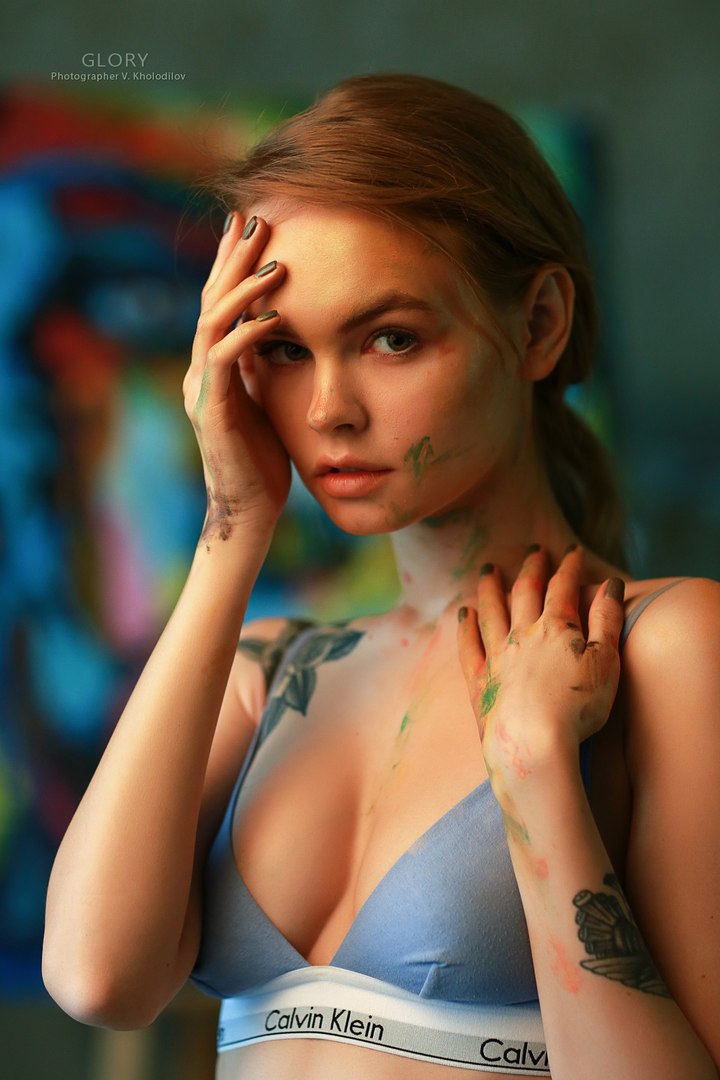
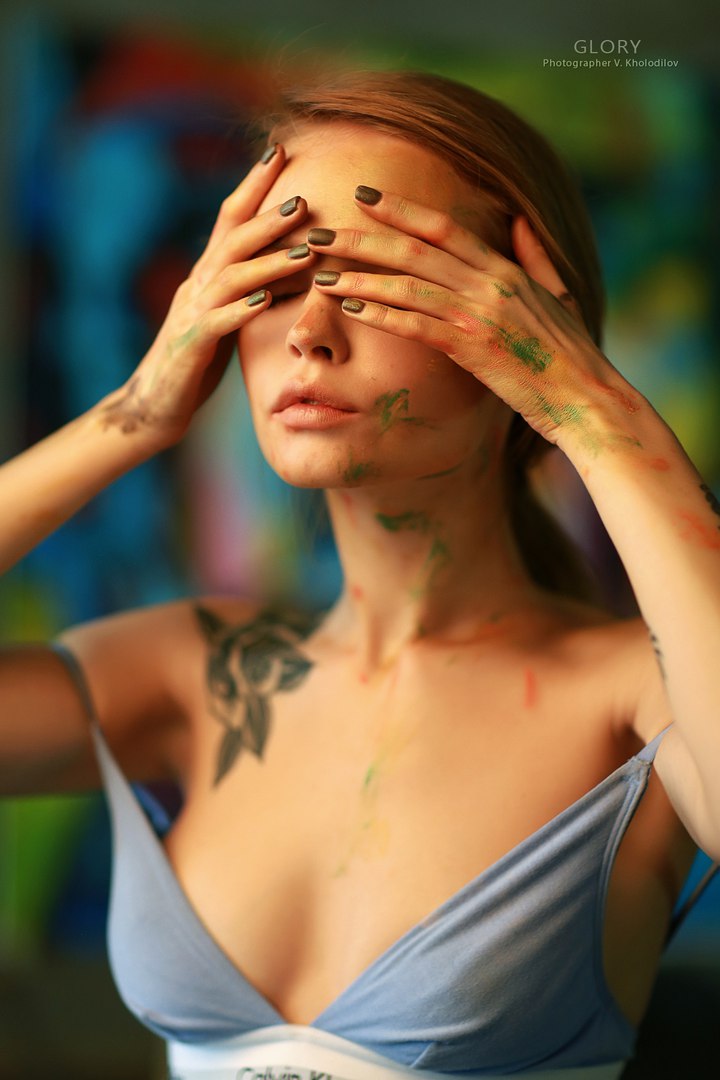
Ph GLORY | Vyacheslav Holodilov


On 2016-11-06 at 10:14 AM, unbreakable said:There is way. Take for example this link -
If you are using Chrome,
1) right click somewhere near the photo, last item in context menu - Open a feedback form (Ctrl + Shift + i), for example lets click a litle bit below inscription "500px"
2) in opened meny look for "<div id="content">..." open it by clicking on triangle to the left
3) in submenu "<div class="photos_index_layout"" look for "<div class="main_container">" and open it (triangle)
4) there you will find <div class="photo_container", after opening it you will see next line:
"<img class="photo" style="display: inline; margin-top: 0px; width: auto; height: auto;" src="https://drscdn.500px.org/photo/116503325/q%3D80_m%3D2000/b345dcc1bcb8cabf291a11d335ebbcbc" alt="Nastya by ??????? ????????? (Georgy Chernyadyev) on 500px">"
5) just take URL from that line and paste it in new Chrome window - https://drscdn.500px.org/photo/116503325/q%3D80_m%3D2000/b345dcc1bcb8cabf291a11d335ebbcbc
now you can save the photoIt will be much easier after you tried to do that for few times)
If you want better quality though, search for (Ctrl+F) "2048". Even if the picture is below 2048px it'll still be contained in that javascript array (you may have to press Enter to get to the line further where the link is found). I zoomed my download versus yours and you can clearly see the difference (I'll attach it below). Also, the default is also set to jpeg render quality 80% (you can also see it in the URL itself, the q=80 although it's urlencoded to q%3d80). I actually got sick of always having to use this method and wrote a script where I load a bunch of links & it'll parse those arrays automatically and send the file to my browser.

Thanks @neurovibeI'll try that, looks faster than the way I do it
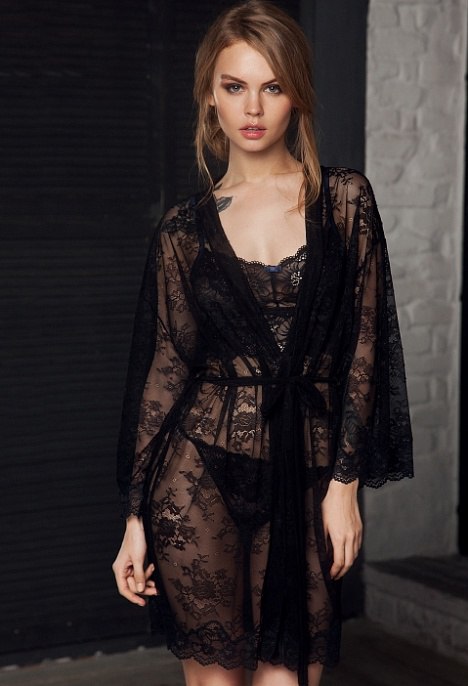
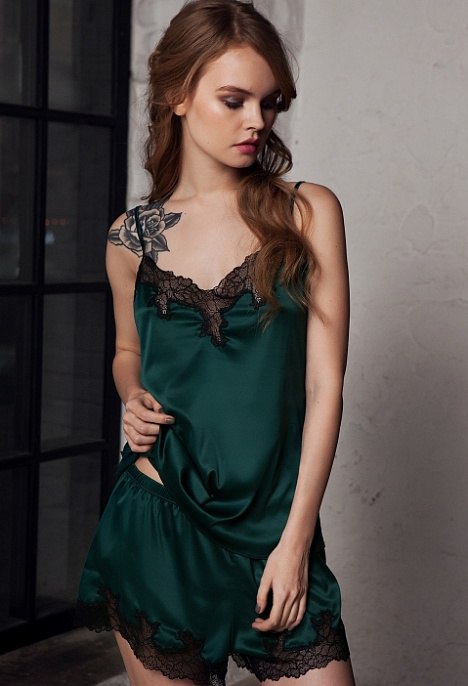
Bustier. Lingerie