iPods
268 replies · 51499 views

.
I assume you're not on a Macintosh computer, but if you are, and you have Tiger, just make a burn folder and drag all your music files into it, and then burn them onto a CD-R.
if u do not have a mac like greedy said u can use real player or windows media player

If you are using windows just use any regular burning program and burn a data disc with all the music
i have a question: i need to get a movie off of my ipod and onto my computer, is there a way to take a movie off an ipod and onto the computer
yes theres way to remove files off ur ipod and put them onto your computer. you need to get a Pod-copy style program, that like "backs up" your collection or whatever. just google it or go somewhere like ipodlounge.com you should be able to find one

I got a question too.
Why do they suck? 


i got an iPod mini and yeah, the batteries suck <_<
new ipods ftw
some rumors goin around
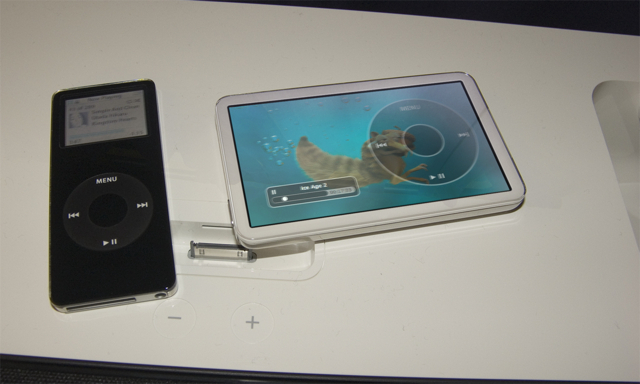
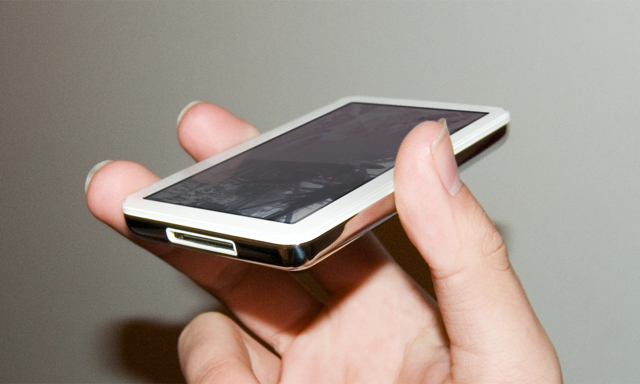
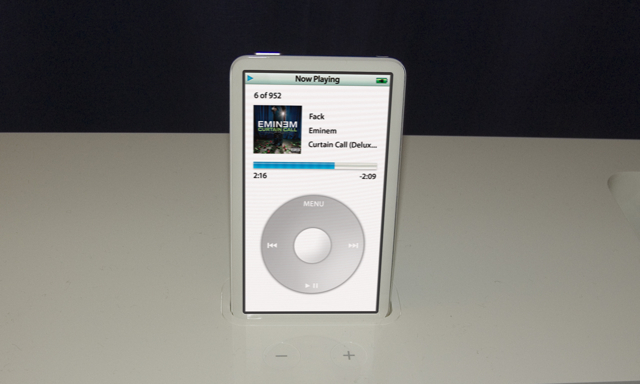

i got an iPod mini and yeah, the batteries suck <_<
I have a mini too and i had to get it replaced because the batteries were all fucked up <_< The gave me a new one 

the mini's were a disaster haha
the nano's are sick
new ipods ftwsome rumors goin around
SHENANNIGANS! these are all photoshopped images, but how hot are they! minus the thought of the fingerprinty screen of course 
yea they are photoshopped buttttt wat a great idea muhahahaha

I just got a mac and its kinda different. How do I just click and drag stuff onto my ipod? I kind find the files I want but where is the ipod icon I can drag them to?
Open iTunes when your iPod is plugged in. You'll see an iPod icon on the left side where all the playlists are... Simply drag the songs that are in your iTunes library that you want on the iPod over to that iPod icon.
Click and drag this:

To this:

But what about pictures?
Well, I'm not sure... I have a Mini. I have no idea how you could set it up to view the pictures on your iPod screen. But if you just want it for storage, all you have to do is drag the file icon to the iPod icon on your desktop.
But when my ipod is connected there is no icon on the desktop. Only in itunes.
Really? Are you 100% sure? Because that's not normal...
I'm sure. The only time it is on the desktop is when the caution symbol is over it when it is first connecting. But I have another problem that has to do with my new mac. Im not used to this stuff. I wanted to watch te vid on this page But it says it cant play it. This happens to me pretty often now that I have this computer.