OriginalSin Locked
12466 replies · 132006 views
the undoctored image? or the paper i have now
the one you have now 
Nicole, give him screen caps!! screen caps are what make tutorials go round!
don't make me smack you upside yo' head 

ok so I got this straight, flatten everytihng i have now, the textures all that jazz, make a new document put the flattren wallpaper on the new canvas then cast a stroke?
pretty much...stroke AND drop shadow...stroke on a white background will just melt into it 
ok i did drop shawdow nothing happened 
let me show ya what i got
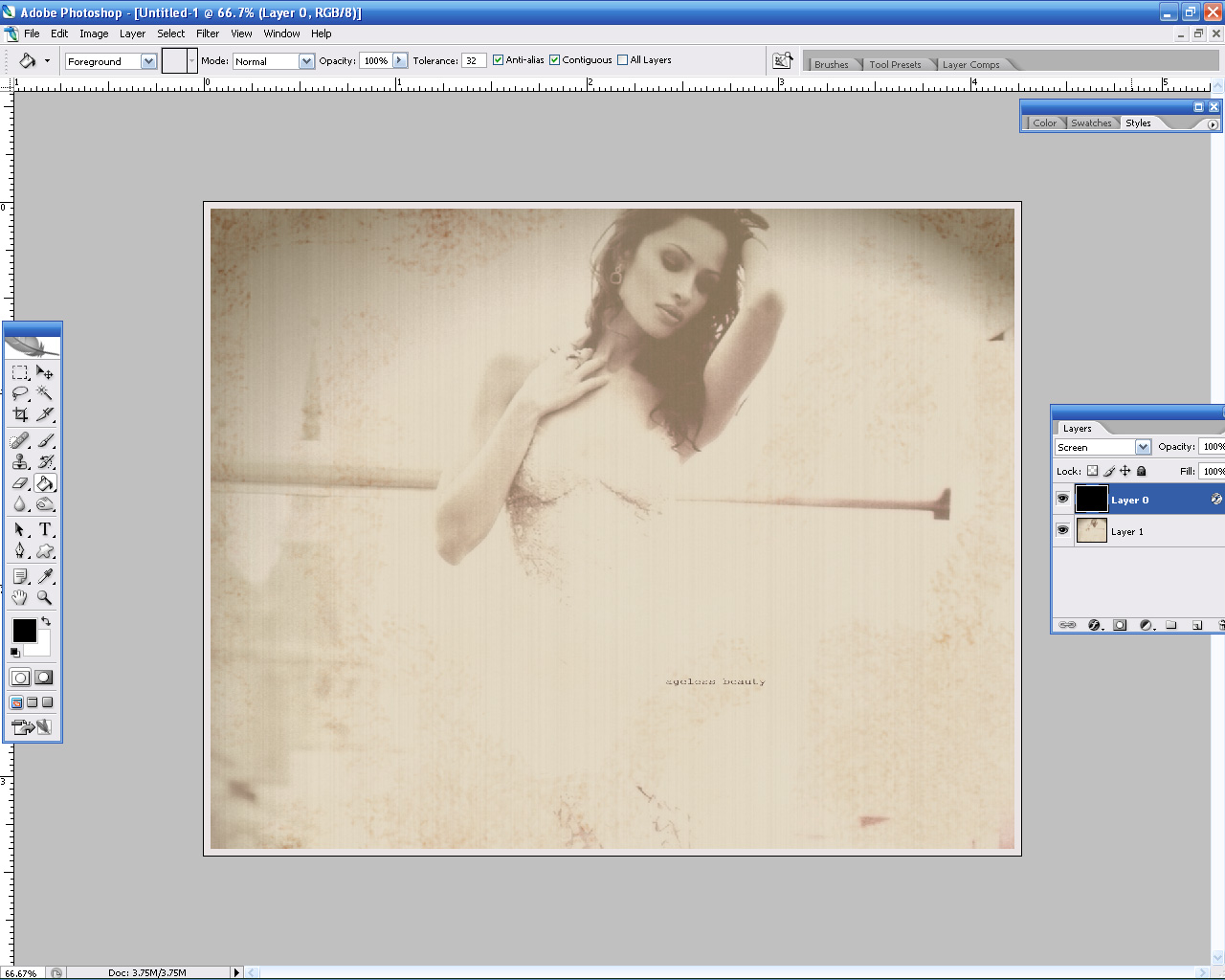
um...
how can that be?
drop shadow
blend mode: multiply
angle: your choice, it starts off on 120 I believe
distance: 5-10 pixels
spread: 0%
size: 10 pixels
still don't see anything? 
ah i see the problem
the background needs to be bigger than the other image (the photo), not the same siZe. otherwise it's like you don't have a background at all.
so shorten the paper?
either make the photo smaller or make the background bigger, whichever you prefer
so like this 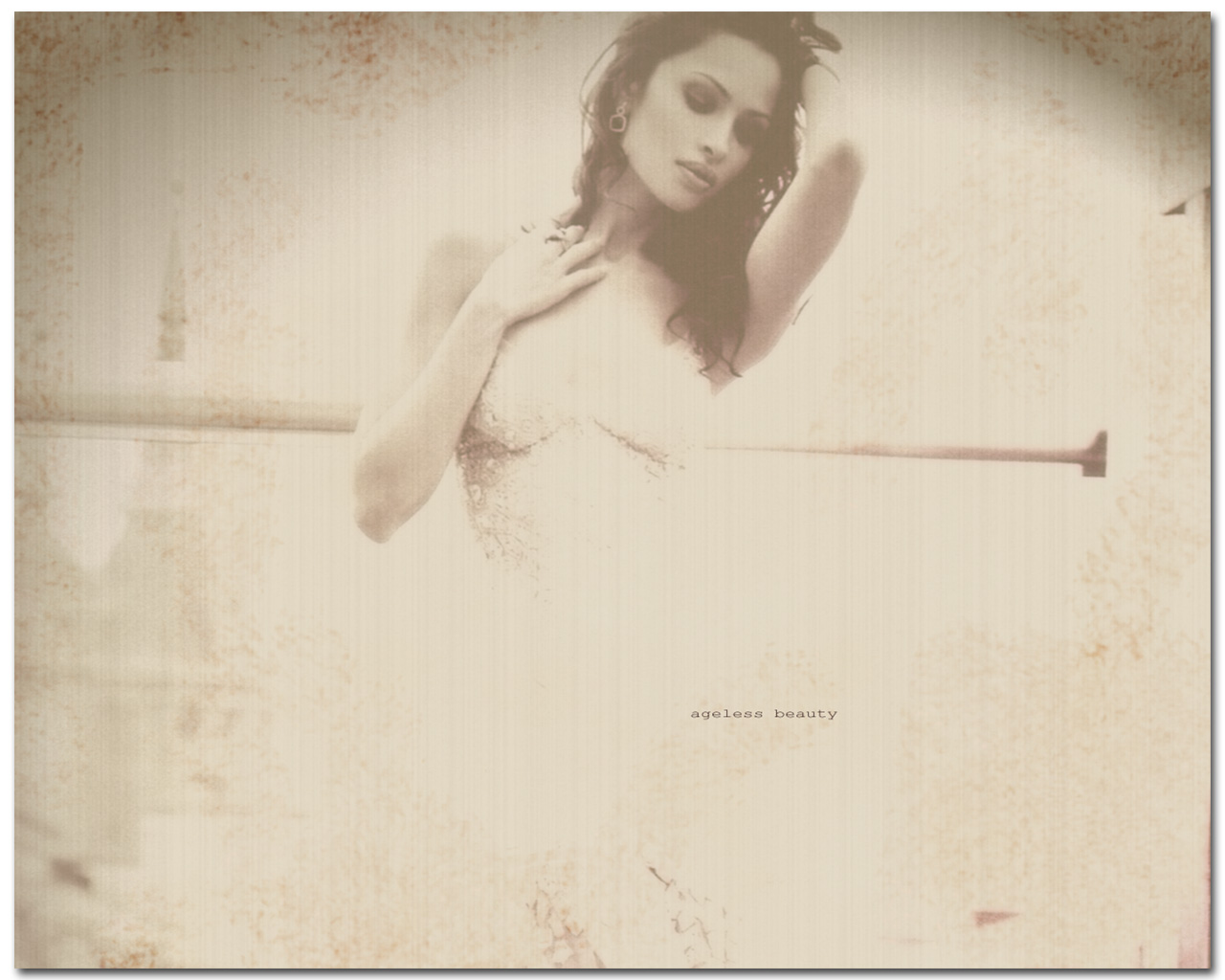
yeah thats better (usually i make the background significantly larger than the photo - as though the photo is sitting on a large piece of paper)
you need to add the stroke first however (remember white, inside, 10 pixels). THEN do the drop shadow thingie.
do i ad the stroke to the picture or white background?
you add the stroke to the photo...it's going to look like a white border. then you add the drop shadow...again to the photo, so that it looks like a photo sitting on the blank canvas.
yes.
Now have fun trying to figure out how to make that border look old like the picture. Pure trial and error man 
 "and everything seemed to be going so well"
so, do i remove the whitebackground now?
yeah i gotta say this is one of the most subjective trial and error thngs you can do in photoshop, because different things look good in different pictures. ive been doing this type of things for years and no two photos have had the same methods applied to them.