Problems and Suggestions for BZ - Post Here Pinned
4951 replies · 732320 views

I noticed I no longer get notifications on Bellazon when someone replies to topics I'm subscribed to. Is this just a function of the new software or is there someway I can turn this on again like the old board had? I know the new board uses e-mail notification, but I don't use the email associated with my BZ account anymore, so the BZ notifications were very helpful to me. 

+2 on the delete spoiler thing. It should be easier, like deleting a quote. All you can do now is: right click > inspect > elements, and delete the spoiler element from there.

2 hours ago, 17 Moments of Spring said:there should be a way to delete spoiler boxen in the message field (just as it's possible to delete quotation boxen by CTRL + right click)
2 hours ago, jj3 said:^ +1 @17 Moments of Spring, this is very annoying ...
Deleting works fine for me on Chrome on OSX. Just select click the "Spoiler" grey bar, and hit 'del' on your keyboard
Spoiler
Does that not work?

Spoiler
Quote
Impossible for me, the quote either the spoiler box ...it stay like this ^ and i'm using Chrome.
48 minutes ago, jj3 said:Impossible for me, the quote either the spoiler box ...it stay like this ^ and i'm using Chrome.
Do you see those 4 arrows thing in the top left as in the attachment? You using windows or Mac?

2 minutes ago, maddog107 said:
Do you see those 4 arrows thing in the top left as in the attachment? You using windows or Mac?

I'm using windows10...And yes i can see the 4 arrowsn but i can't see the source button anymore. Before i used it to delete the stuff or idk, but i can't see it now ...
Just now, jj3 said:
I'm using windows10...And yes i can see the 4 arrowsn but i can't see the source button anymore. Before i used it to delete the stuff or idk, but i can't see it now ...
You dont need the source button to delete the quote. I think its an admin only thing.
I will see who has a win10 machine I can test on.
Before i was able to use this button though.
Ok thanks 

I'm running on Windows10 and I can delete the spoiler just fine.
Just have to click on the arrowed box, and then the delete key. 
Oh lol ok, i got it sorry, it's working now, thank you both 
3 minutes ago, maddog107 said:
It's working now, i gotcha lol Thanks for your patience ...

still no avail
I can see the arrow-box, but nothing happens when I click on it, or push Del, Ctrl + right click reveals just "Paste / Paste without formatting"
and I don't see a source icon on the upper left corner
Firefox 42 / Linux
Edit: now from one minute to another it has just begun to work, I can highlight the spoiler box & remove it with Del button
thank you
Can you move your cursor ahead of it and just backspace and delete it that way? Because that method has also been working for me.

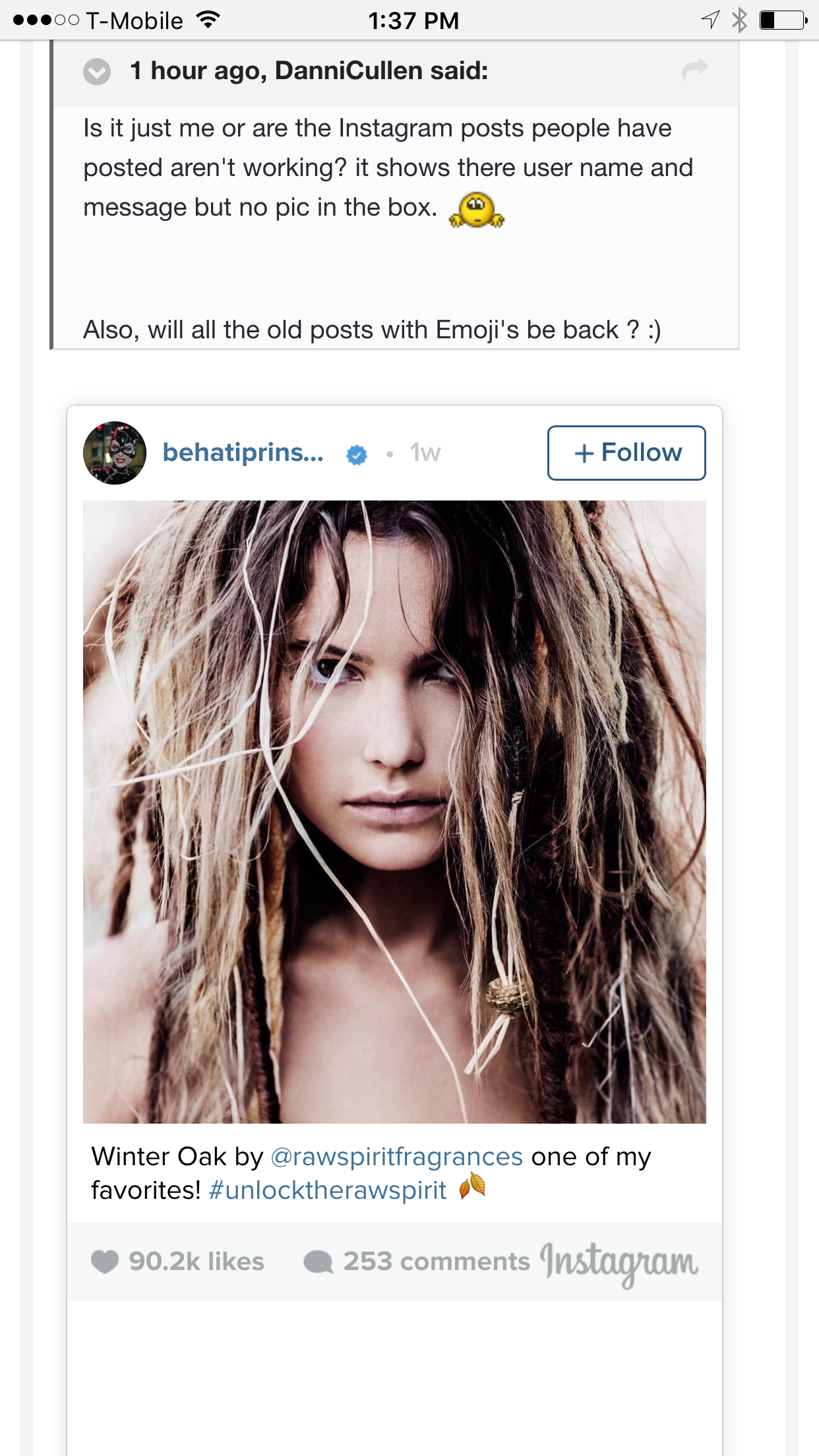
Is it just me or are the Instagram posts people have posted aren't working? it shows there user name and message but no pic in the box.
Also, will all the old posts with Emoji's be back ?
40 minutes ago, DanniCullen said:Is it just me or are the Instagram posts people have posted aren't working? it shows there user name and message but no pic in the box.
Also, will all the old posts with Emoji's be back ?
53 minutes ago, DanniCullen said:Is it just me or are the Instagram posts people have posted aren't working? it shows there user name and message but no pic in the box.
Also, will all the old posts with Emoji's be back ?
Looks ok to me, and regarding the emoticons yes they will be back. I added the emotions like 50% through the post rebuild so unsure if there is a different script that will go through and fix them or I have to rebuild again from scratch but that is a minor issue compared to right now where the posts are not even readable.
This is all I see. On mobile and desktop
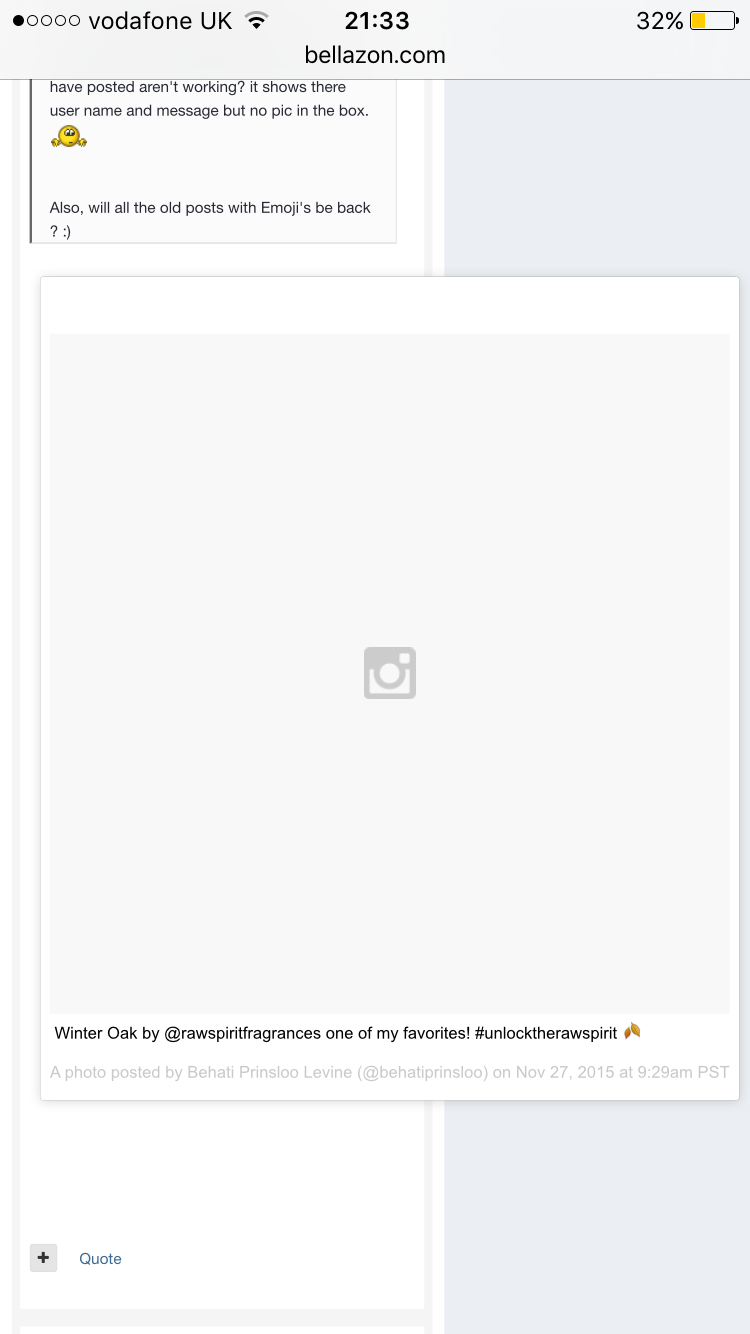
3 minutes ago, DanniCullen said:This is all I see. On mobile and desktop
Wierd on my iPhone it looks fine.