Problems and Suggestions for BZ - Post Here Pinned
4951 replies · 732379 views

^ Ok fixed, large files over 2mb were failing. Sorry about that, set to 100mb now.


My pic has 1.3MB. I uploaded it this morning and everything works fine, thank you @maddog107 

I can't see my signature
I have tried 5 different images hosts & My signature stay invisible. It appears for about 1 or 2 seconds and then it's gone.
It does it also on this post, i have posted my signature along with this post and as you can see... you can't see it!
signature is supposed to be here >>

but once I post here or save on my setting it shows few seconds and then it's gone, even the code is gone.
oh and the BZ upload is not working too. I t just show a tiny square where the signature is supposed to be
figured it out

@maddog107 I was trying to upload bigger images. Now it works fine. Thanks!!

Is it only for me, or BZ is VERY slow today ?

13 minutes ago, jj3 said:Is it only for me, or BZ is VERY slow today ?
same for me
25 minutes ago, jj3 said:Is it only for me, or BZ is VERY slow today ?
10 minutes ago, Syria said:same for me
I restarted the webserver, let me know if that makes any difference in speed for you. Thanks
@maddog107 it's definitely better now, thank you!
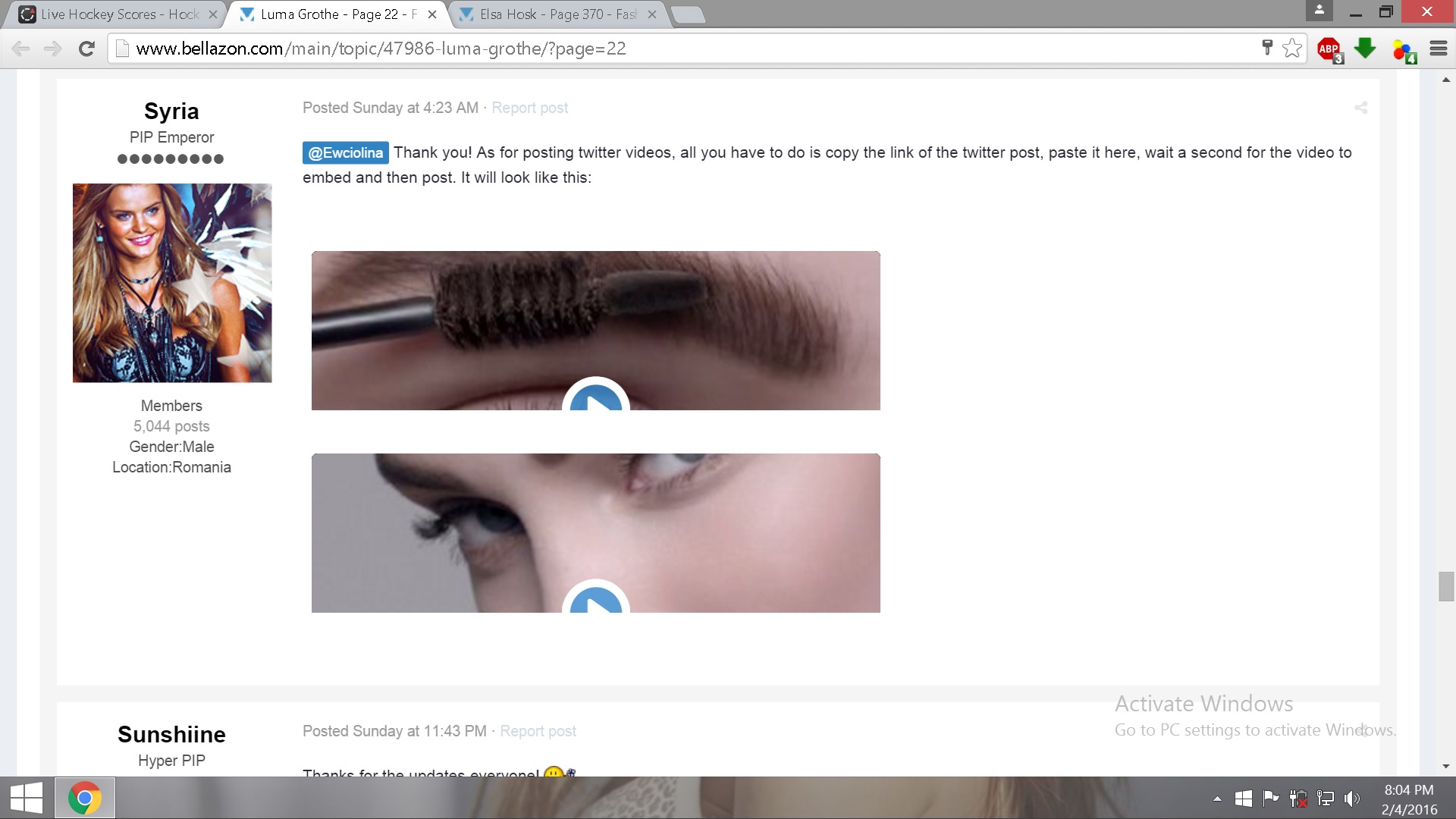
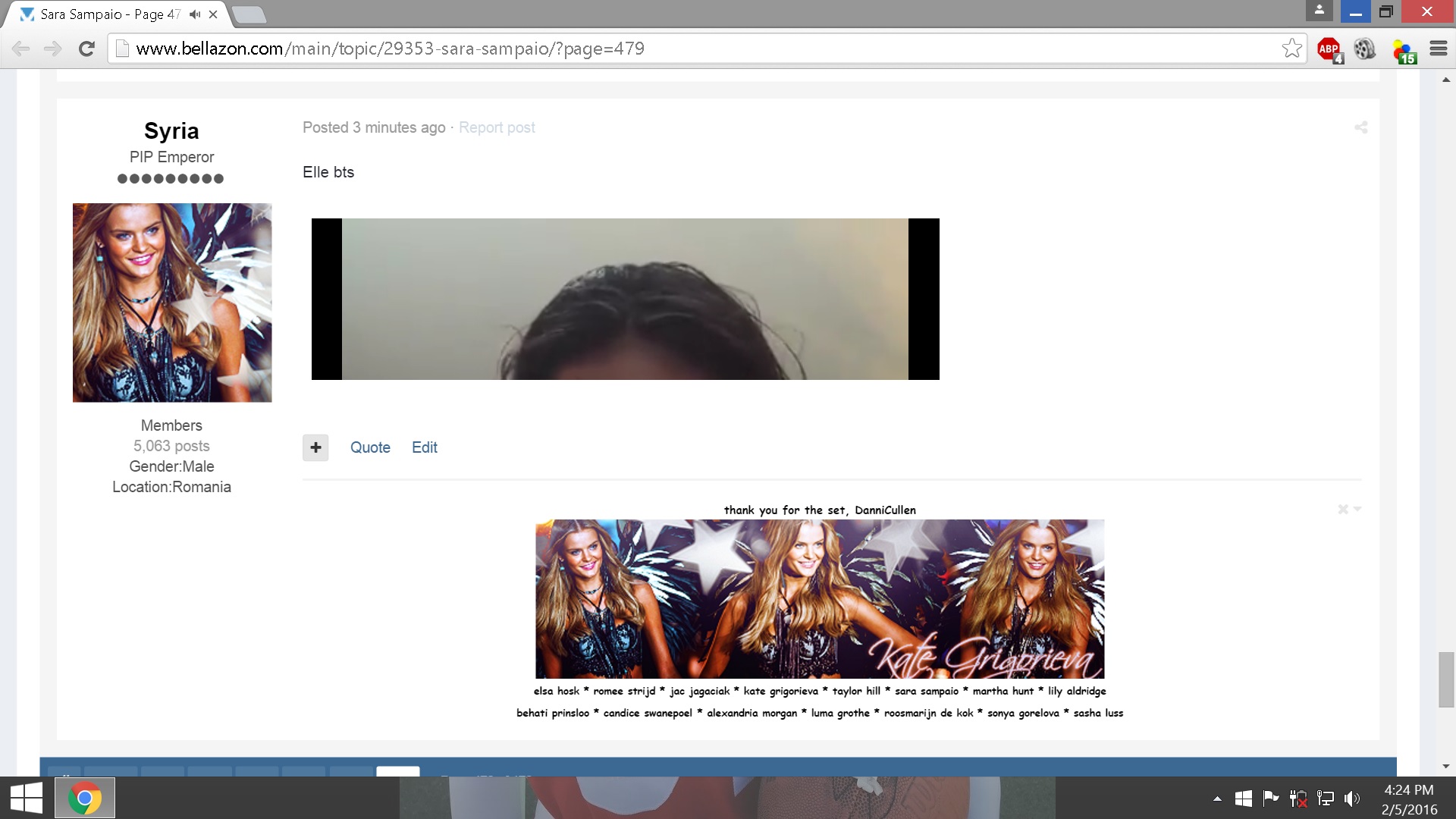
Here's one problem that occurs when embedding twitter or facebook videos. I know this doesn't happen just for me, I've seen other members having this issue, so I guess it's a general thing. But it doesn't always happen, it's just random. Sometimes if you refresh the page, the post will look ok. Other times a refresh doesn't change anything. Editing the post and embedding the video again doesn't help either.
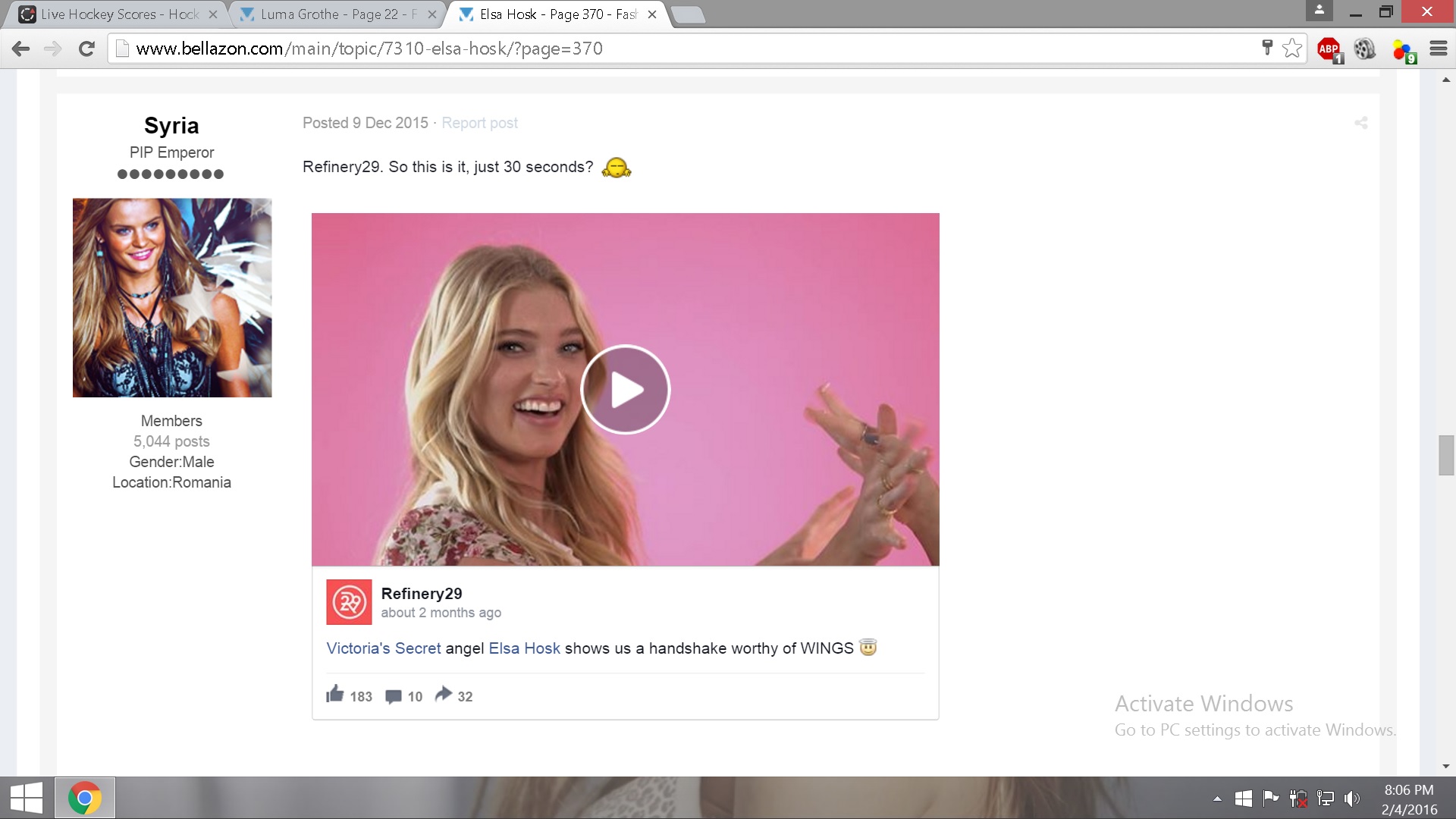 sometimes looks like this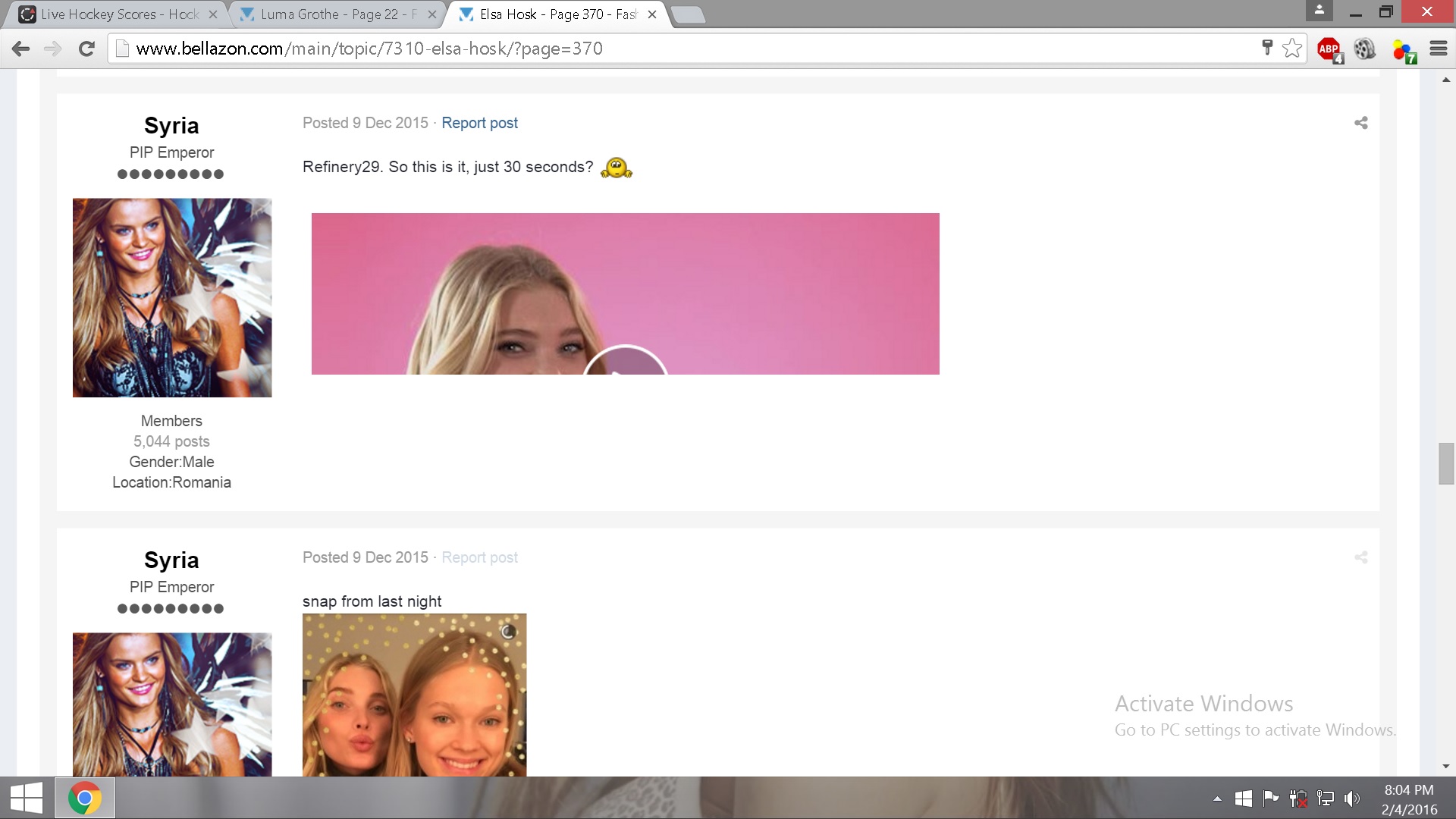
Another example -- 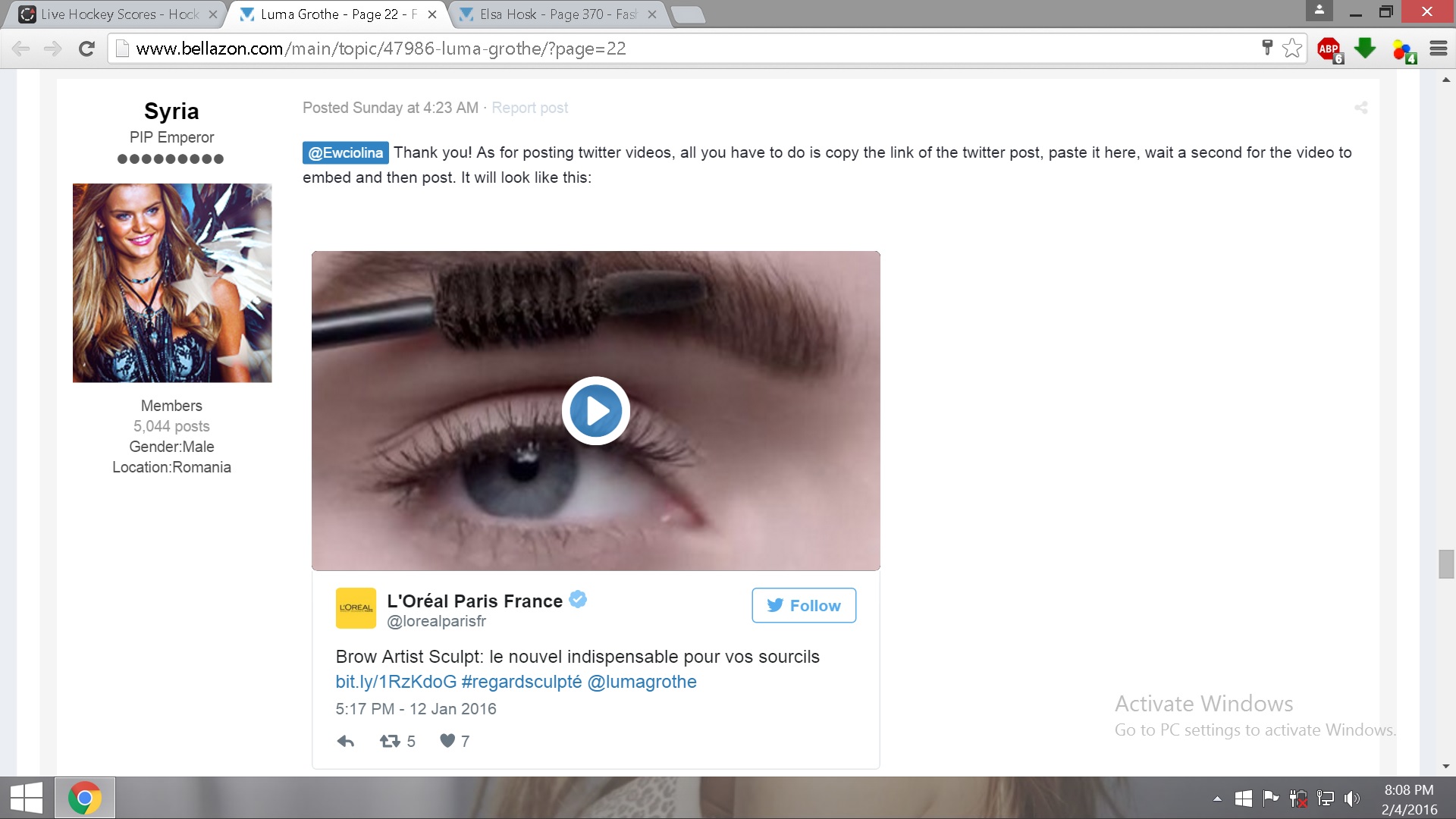 --
-- 
How do I switch to the full site? I'm on an Android phone, I want to paste something important into a thread but it's giving me that "this html class" glitch
^^ can someone look into this please, thank you
^ + 1 on that 

For me that just appears for a short second or two after its posted then it seems to be fine after that!

Yeah, whenever the video loads like that, waiting a second or two, or just reloading the page fixes the issue. 
On 2/4/2016 at 10:20 AM, Syria said:@maddog107 it's definitely better now, thank you!
Here's one problem that occurs when embedding twitter or facebook videos. I know this doesn't happen just for me, I've seen other members having this issue, so I guess it's a general thing. But it doesn't always happen, it's just random. Sometimes if you refresh the page, the post will look ok. Other times a refresh doesn't change anything. Editing the post and embedding the video again doesn't help either.
sometimes looks like this

Another example --
--
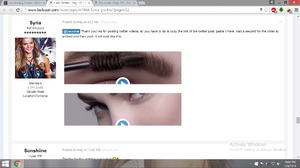
can you link me to a post? Thanks
14 hours ago, maddog107 said:can you link me to a post? Thanks
<___base_url___>/topic/7310-elsa-hosk/?do=embed&embedComment=3925431&embedDo=findComment<___base_url___>/topic/47986-luma-grothe/?do=embed&embedComment=3961191&embedDo=findComment
@Syria both look ok to me Is there a particular browser you use? Or is it still happening?
@maddog107 Chrome and Firefox, it's the same for me on both. Like I said, sometimes a refresh helps. And sometimes if I refresh it again, it looks broken again. I'll install chrome again and see if that helps.
yeah, still the same

I've been trying to figure it out on my own since the site redesign but I have absolutely no clue how to toggle code on in the post editor so I can post BB-Code or HTML or whatever to insert pics from image hosts. Any help with that is appreciated.
Pressing code in the toolbar just inserts the code itself into my post and not the pictures it codes for.
It's probably going to be obvious and I'll feel stupid, but at the moment, I'm desperate.

^ Have you tried using the "Source" button?