donbot
2101 replies · 21925 views

Ah, well such things can be tricky - I suppose depends if you want to just want to do it simply just for comic effect, or if you want it to be as convincing and realistic as possible. You might find it hard merging pictures together if they have very different lighting, perspective, quality, sharpness, etc. Photo manipulation can require a lot of skill and patience though, depending on what level you want to be at. I've been using Photoshop for a long time, and I'm just "okay" at it.. some people are masterful
In terms of specifics though, rather than asking about specific buttons/tools, think about if there's a particular effect you want to try, or if there's an image you've seen that you don't know how to replicate
Ah, good idea and don't worry, I intend on using at least half of this for evil
. I would like to know how to put someone behind something like say a sign. I would also like to put someone's head on the head of someone or something else as well as make say a collage of pictures. That is say, instead of having several things side by side, make it look like a crowd of people so to speak.


Putting someone behind a sign is on the easier side of the scale I guess, but again it depends on the individual images. I'll do one as an example for you - and I'll be referring to layers, layer masks and blending modes. As I mentioned before, these are 3 fundamentals that I'd suggest you get a solid understanding of if you don't already 
Also using Photoshop rather than GIMP - but I think it will be largely the same process. I'll be brief, so just ask if you're not sure about any of the steps.
So say you want to put Elsa behind this sign:
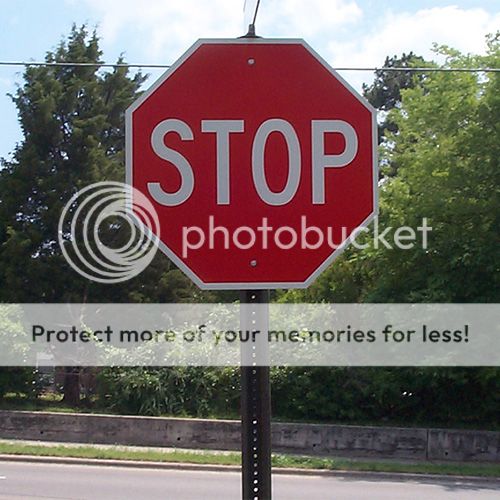
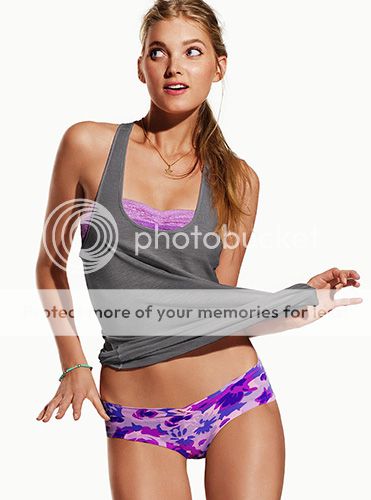
First thing I'd do is drop Elsa onto the sign picture, and drop the opacity of the Elsa layer down so I can see the overlap of the two, and I can position her to where I want:
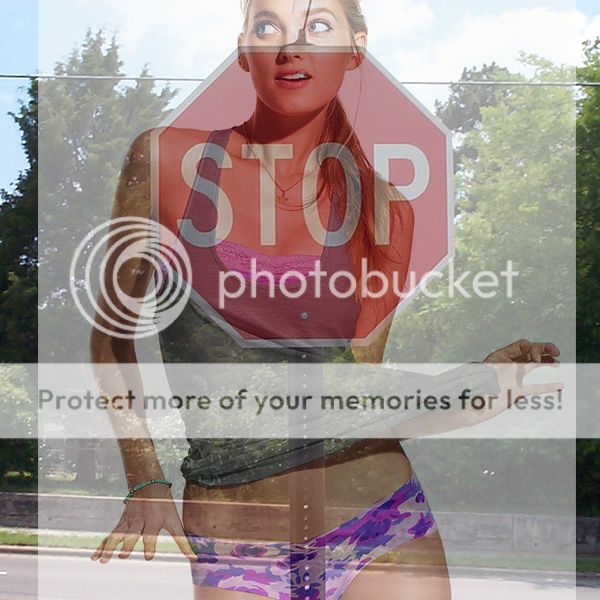
Now that the size and position are where I want them, put the opacity back to 100%. The next thing is to isolate Elsa from the white background. There are lots of ways to do this, and you'll find countless tutorials on this process alone. I pretty much always use the Polygonal Lasso tool to make a selection, then apply it as a layer mask - I find it pretty quick, easy and effective unless there's something particularly fiddly like hair to mask around. I didn't bother finishing the part around her lower face and shoulders since that's getting covered by the sign.
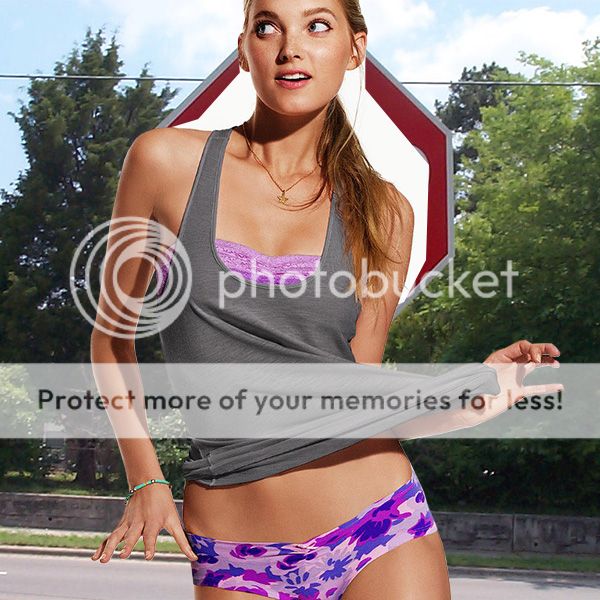
Next, I duplicate the sign layer on top of Elsa, then I mask out the sign so it's isolated from it's background - now there's 3 layers:
- Isolated sign (top)
- Isolated Elsa (middle)
- Original sign image (bottom)
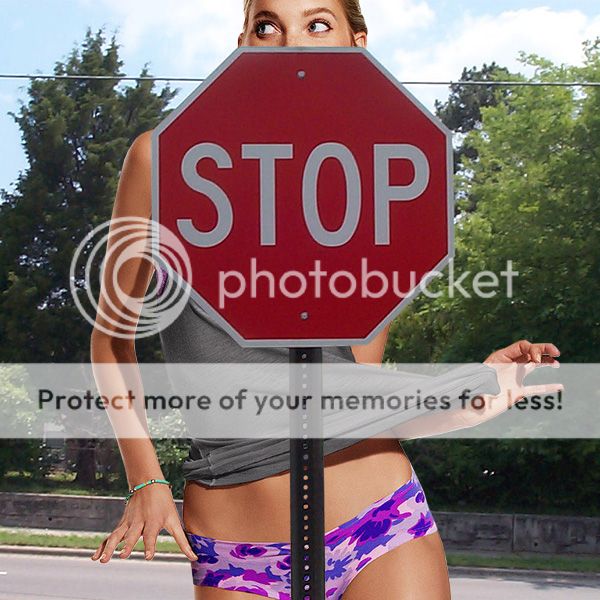
Next, I apply a subtle blur to the Elsa layer, since she's too sharp in comparison to the sign. I also suck some of the colour out of the Elsa layer, since it's a little over-saturated in comparison to the sign.
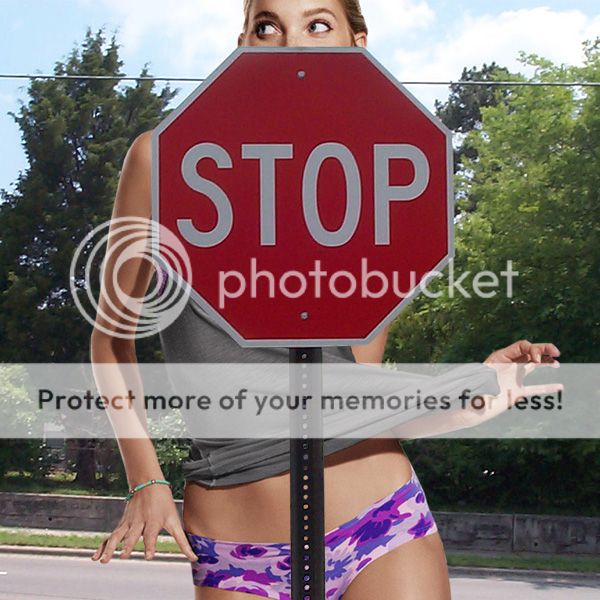
Next I create a new layer between the top sign and Elsa, and create a shadow. This could be done more realistically, but I did a pretty quick and easy method that works reasonably well for this image.
- Load selection of the topmost sign layer
- Fill selection on the newly created shadow layer. I used a dark skin tone colour rather than black
- Move the shadow left and downwards
- Clip the shadow to Elsa's layer (so the shadow is only applied to her)
- Blur the shadow
- Set the shadow layer's blending mode to Multiply and drop the opacity
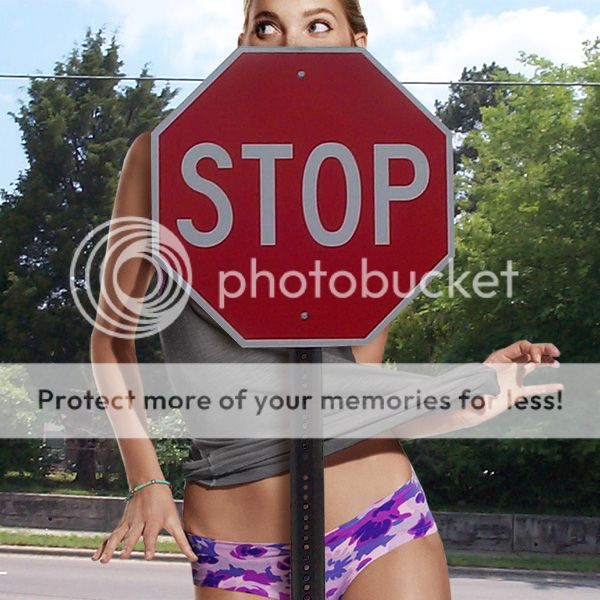
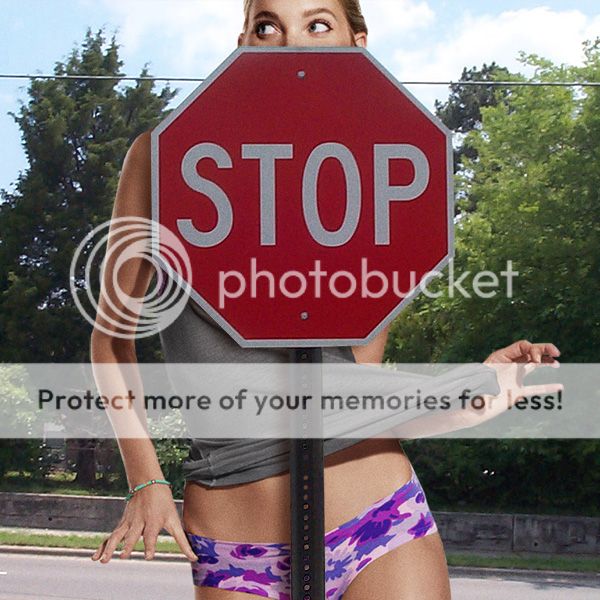
Lastly, I add some slight noise/grain to the entire image. This can help to sort of unify everything and 'sell' the fact that it's one image rather than two put together.
How amazing is she in those recent VS shots
Cuteness overload!
What I don't understand is how her boyfriend ever gets around to doing anything when she is around.


He never seems to Instagram her anymore either.. nor she him. The dog gets plenty of attention from them both though 
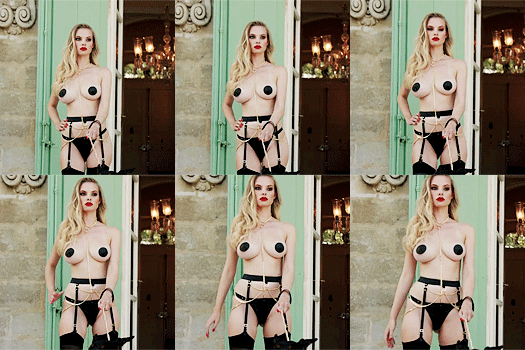
I'm holding out for the PC versionSo you get your hands on GTA V yet?
I'm contemplating that also simply for the fact that I remembered how much fun I had with GTA 3. I can't tell you how much of a headache I had trying to fly that dam propeller plane but managed a full on flight around the city eventually 
And future toothpaste commercial below?
Moar
^Love these pics so much


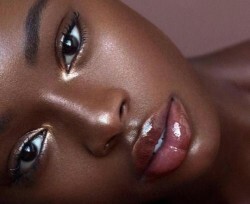
Here's one with Brooklyn Decker . It seems as though I failed to save the finished version, but at least I have something to work with. I accidentally distorted her face for the second one.


I'm contemplating that also simply for the fact that I remembered how much fun I had with GTA 3. I can't tell you how much of a headache I had trying to fly that dam propeller plane but managed a full on flight around the city eventually
And future toothpaste commercial below?

Oh yeah, the flying controls are notoriously infuriating throughout the whole series
I really wish they'd dumb it down like other games have done, but I suspect V will handle it much the same as IV did.. at least that wasn't quite as bad as the older games.
Yes, yes you didI accidentally distorted her face for the second one.


^I'm a little confused as to what you're trying to do now 
Do you want her in front or behind the sign?

Here's one with Brooklyn Decker

The girl on the right is what you'd get if Sloth from Goonies and Brooklyn had a daughter. 
^ Kinda does
Oh yeah, the flying controls are notoriously infuriating throughout the whole series
I really wish they'd dumb it down like other games have done, but I suspect V will handle it much the same as IV did.. at least that wasn't quite as bad as the older games.
I'm glad they made the flying controls a tedious task to master. Made that part of the game a game into itself
And good lord, GTA V made $800 million in 24 hours...that say something about the game?
I'm not sure what I was going for there , maybe the blending step of the tutorial. Now that I've mastered that  I'd also like to know how to make someone either change clothes or rather change the color of their clothes. I must say that I have no interrest in 'improving' looks. There's also an awful trend going on with guys giving models huge hips and all kinds of random things. Actually, the fact that I turned her into a donkey on accident somehow brings home the range of terror the experts unleash . That's not to say there isn't enough photoshop going on in their actual photoshoots although some actually look better in their videos because of it. I know I've come to like SI videos more than the pictures sometimes anyway. Here's an example of one to change shirt colors.
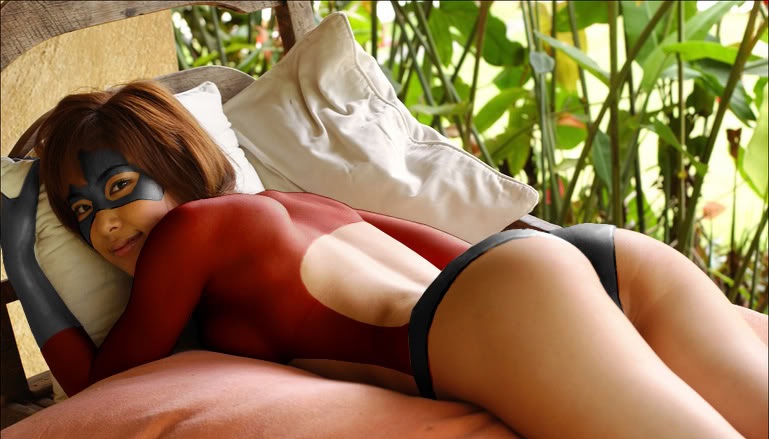

^This should be a thread in and of itself - Joe Does Photoshop! Let us share in your personal journey... 
So, donny, its Freo/Hawthorn. How did your season go? To be honest, getting into the finals at the glorious expense of Essendon, beating Richmond to get to the semis, and going further than Collingwood :yuckky: would have been more than I could have asked for after the first three games this year.
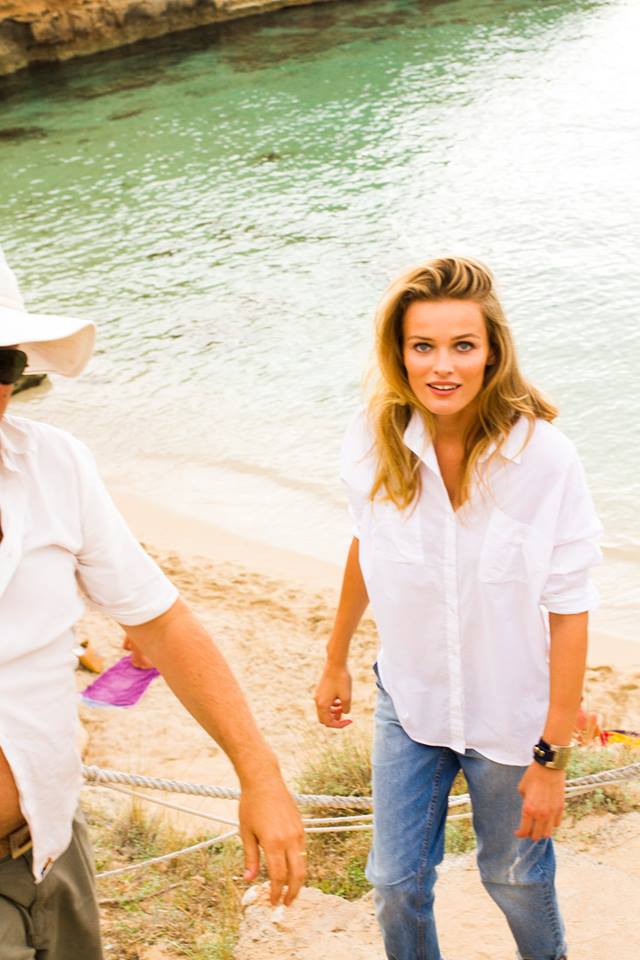
And here's some Edita for you, these are new off of Ben Watts' site (behind-the-scenes from a recent Ibiza shoot), I didn't see them in a cursory glance of her thread - and I've been away a while so wouldn't like to turn up empty-handed  :
:
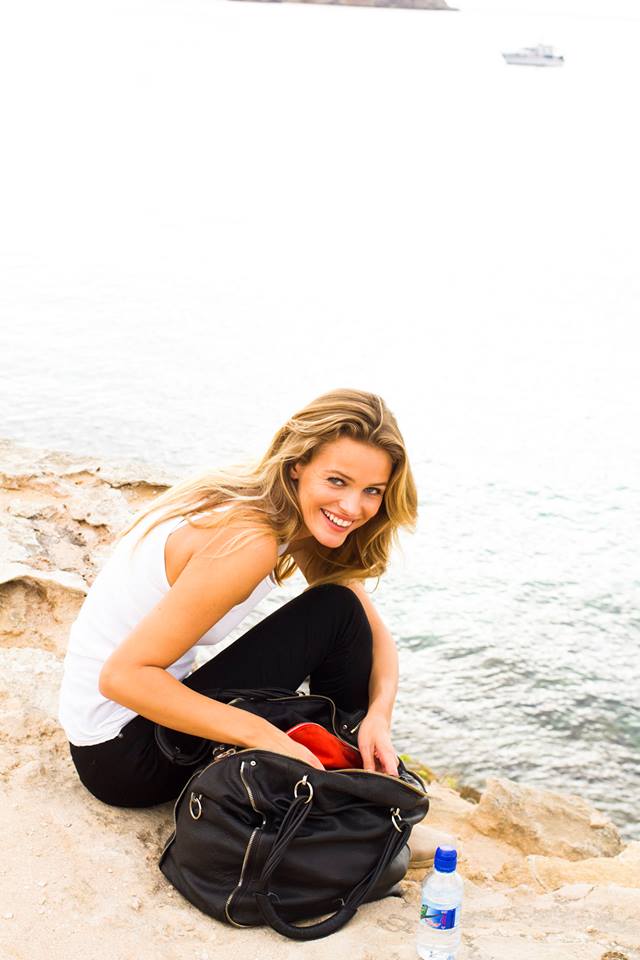
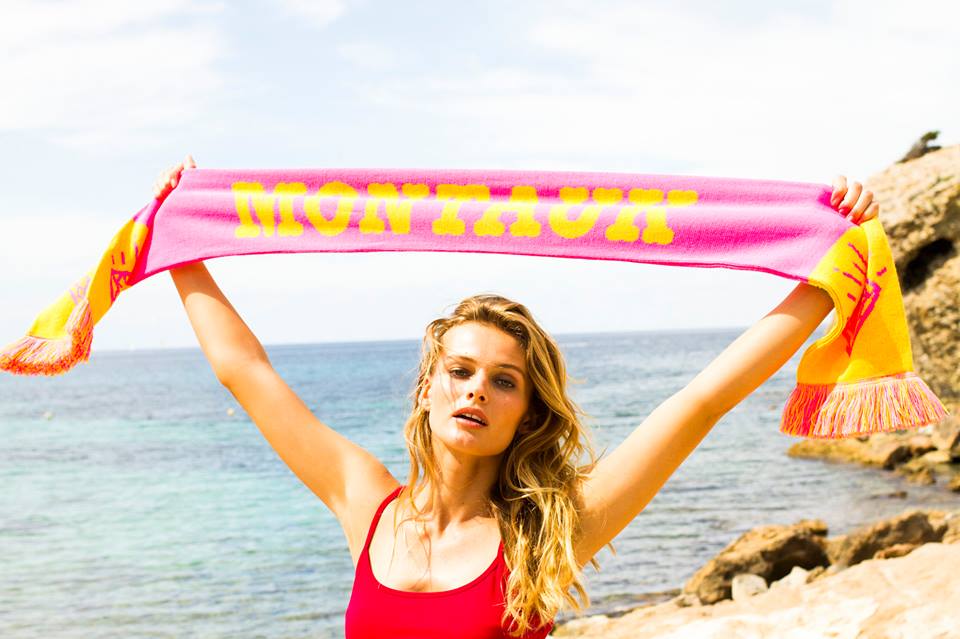
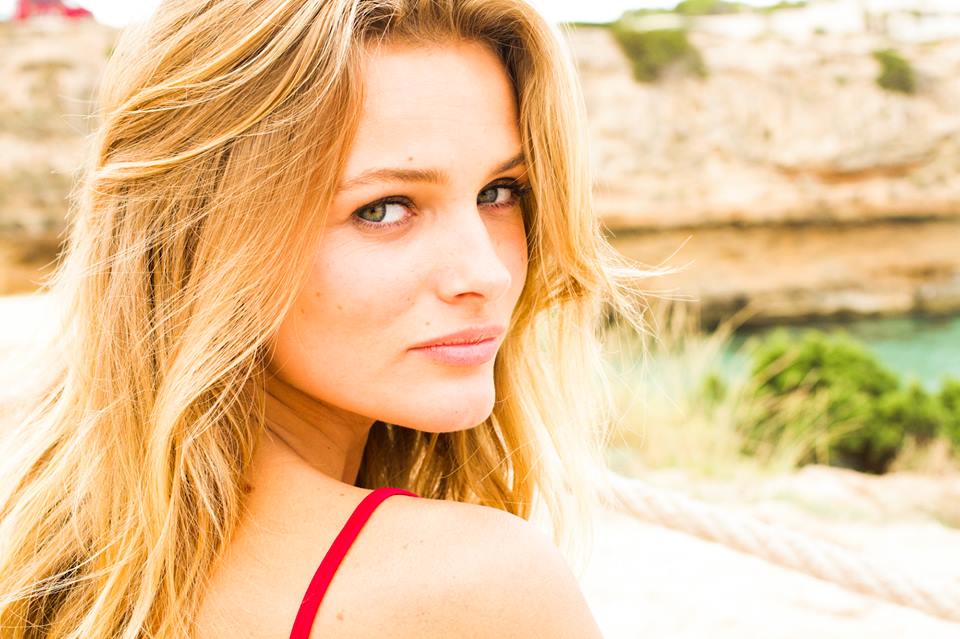
Hopefully it says to Rockstar that they could have been swimming in $1.5 billion on day 1 if they released it on PC tooI'm glad they made the flying controls a tedious task to master. Made that part of the game a game into itself
And good lord, GTA V made $800 million in 24 hours...that say something about the game?
No doubt they have it all carefully planned out though, with a PC release likely to happen at the same time as a next-gen console release. A lot of people will buy it twice.

I'm not sure what I was going for there
Well, when it comes to this sort of thing I'm really not sure on the GIMP process. But in Photoshop, I'd make a selection around the shirt (again using the Polygonal Lasso tool), then applying a Hue/Saturation adjustment layer. With the selection active, it'll add a layer mask to the adjustment layer and it will only affect the shirt. I dunno if it's any way similar in GIMP 



You should go away more often if it means more EditagiftsSo, donny, its Freo/Hawthorn. How did your season go? To be honest, getting into the finals at the glorious expense of Essendon, beating Richmond to get to the semis, and going further than Collingwood :yuckky: would have been more than I could have asked for after the first three games this year.
And here's some Edita for you, these are new off of Ben Watts' site (behind-the-scenes from a recent Ibiza shoot), I didn't see them in a cursory glance of her thread - and I've been away a while so wouldn't like to turn up empty-handed
Those are indeed unposted, although I've seen a similar one of the third (oversaturated and grainy, like only Instagram knows how to deliver). Thank you 
I thought you'd enjoy Essendon's fall from grace, particularly when it let the Blues have a sneaky finals berth. Do you know much of what happened there?
The Eagles had a horrid season - one of our worst ever in fact. All the more so because of the high expectations - most tipsters had us comfortably in the top 4 at the start of the season, many in fact had us penciled in for a spot in the Grand Final. We were pretty badly hit with injuries all year, which was a lot to do with how the season panned out, but certainly not the only reason.. a lot of questions being asked now about where we're at as a club.
And on top of that we don't have a coach, although I'm actually quite happy about that. Much as I love Woosha - he's a great leader and absolute legend of the club - it was the right time to leave. I really hope the Eagles go hard after Alastair Clarkson (Hawthorn) when the finals series is over. There's been some speculation of him moving on (although there's pretty much speculation over every possible combination of events at any given moment) since he's been there a long time, and he's sort of 'done it all' there, particularly if they win the premiership again this year. He's perhaps my favourite coach in the system, and would bring with him a successful culture and desperately needed fresh thinking for our club. Fingers crossed, because there's not a huge amount of excitement about the other candidates
But anyway, not sure if you remember but the Hawks are my #2 team, so I'm stoked to see them make the GF. I'll be gutted if Freo actually take them down.. I might have to move state :yuckky:
Should be a ripping game though - they're both in red hot form.
I'm contemplating that also simply for the fact that I remembered how much fun I had with GTA 3. I can't tell you how much of a headache I had trying to fly that dam propeller plane but managed a full on flight around the city eventually
And future toothpaste commercial below?
Oh yeah, the flying controls are notoriously infuriating throughout the whole series
I really wish they'd dumb it down like other games have done, but I suspect V will handle it much the same as IV did.. at least that wasn't quite as bad as the older games.
That touches on one of the few things I'm not liking about GTA V so far. The planes aren't too bad (though you do experience turbulence quite regularly in the lighter ones) but in what I can only assume is a cruel prank by Rockstar, the helicopter controls are absolutely wretched, and at least twice as sensitive as they were in IV. It seems like holding the little white crosshair in the centre of the screen is basically the key to keeping it steady, but because everything's so bright, I keep losing sight of it and wobbling all over the place. 
Just played the Metal Gear Solid spoof mission on Saints Row, this game keeps on cracking me up.
I thought you'd enjoy Essendon's fall from grace, particularly when it let the Blues have a sneaky finals berth. Do you know much of what happened there?
Just played the Metal Gear Solid spoof mission on Saints Row, this game keeps on cracking me up.
^Not a great deal. Due to how I ended up watching this season I tended to always be at least a week behind, so I was loath to read up on anything on AFL.com. It was only this last week that I was back up to date and able to watch a couple of games live. So, no, I only know it was something to do with James Hird - who I didn't care much for as a player either!I thought you'd enjoy Essendon's fall from grace, particularly when it let the Blues have a sneaky finals berth. Do you know much of what happened there?
I'm not much surprised at the final, Fremantle have been awesome lately - but, like you, I have a little affinity for Hawthorn and shall be barracking for them. Not to get me a meat pie for the weekend...