Complete List of HQ Image Tricks
56 replies · 3113 views
Creation Creation-l.de
All the images are in this format:
http://www.creation-l.de/images/shop/048/048.00ZKA.171-127.003_?.jpg

Where the '?' in the end is a digit. The digit '9' gives the largest image. So from any
image you can get the large one just by replacing the last digit by '9'.
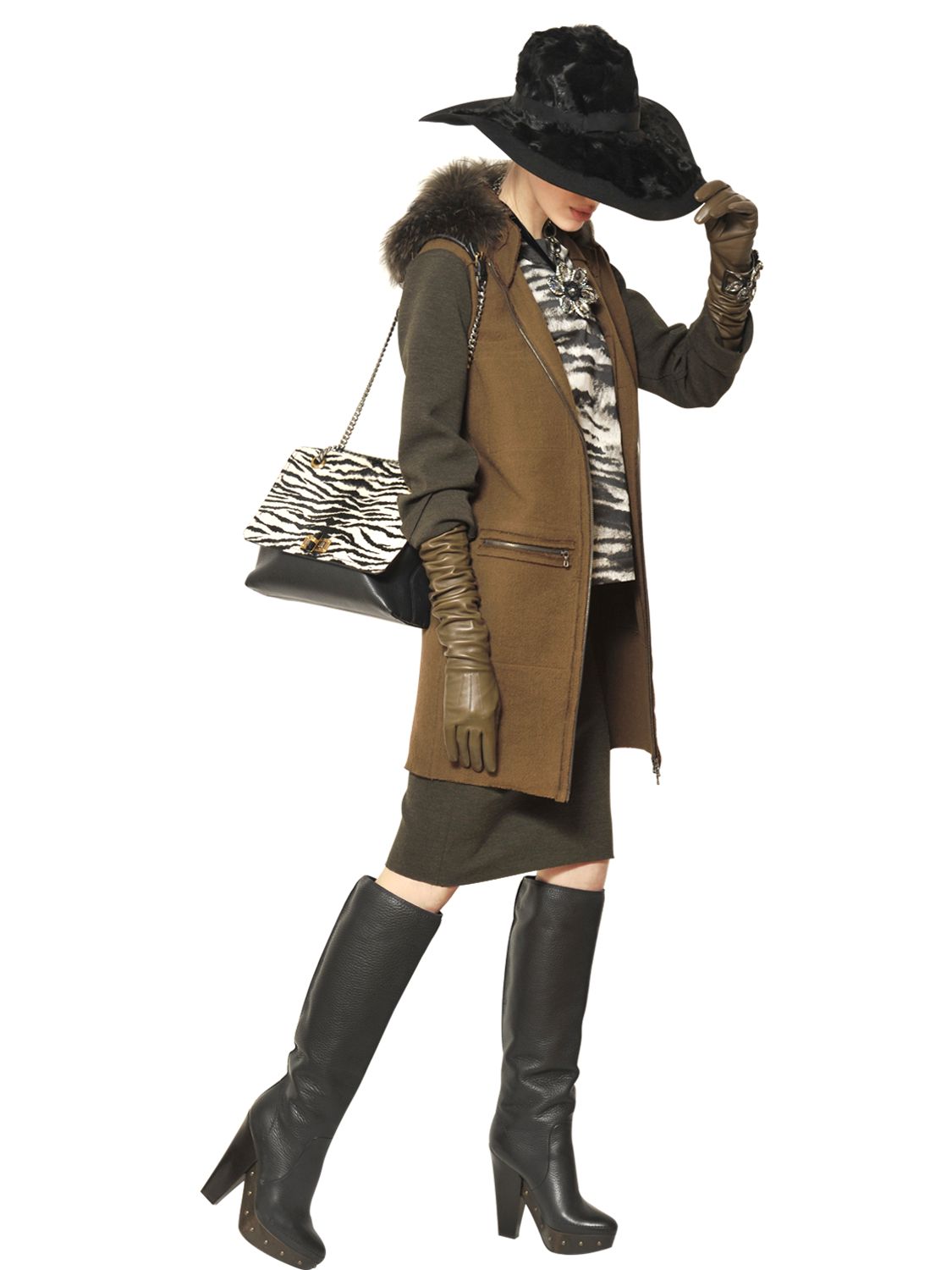
luisaviaroma.com
The zoom images are in this format:
"http://images.luisaviaroma.com/Zoom58I/A42/030_b49d9931-b9d4-4af2-891d-3af58a5816c1.JPG"
The smaller images differ only in the word before the 58I, which is "Zoom" in this url. So
just take the url of the small image and replace whatever it is in this place by Zoom.
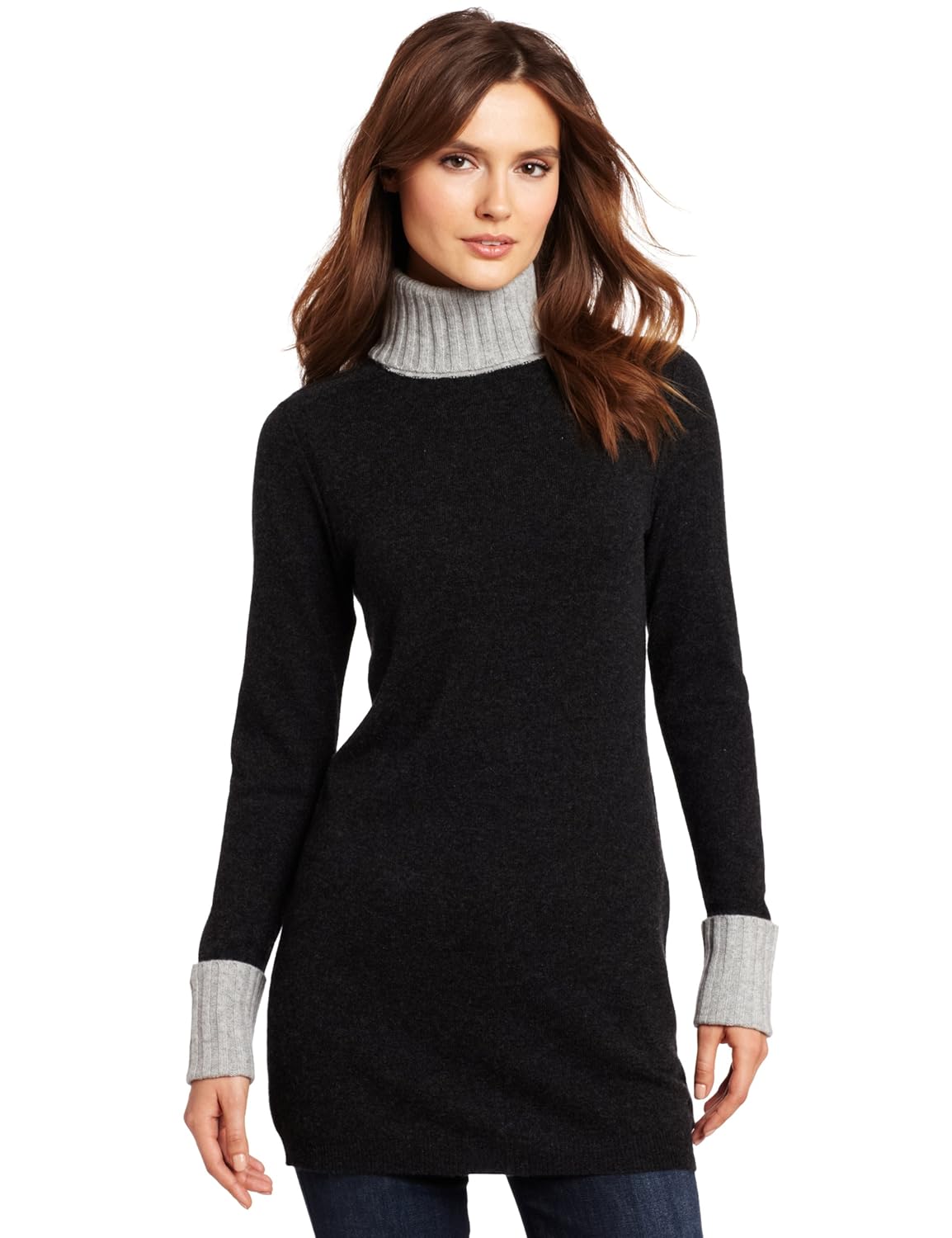
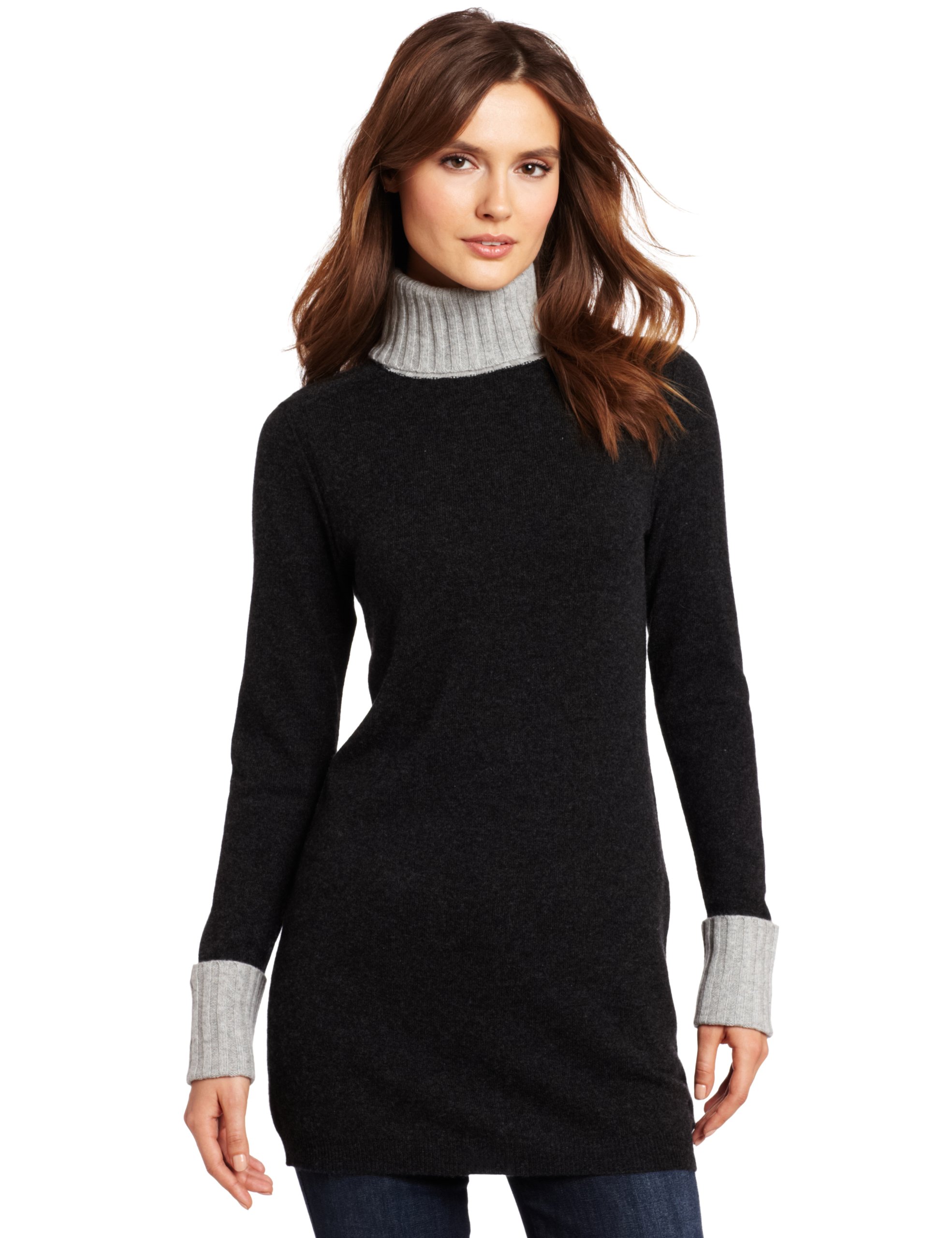
I cannot see the zoom in the amazon pages now at all, and there is no easy way to find the zoom image
from the page itself. Instead, you can go to the source of the page (on opera right-button -> "Source"), and look
for "hiRes". It is followed by a url with the SL500 which gives 1500 pixels high, that looks like that:
"http://ecx.images-amazon.com/images/I/81JKdlJhgaL._SL1500_.jpg"
and then removing the _SL1500_ and one of the dots gives the full image as before:
"http://ecx.images-amazon.com/images/I/81JKdlJhgaL.jpg"
Bonprix.de have upated their site.
The url of the large images still looks like that:
"http://bonprix.zoomo-viewer.com/html/zoom/bonprix/vv_1000138993_var1/vv_1000138993_var1.jpg"

The variable part is the name, which is "vv_1000138993_var1" in the url
above. Note that it appears twice in the the url.
The problem is that it is difficult to find the name, because the names
of the images in the product pages are different. The only way I can
see is to go to the source of the product page, and look for
data-zoomo-viewer-image-key= , which is folloed by the name. Each page
may have several images, it seems they are always the same except the
digit in the end. Note that when changing from one image to another
you need to change the digit in two places.
Fashionising Pictures fashionisingpictures.com
right click on an image and open it or copy the url. You get a url
like that:
"http://i0.wp.com/www.fashionisingpictures.net/runway/h-m-autumn-fall-winter-2013-pfw8.jpg"
insert "x/" before the last elemnt to this:
"http://i0.wp.com/www.fashionisingpictures.net/runway/x/h-m-autumn-fall-winter-2013-pfw8.jpg"


Mango mango.com mgnbc.com
The images in different sizes have all the same url, except the penultimate component,
which start with 'S' and is followed by a number. The Largest image is apparently with S20,
for example:
"http://st.mngbcn.com/rcs/pics/static/T1/fotos/pasarela/S20/13015527_02-13087556_02.jpg"


Bon'Aparte
Many sites are making it easier for getting HQs from
It's nooooooooooooow the turn for Bon'Aparte,it was very difficult indeed,now it's just open image thumbnail in new tab and you'll get big good size picture,
http://uk.bonaparteshop.com/skirt-21485


Or change the part thumbnail/68x90 in the small pic url into the word image
Marks and Spencer marksandspencer.com
The images are in this pattern
"http://ecx.images-amazon.com/images/P/XXXXXXXX.01-A2BO0OYVBKIQJM._SCRM_.jpg"
where the XXXX is an image spcific code.
e.g.
"http://ecx.images-amazon.com/images/P/B0054MH606.01-A2BO0OYVBKIQJM._SCRM_.jpg"
You get the code from the URL of the entry, it is between the last '/' and the '?, e.g.
the image above is from this entry:
"http://www.marksandspencer.com/Autograph-Weekend-Fair-Dress-Cashmere/dp/B0054MH606?ie=UTF8&ref=sr_1_161&nodeId=527058031&sr=1-161&qid=1319303216"
To get the second image in an entry add "PT01." before the _SCRM_:
"http://ecx.images-amazon.com/images/P/B0054MH606.01-A2BO0OYVBKIQJM.PT01._SCRM_.jpg
I didn't look for more image.
It is also possible to find the image in fire firefox by zoooming it, and looking at
"Tools" -> "Page Info" -> "media", and find the image with the pattern above but with
some stuff instead of the _SCRM_:
"http://ecx.images-amazon.com/images/P/B0054MH606.01-A2BO0OYVBKIQJM._SX280_SCLZZZZZZZ_SH35_V154212359_.jpg"
and replace the stuff by SCRM.


Bonprix.de have upated their site.The url of the large images still looks like that:
"http://bonprix.zoomo-viewer.com/html/zoom/bonprix/vv_1000138993_var1/vv_1000138993_var1.jpg"
The variable part is the name, which is "vv_1000138993_var1" in the url
above. Note that it appears twice in the the url.
The problem is that it is difficult to find the name, because the names
of the images in the product pages are different. The only way I can
see is to go to the source of the product page, and look for
data-zoomo-viewer-image-key= , which is folloed by the name. Each page
may have several images, it seems they are always the same except the
digit in the end. Note that when changing from one image to another
you need to change the digit in two places.
A new method for BonPrix,and so easy now
http://image01.bonprix.de/bonprixbilder/31x44/1384161188/13060121-RHT6QSyT.jpg

change the part 31x44 or whatever number it is,to 1400x1960
http://image01.bonprix.de/bonprixbilder/1400x1960/1384161188/13060121-RHT6QSyT.jpg
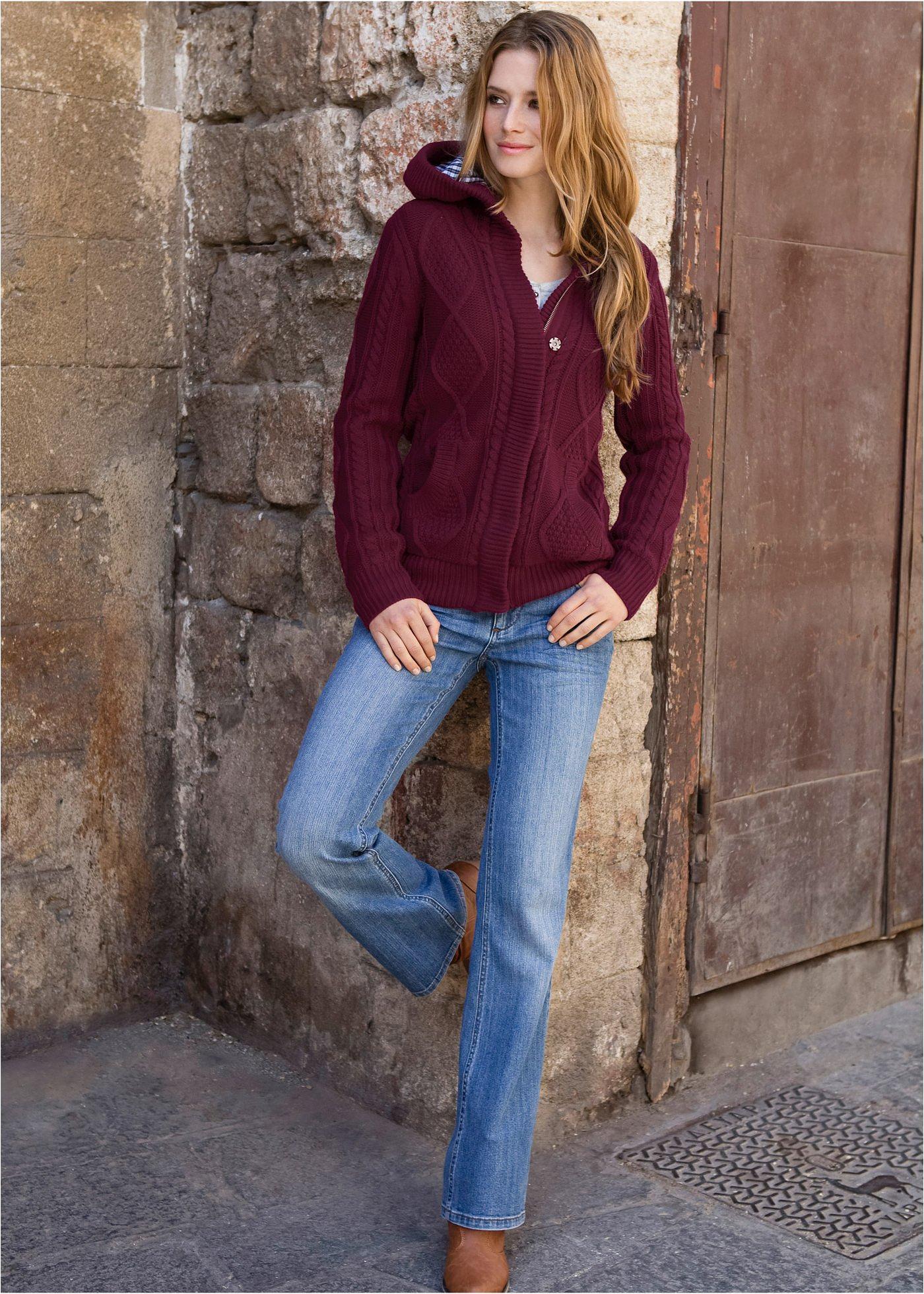
You'll get a good,high quality picture.
Witt Weiden www.witt-weiden.de/ is the same creation-l.de:
All the images are in this format:
http://www.creation-l.de/images/shop/048/048.00ZKA.171-127.003_?.jpgWhere the '?' in the end is a digit. The digit '9' gives the largest image. So from any
image you can get the large one just by replacing the last digit by '9'.
DVF world.dvf.com
In the url of an image, Deleting everything the '?' and adding "scl=2" or "wid=1000" gives a picture 1499 pixels high:
http://s7d2.scene7.c...36,1536&fmt=jpg
http://s7d2.scene7.c...36,1536&fmt=jpg
(the numbers after the "rect=" specify the tile to take, Found using Live HTTP Headers)
ideeli ideeli.net
The zoom images (1275 pixels high) are in this format:
"http://2.icdn.ideeli.net/attachments/243544866/425135278016-1_grid_image_zoom_largegrid_image_zoom_large900x1275.jpg"
The images in the sites all start with the code up to the first underscore, so if you start from an image
like that:
"http://0.icdn.ideeli.net/attachments/223289642/430115536208-1_recently_viewed_image.jpg"
Just get rid of everything after the first underscore and replace by "grid_image_zoom_largegrid_image_zoom_large900x1275.jpg"
"http://0.icdn.ideeli.net/attachments/223289642/430115536208-1_grid_image_zoom_largegrid_image_zoom_large900x1275.jpg"



How to make bigger pictures from bhs.co.uk catalog site?
http://bhs.scene7.com/is/image/BHS/24801_a?$product68x97$
I got this link from wayback archive site, since it is from 2012.
Please help me?
Thank you
Halens halens.si
You get the zoom image by replacing everything after the large number by "-product-magnify-large.jpg".
For example, in the list you get his image:
http://az392967.vo.msecnd.net/product-image/138451871286997630-product-list-medium.jpg

and in the product page the thumb image is:
http://az392967.vo.msecnd.net/product-image/138451871286997630-halens-product-tiny.jpg

From either you can get the zoom image here:
http://az392967.vo.msecnd.net/product-image/138451871286997630-product-magnify-large.jpg

The name of the domain suggest that other sites maybe using the same urls.
How to make bigger pictures from bhs.co.uk catalog site?
http://bhs.scene7.com/is/image/BHS/24801_a?$product68x97$
I got this link from wayback archive site, since it is from 2012.
Please help me?
Thank you
.png.2d48cd87fe0ae74756897288d6204c8b.png)
Hunkemöller
Ex: https://www.hunkemoller.nl/nl_nl/25156-brazilian-theresa-blue-113488-1.html
1. Open the thumbnail in a new tab. Here is how the link should look like:
https://17ce85a4f632d4aaaa0861aafda0ba70.lswcdn.net/thumbnail/113488_7.jpg?v=0

2. Replace "thumbnail" with "original" to get the HQ image:
https://17ce85a4f632d4aaaa0861aafda0ba70.lswcdn.net/original/113488_7.jpg?v=0


On 02/03/2014 at 4:38 AM, sanja said:How to make bigger pictures from bhs.co.uk catalog site?
http://bhs.scene7.com/is/image/BHS/24801_a?$product68x97$
I got this link from wayback archive site, since it is from 2012.
Please help me?
Thank you
Hey 
just delete this part %24product68x97%24 of the link and replace it with scl=1
so it looks like this http://bhs.scene7.com/is/image/BHS/24801_a?scl=1