Problems and Suggestions for BZ - Post Here Pinned
4951 replies · 732353 views

Also these escort spam topics have been all over the BZ.:
<___base_url___>/topic/70788-connaught-place-escorts-service-connaught-place-escorts/?tab=comments&do=embed&comment=4724987&embedComment=4724987&embedDo=findComment#comment-4724987<___base_url___>/topic/70403-delhi-escorts-service/?tab=comments&do=embed&comment=4690034&embedComment=4690034&embedDo=findComment#comment-4690034<___base_url___>/topic/70738-delhi-escorts-for-profligate-parties-and-enjoyment/?tab=comments&do=embed&comment=4722281&embedComment=4722281&embedDo=findComment#comment-4722281<___base_url___>/topic/70776-dwarka-escorts-call-girls-ankitaoberoi-provides-delhi/?tab=comments&do=embed&comment=4724447&embedComment=4724447&embedDo=findComment#comment-4724447<___base_url___>/topic/70915-perfect-sexual-love-offer-by-independent-and-sexy-delhi-escorts/?do=embed
And the user who also advertises escort services:
https://www.bellazon.com/main/profile/134917-sehgalshreya/


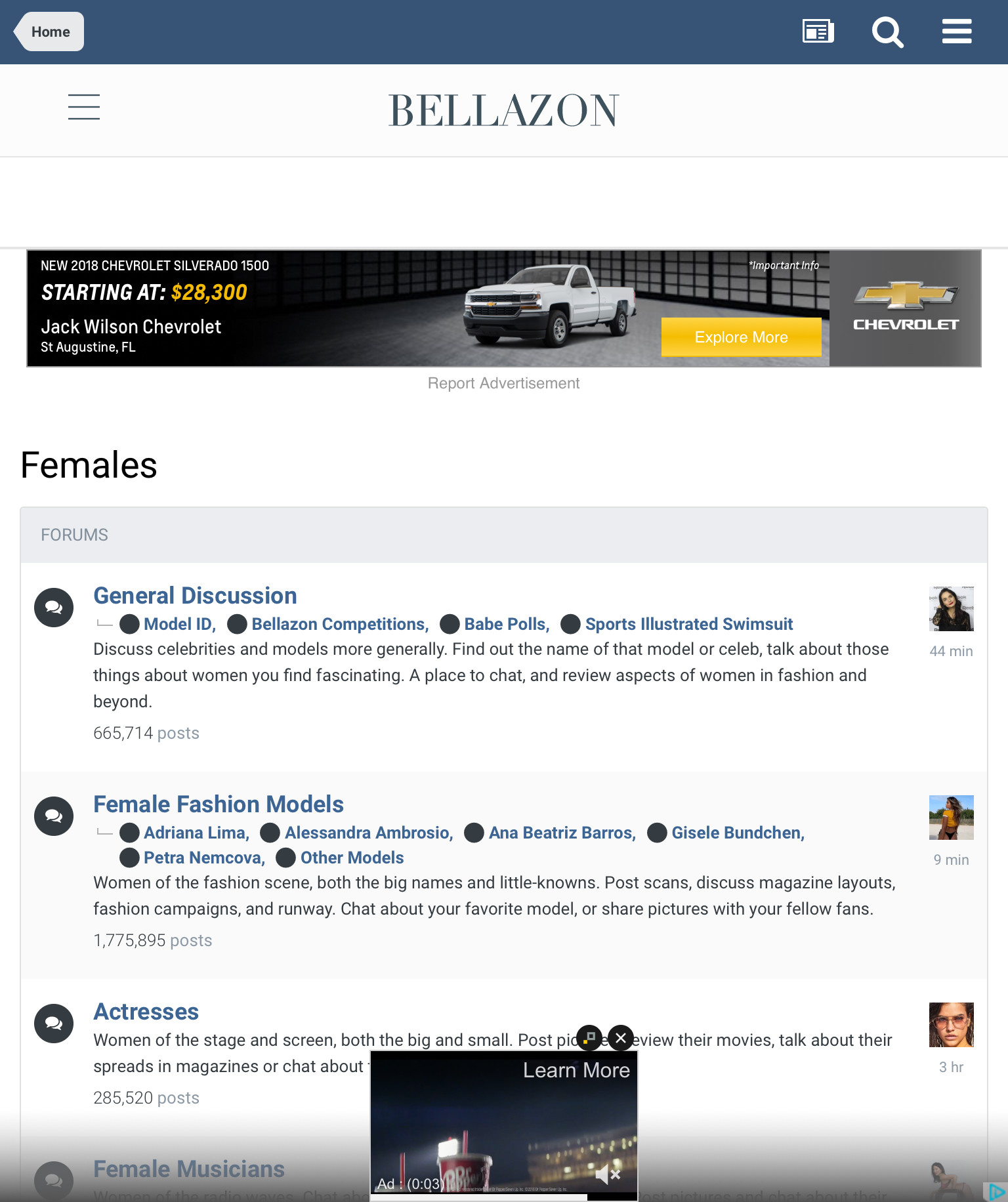
The little pop up video at the bottom of the screen is really a pain in the ass on mobile. I understand the need for some sort of a revenue stream to maintain the server but some of the ads are slowing me down a lot when it comes to posting. I would suggest sharing some of that revenue with those who produce a lot of content, scrutinize the effect of the ads more critically as they effect different platforms, or risk watching the quality and or quantity of content on the site diminish.

it'd be great if it were possible to edit the title of the spoiler tag, something like:
[spoiler title="some title"] content [/spoiler]
I personally don't like uploading videos to the site, they take up too much space. So I render the first frame to a image, upload that and then put the video under the spoiler tag.
So it would be cool if I could put the title of the video as the spoiler title to make that more obvious.
Irrelevant topic and spam:
<___base_url___>/topic/70941-love-solution-astrologer-mk-sharma-ji-91-8729032992/?do=embed

On 12/5/2018 at 3:41 AM, bebop2015 said:The little pop up video at the bottom of the screen is really a pain in the ass on mobile. I understand the need for some sort of a revenue stream to maintain the server but some of the ads are slowing me down a lot when it comes to posting. I would suggest sharing some of that revenue with those who produce a lot of content, scrutinize the effect of the ads more critically as they effect different platforms, or risk watching the quality and or quantity of content on the site diminish.
Thanks for the feedback. I really want to make it adfree (or a lot less) to "power" members, but honestly I am swamped with a million things. I will get to it as soon as I can 
3 hours ago, maddog107 said:
Thanks for the feedback. I really want to make it adfree (or a lot less) to "power" members, but honestly I am swamped with a million things. I will get to it as soon as I can
Sounds good... sorry to complain
This user created sixteen topics about the same person all over the BZ. Please have a look.

I can't resize the pictures anymore (it's been like this for a couple of days). Anyone experiencing this as well?

On 12/17/2018 at 10:57 PM, Enrico_sw said:I can't resize the pictures anymore (it's been like this for a couple of days). Anyone experiencing this as well?
Just tested it and I still can resize images.
^ That's weird... I tested it in several threads and I can't expand/reduce any of the images I post.
I tried with the handles on the corner and also by double-clicking on the image. Nothing seems to work... 
Ilona deserves larger pictures!  We can't quite see her beautiful eyes with these small pics.
(same with Emeline and Viktoria...)
5 minutes ago, Enrico_sw said:^ That's weird... I tested it in several threads and I can't expand/reduce any of the images I post.
I tried with the handles on the corner and also by double-clicking on the image. Nothing seems to work...
double clicking works for me just fine.
I don't have handles in the corner to resize the image.
Have you tried posting in an "Incognito" window or a different browser to see if the problem still occurs?
maybe an extension is blocking the popup/splash-screen that normally appears when double-clicking an image*
2 minutes ago, Charlie's Alter Ego said:Have you tried posting in an "Incognito" window or a different browser to see if the problem still occurs?
I just tried Incognito and a different browser and it doesn't work either.
2 minutes ago, Charlie's Alter Ego said:maybe an extension is blocking the popup/splash-screen that normally appears when double-clicking an image*
I see the splash-screen, it's not blocked. And it actually allows me to reduce the image, but I can't increase the size.
2 minutes ago, Charlie's Alter Ego said:double clicking works for me just fine.
And can you make the pics bigger?
hmmm...
5 minutes ago, Enrico_sw said:And can you make the pics bigger?
yes, but not with the double-click-interface since the max is 300px in height (see post above)
^ Hmm, so it's really just me. I don't know why... I have to keep investigating.
Thanks for your help anyway
Just now, Enrico_sw said:^ Hmm, so it's really just me. I don't know why... I have to keep investigating.
Thanks for your help anyway
no problem. I hope you soon can post the way you used to post again.
On 12/17/2018 at 2:28 PM, Enrico_sw said:^ Hmm, so it's really just me. I don't know why... I have to keep investigating.
Thanks for your help anyway
Have you tried a different browser?
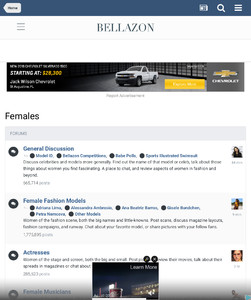
How do I get rid of ads like this?