Photoshop Tutorials Pinned
453 replies · 142019 views

PC asked how I did the effect used in my signature, where it's made black & white except for one colour. I figured I should answer it here since I've been asked before. It's really pretty easy, and all thanks to the magic of Adjustment Layers. For this to work best, the area you want to target should be a pretty distinct colour in the image.
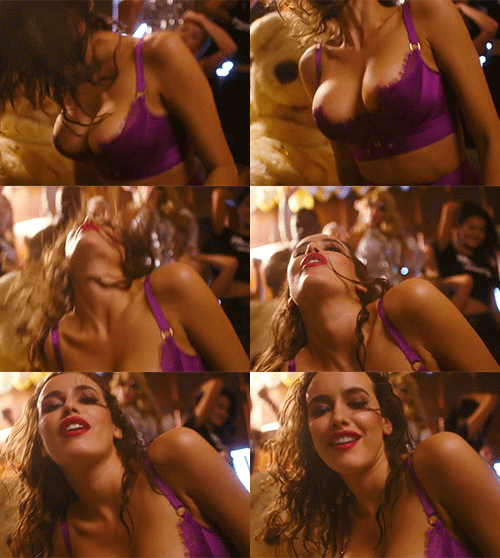
eg. Take this GIF:

The purple stands out from the skin tones, and the background is all white so it's going to work well. If the bra was more pink/red it would be harder to do.
1. Create a Hue/Saturation Adjustment Layer on top of all the other layers

2. This next bit will vary depending on the image, but basically you want to go through each colour channel in the Master drop-down list and drag the Saturation slider all the way to the left. For this image, I pretty much only needed to adjust the "Red" channel, but I went through and desaturated them all except for the "Magenta" channel (where the purple colour is).

3. I can also then target the "Magenta" channel and recolour it if I want by changing the Hue slider.


That's pretty much it, but you can do a bunch of other things with the Hue/Saturation adjustment layers, and also the other adjustment layers - just have a play and see what you can do 
Remember the adjustment layers also have a mask of their own, so you can mask out certain areas if you don't want to apply them to the entire image.
This was a past sig I did that made use of the Levels adjustment layer:
Before:

After:

thanks donbot! 
I also was interested in this effect! it turned out to be so easy 
I just gave it a try and have a question 
I did that effect on that gif
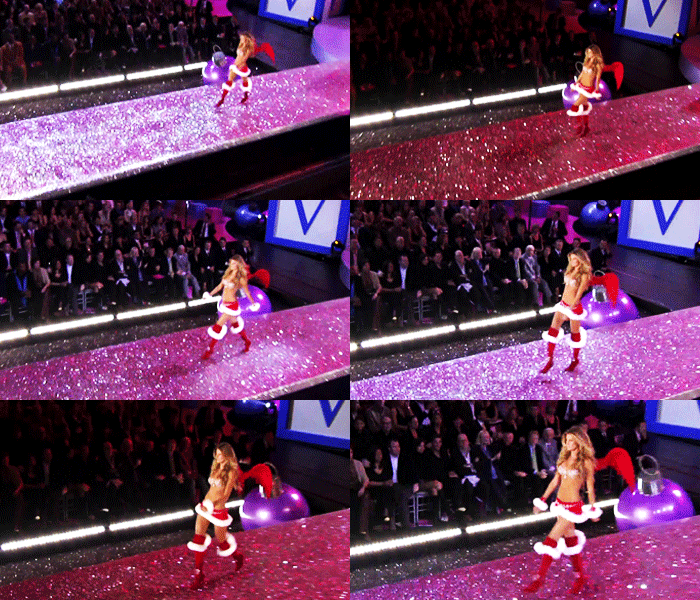
red color is all over the gif cuz of lighting and after dragging Saturation slider on the left for every color except red I got it
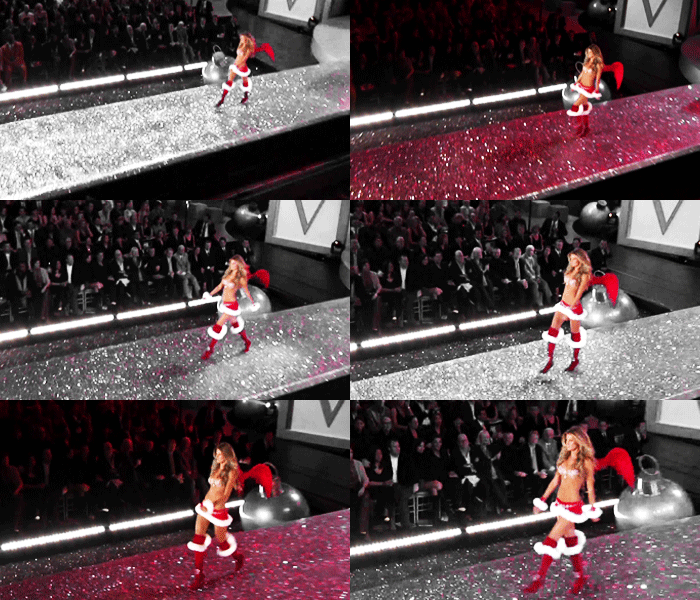
honestly I love the result, but a question popped up in my mind  what if I want red color to be only on Gisele and the runway, not on the audience ?
^Yeah see that's kinda tricky - as I said it works best when you're trying to isolate a distinct colour in the image. It's hard when it's all over the background as well.
That said, for this GIF you can can sort of work around it seeing how the audience is somewhat confined to the corner. Add a second Hue/Saturation adjustment layer on top of the first one, and desaturate everything (Master channel). Then in the layer mask of this second adjustment layer, black out the area that Gisele walks across - you can do it with gradient tools and/or a soft brush. It's not going to be perfect seeing how it's a moving target.. but it's not bad!
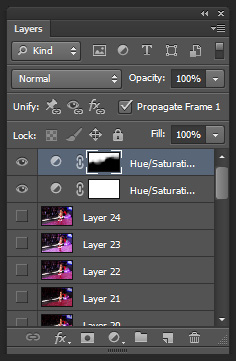
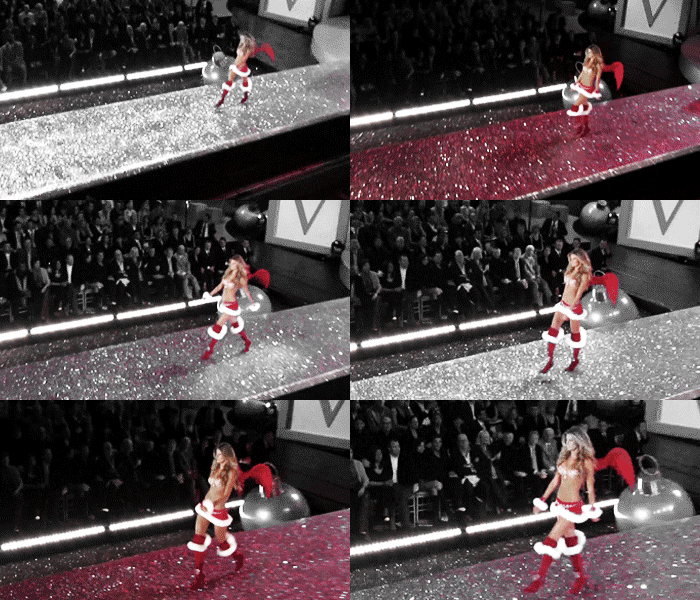
done! thanks a lot!
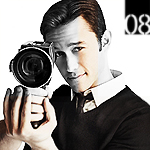
Now you're at it donbot , could you perhaps tell me how to fill out text in shapes other than squares, like this? :

Thank you for all the help! 
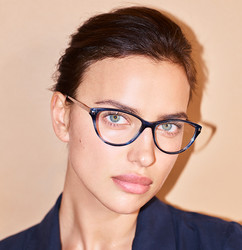
Now you're at it donbot
Thank you for all the help!
how do you do the paragraph?
^That was most likely done in InDesign rather than Photoshop.. there's only so much you can do with typography in PS.
You can still put text in a shape, but when it comes to extra fidelity, columns, margins/padding, etc you won't have as much control - it's not really what the program is for.
But to answer the question, it's as simple as drawing a vector shape with the Pen tool, then click inside it with the Type tool selected. You should see the cursor change from a square to a circle when your mouse is inside the shape before you click.



wijnboerinnetje: A way you can create this effect in PS is by using a custom shape then creating a path as a guide to type in. Wish I had PS available to show you 
Talisa: I only know how to do this in InDesign 
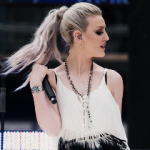
Thanks donbot, I'm only starting out in photoshop so this will be useful!! :DD
Thank you PinkCouture and donbot for explaining
I guess I can make that work
Talisa, I don't quite understand your question?
^ I can try to create a tutorial of what I mean when boss is not looking if you like 
I think Talisa's question is about columns.
Oh, I wouldn't want you to go through all that trouble if I can find it out myself!
That's unless there are other people interested in a tutorial?
Thank you for offering though!
How do you put more gifs into one?
Donnie, what version of Photoshop do you use?
CS6 
How do you make the lines like in this sig?
I don't want to use it as a border, btw.

^Which version are you using Talisa?
CS6