Problems and Suggestions for BZ - Post Here Pinned
4951 replies · 732268 views

3 minutes ago, aguifan said:How does one sign out? I found "sign in" at the bottom of a thread page. But now I can't see how to "sign out"!
Click on your name on the top right. Then you will see in the drop down (last option) "sign out"
21 minutes ago, Matt! said:
Here's full screen view. Is the highlighted "gap" supposed to be that long/wide?
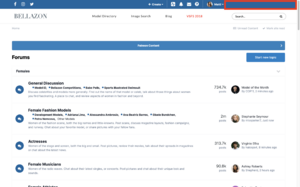
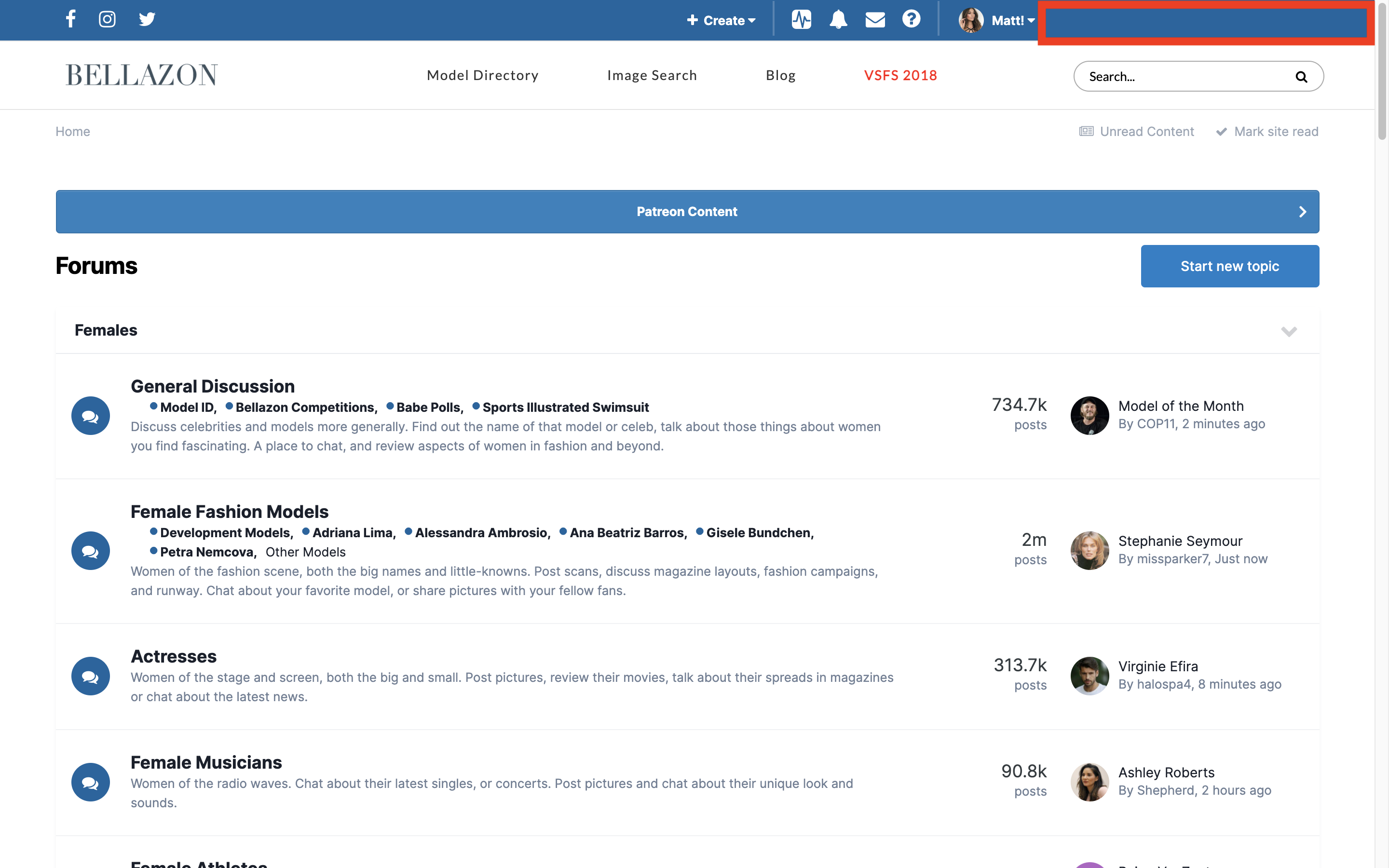
So initially there was a block on the right side where some other random stuff goes, so it use to be aligned to that. But I guess since I removed it, now it looks a bit weird. I will take a look and figure something out.
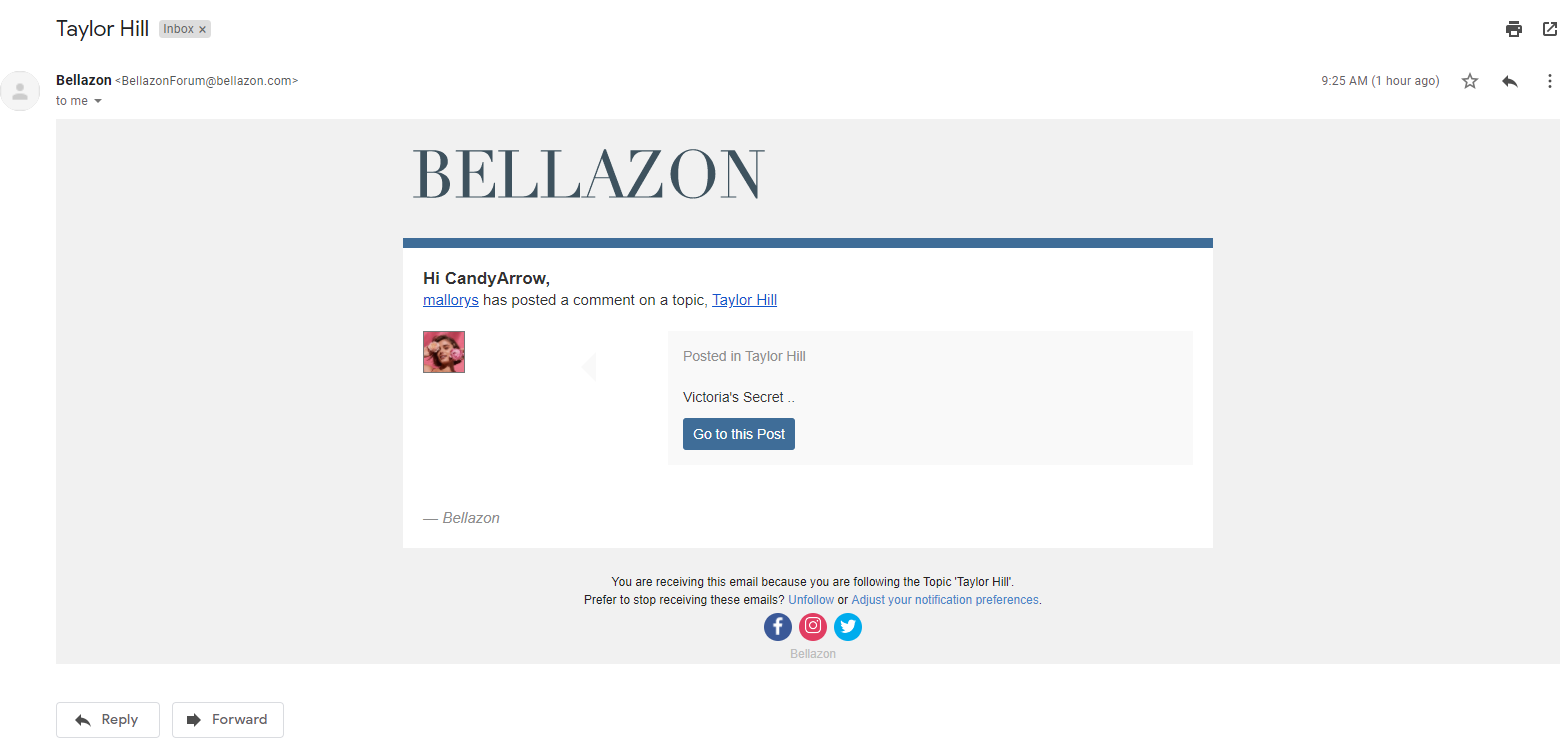
I also appreciate all of the updates, but the one thing I've noticed is that images are not previewing anymore in email notifications. Was that a conscious decision?
@maddog107 thanks for changing the avatars to squares- maybe can you make them as large as before?
The stats page is open in every thread, and frequently has irrelevant data- wouldn't it be more appropriate to have it closed by default, and activated only when the user is interested?

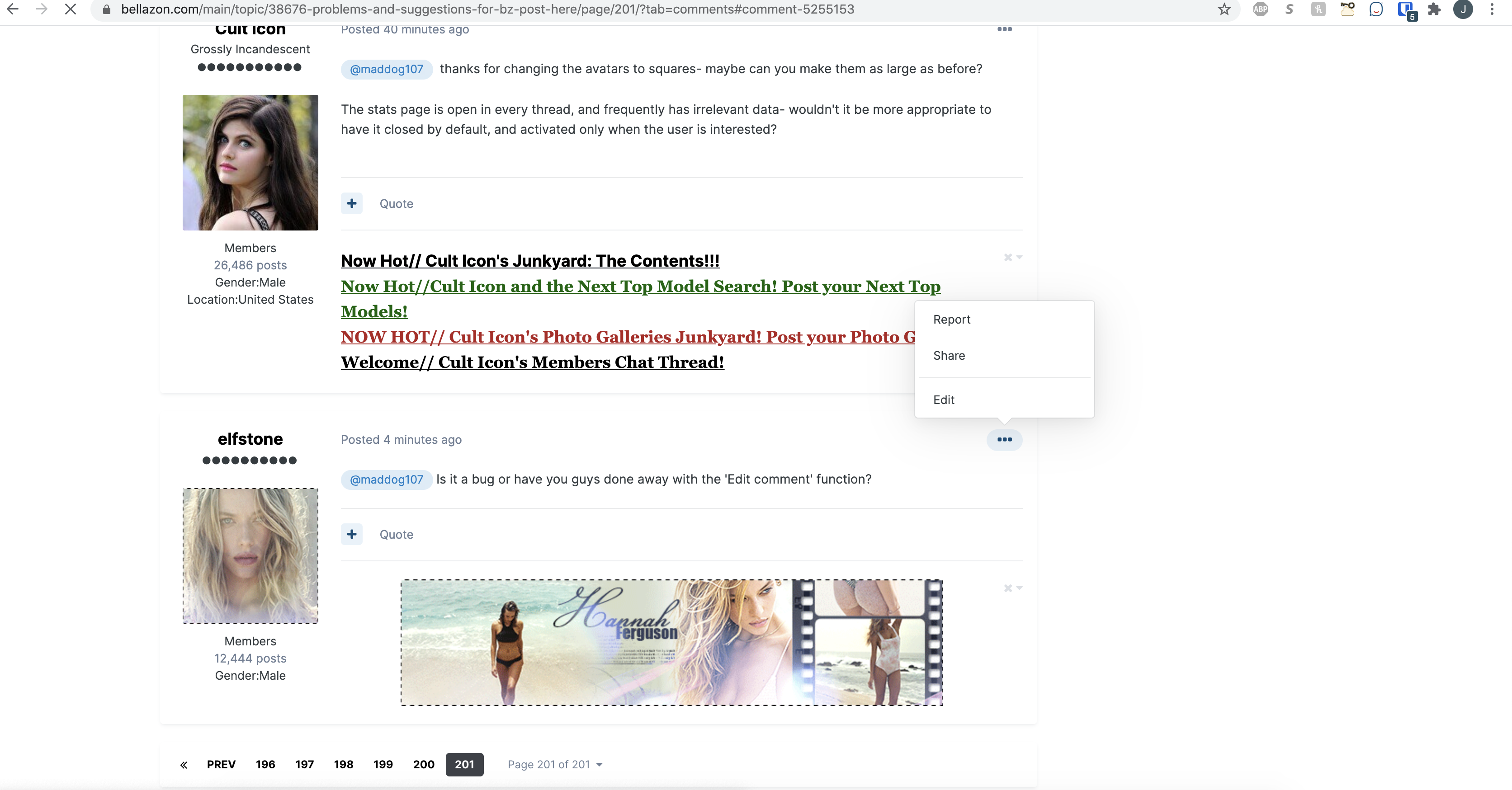
@maddog107 Is it a bug or have you guys done away with the 'Edit comment' function?
1 hour ago, Cult Icon said:Can the avatars be changed back to the original (square) format?
Done and made them bigger.
46 minutes ago, CandyArrow said:I also appreciate all of the updates, but the one thing I've noticed is that images are not previewing anymore in email notifications. Was that a conscious decision?
Can you please post a screenshot? Thanks.
7 hours ago, elef said:Hi, if I just paste some BBCode in a post as usual, now it is printed as-is instead of being parsed. What am I doing wrong?
BBCode is no longer supported. Where are you getting BBCode from? We use a rich editor so just copy and paste should work and keep your formatting.
8 minutes ago, elfstone said:@maddog107 Is it a bug or have you guys done away with the 'Edit comment' function?
and
The edit button has been moved to the ... to make it cleaner. Let me know, thanks
4 minutes ago, maddog107 said:
Can you please post a screenshot? Thanks.
Sure. All of my emails from Bellazon starting around 13 hours ago have looked like this. Shows the text but no image.
I'm liking the new update! 
The only issue I've encountered so far is that the Menu button on the mobile version is not working.

9 minutes ago, Stormbringer said:The only issue I've encountered so far is that the Menu button on the mobile version is not working.
Already reported 
15 minutes ago, Matt! said:
Already reported


1 minute ago, Stormbringer said:

1 hour ago, maddog107 said:BBCode is no longer supported. Where are you getting BBCode from? We use a rich editor so just copy and paste should work and keep your formatting.
I'm getting it from imgbox.com, it's for posting image thumbnails and links. How can it be done now? Thank you.
11 minutes ago, elef said:
I'm getting it from imgbox.com, it's for posting image thumbnails and links. How can it be done now? Thank you.
It provide a few options for "code". one is HTML and one is BBCode.
But below that is just the thumbnail image. You can just highlight that in your browser and do a "copy" (ctrl + c) and just paste it in here and it should work.
Otherwise just upload it to our BZ servers 
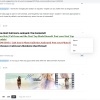
8 minutes ago, maddog107 said:It provide a few options for "code". one is HTML and one is BBCode.
I also tried pasting the HTML code and it doesn't work either. I'm pretty sure I'm doing something silly, but I can't figure out what it is.
<a href="https://imgbox.com/FO9yVgHs" target="_blank"><img src="https://thumbs2.imgbox.com/95/97/FO9yVgHs_t.jpg" alt="imgbox"/></a>
1 hour ago, elef said:
I also tried pasting the HTML code and it doesn't work either. I'm pretty sure I'm doing something silly, but I can't figure out what it is.
<a href="https://imgbox.com/FO9yVgHs" target="_blank"><img src="https://thumbs2.imgbox.com/95/97/FO9yVgHs_t.jpg" alt="imgbox"/></a>
Below those 2 options, it shows you your thumbnails right? Just highlight those and copy and paste. If not plz post a screenshot and we can figure it out.
Small suggestion, can you bring back the original red notification? Green doesn't really stand out against the blue background

6 minutes ago, maddog107 said:
Below those 2 options, it shows you your thumbnails right? Just highlight those and copy and paste. If not plz post a screenshot and we can figure it out.
OK, got it! I was still thinking in terms of the underlying code instead of simple visual selection. Thank you!