Board Administration
782 replies · 5713 views

It is me or are there no ACP or MCP options for the mobile version unless I use the "Full Version"? There is also no full editor.

test

Test2

^ 

worked in here, didnt work elsewhere. Strange...
I tested it in my thread and it worked! Then I reloaded the page and it was big again
Oh so if one of you creative types wants to go into the ACP and change the colors of the forum there is a "visual editor" If you click on the create new skin. (please dont edit the default). Just FYI if someone wants to take that challenge. If not we will probably just buy a skin after putting up a poll or something.
^ I just tried but I have no clue how to change the colors---I don't see a menu for it like on the old board  I know how to change the background but not sure about the other elements. More guidance please
TO ALL STAFF:
Now that we have our "Moderator Preview of Posts" option back, if you happen to see a thread that has an "UNAPPROVED" icon next it (not the the Site and Forum section) could you please click on it to review the post(s)? If the post is ok then "approve" it, if not then deleted it. I have already started going through some of the threads 
OK so I added the IP's to the ModeratorCP. Unfortunately I couldn't make it clickable (you will have to copy and paste into the "IP Address Tools" but at least you can see the IP now.
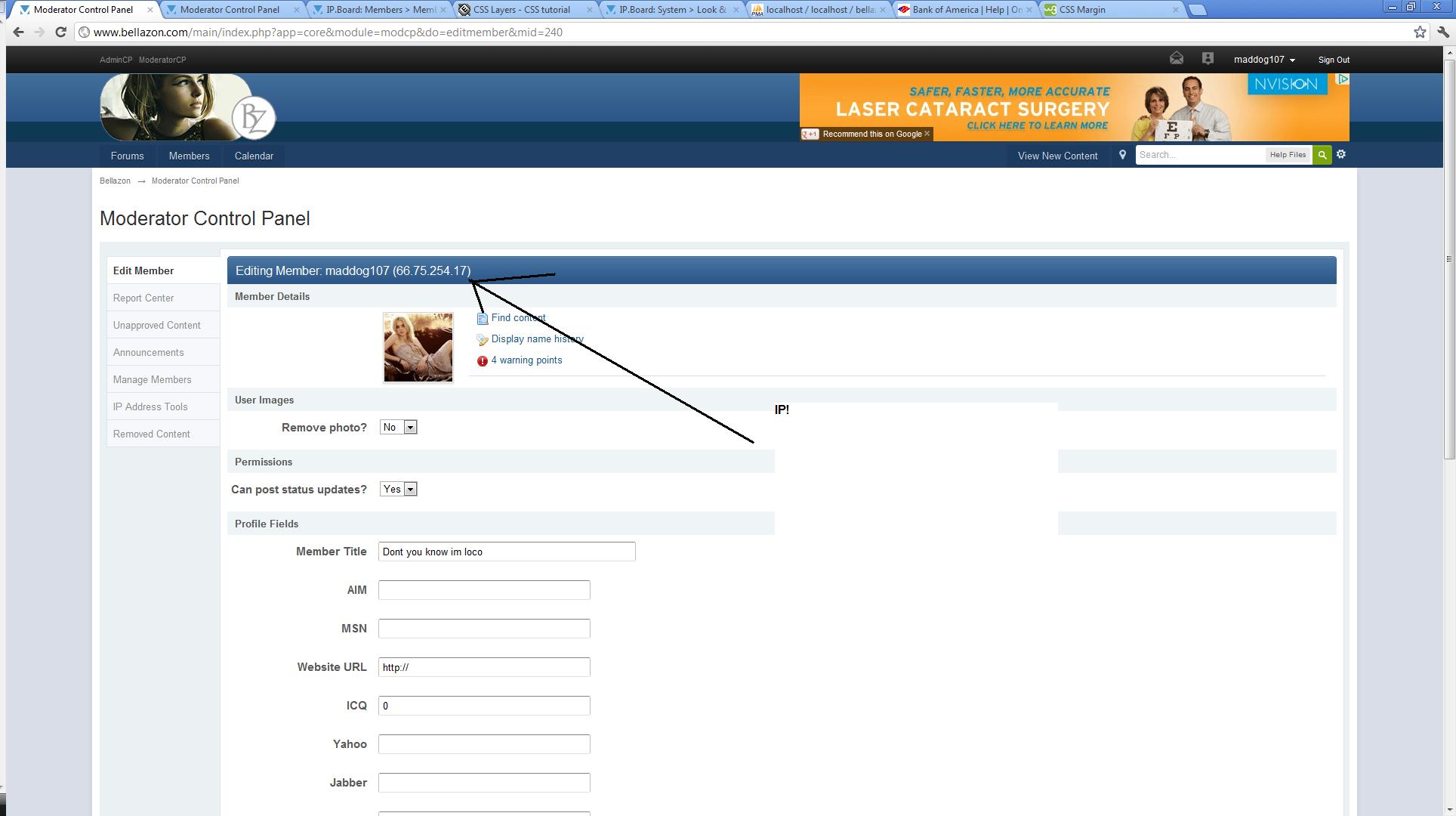
Why are my thumbnails small here but not elsewhere
hmm maybe the issue resolved itself. Can anyone else confirm the thumnails are "normal" size now?
hmm maybe the issue resolved itself. Can anyone else confirm the thumnails are "normal" size now?
Yes thumbnails are small now
OK so I added the IP's to the ModeratorCP. Unfortunately I couldn't make it clickable (you will have to copy and paste into the "IP Address Tools" but at least you can see the IP now.
It is ok if it is not clickable. I don't think it was clickable on the old board either. Thank you resolving the issue
Oh so if one of you creative types wants to go into the ACP and change the colors of the forum there is a "visual editor" If you click on the create new skin. (please dont edit the default). Just FYI if someone wants to take that challenge. If not we will probably just buy a skin after putting up a poll or something.
^ I just tried but I have no clue how to change the colors---I don't see a menu for it like on the old board
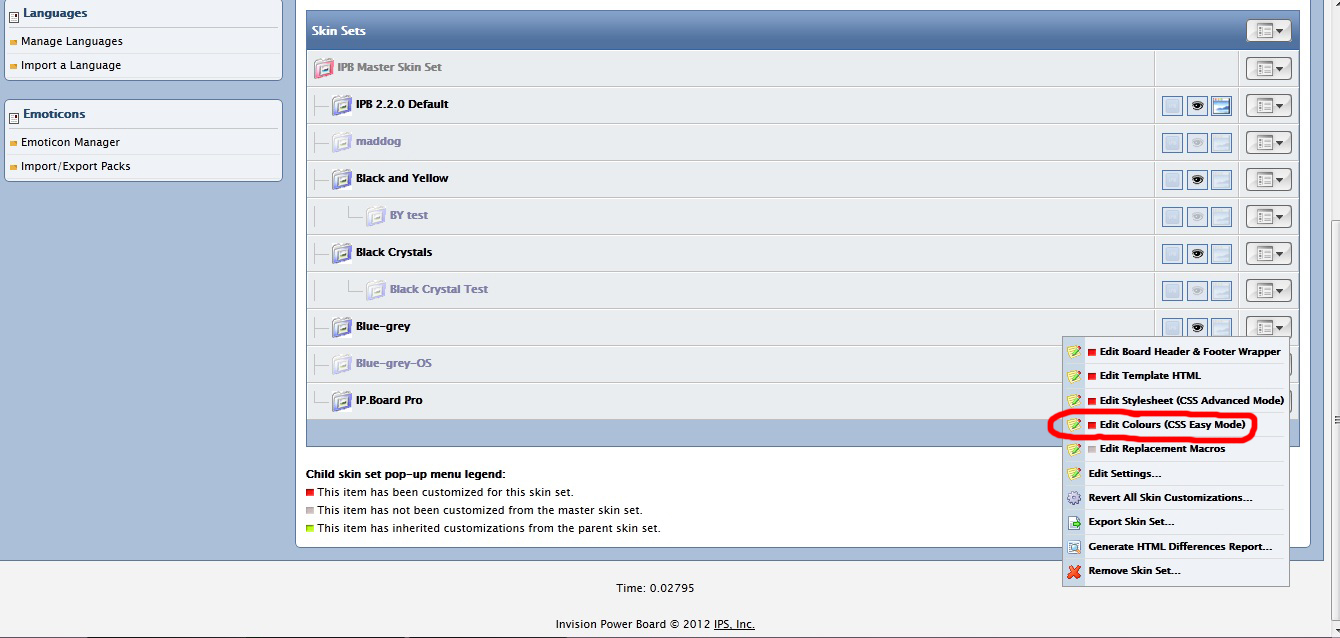
This is the color menu I was talking about. Anyway we can have it in the new ACP as well?

OK so I added the IP's to the ModeratorCP. Unfortunately I couldn't make it clickable (you will have to copy and paste into the "IP Address Tools" but at least you can see the IP now.
Ah, great!! Thanks a lot, maddog!! 
Mad, I just wanted to check about IPs, but when I click on edit member I don't see it anywhere ... 
Mad, me again 
Can you tell me how big the new Logo can be?
The current is 235px × 90px - a big wider would be nice, though not necessarily any higher, I think.
I already talked to donbot if he would like to design a 'new' logo (more like inserting the new pic), since he's really doing some nice work, and he agreed. Since the voting for the first batch of pictures who will make it into the final competition has just taken place I figured he could already do some work on those pics, I just need the measurements now ...
sure wider is fine. As long as it looks ok and doesnt bump up against the ad I think its fine. Maybe up to 300 wide?
Sounds great!
OK so I added the IP's to the ModeratorCP. Unfortunately I couldn't make it clickable (you will have to copy and paste into the "IP Address Tools" but at least you can see the IP now.
Ah, great!! Thanks a lot, maddog!!
Mad, I just wanted to check about IPs, but when I click on edit member I don't see it anywhere ...
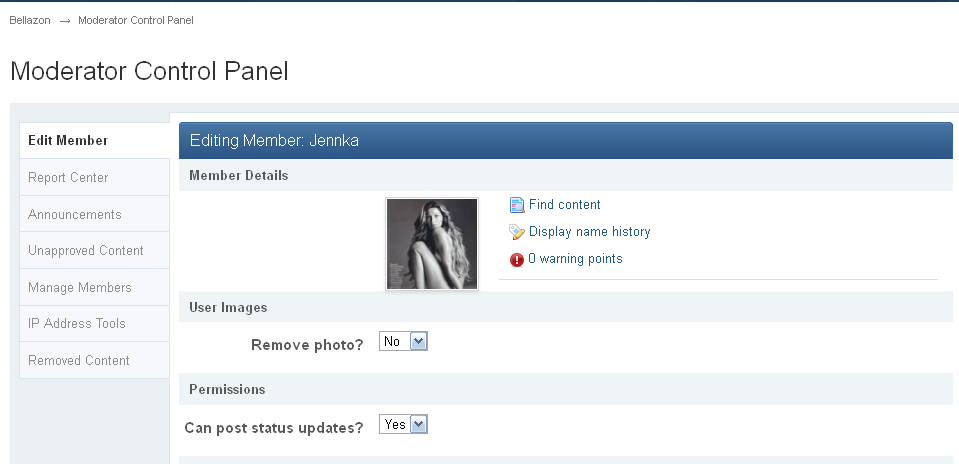
Coming back to the IP issue, this is what it looks like for me (not that I wanted to check on Jennka though, she was just the first member name I could think of  ) ... no IP anywhere ... :-(