Photoshop Tutorials Pinned
453 replies · 142034 views

I use CS2 but it's just the same 
1. Use polygon lasso tool and select the outline of the hair like this.
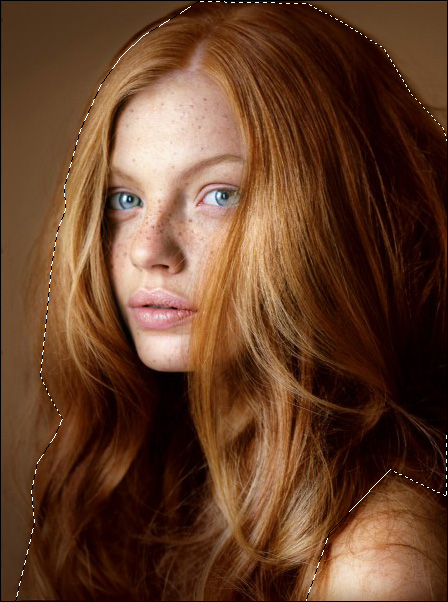
2. Choose the second option  Press "alt" and select the face.
3. Click "Hue/Saturation", select "Red" in "Edit", adjust "Saturation" and "Hue". Repeat the steps for "yellow".
(In this pic, I set +30 as "Saturation", -10 as "Hue" for "Red" colour and +30 as "Saturation", -5 as "Hue" for "Yellow" colour)
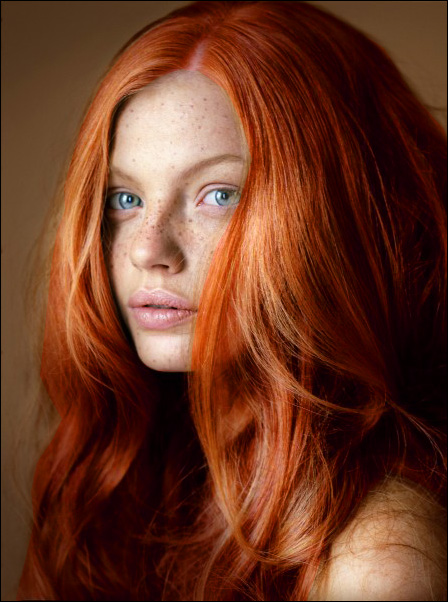
4. Finally, you can use Clone Stamp Tool to embellish the square part as shown below 
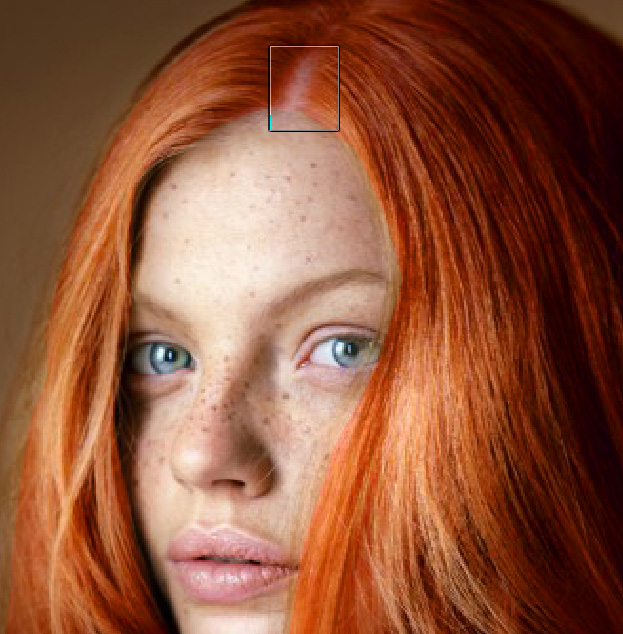
PS: If you have good eyes, you can see the flaw of hair 

they're really not that obvious or it means that I have bad eyes 
ahaha, no! Thanks 
I'm glad now I don't have to visit the doctor
With the protection of sunglasses 
yeah from UV rays - it's really dangerous people
can anyone explain me how to add fonts in photoshop 7.0? I forgot 
Figured it out.
Could someone please, please, please blend me some pics of Nataliya Piro and Miranda Kerr together? I can't seem to get it down 
^ What photos of them you'd like to do?
It really doesn't matter, but I can find some if you'd like.
Some pics are harder to blend then others :cey2:
Could someone please put one of these backrounds


onto this picture?
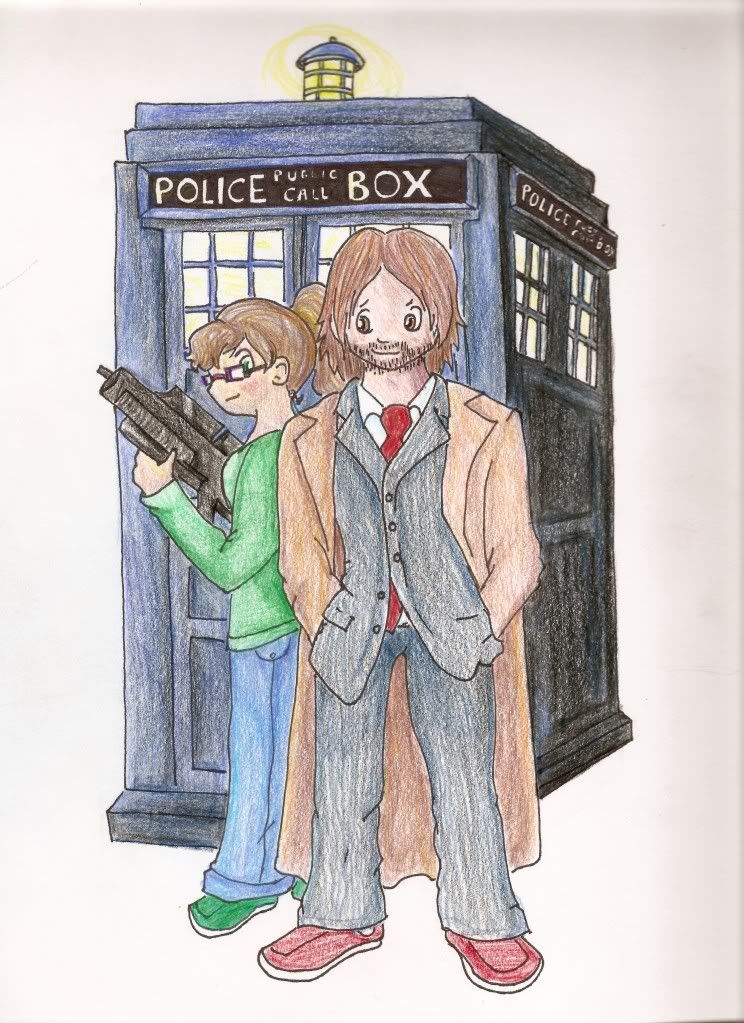
I really really really need the help 

^Did you mean just overlaid, or more integrated? Kinda hard with the mixed perspectives <_<
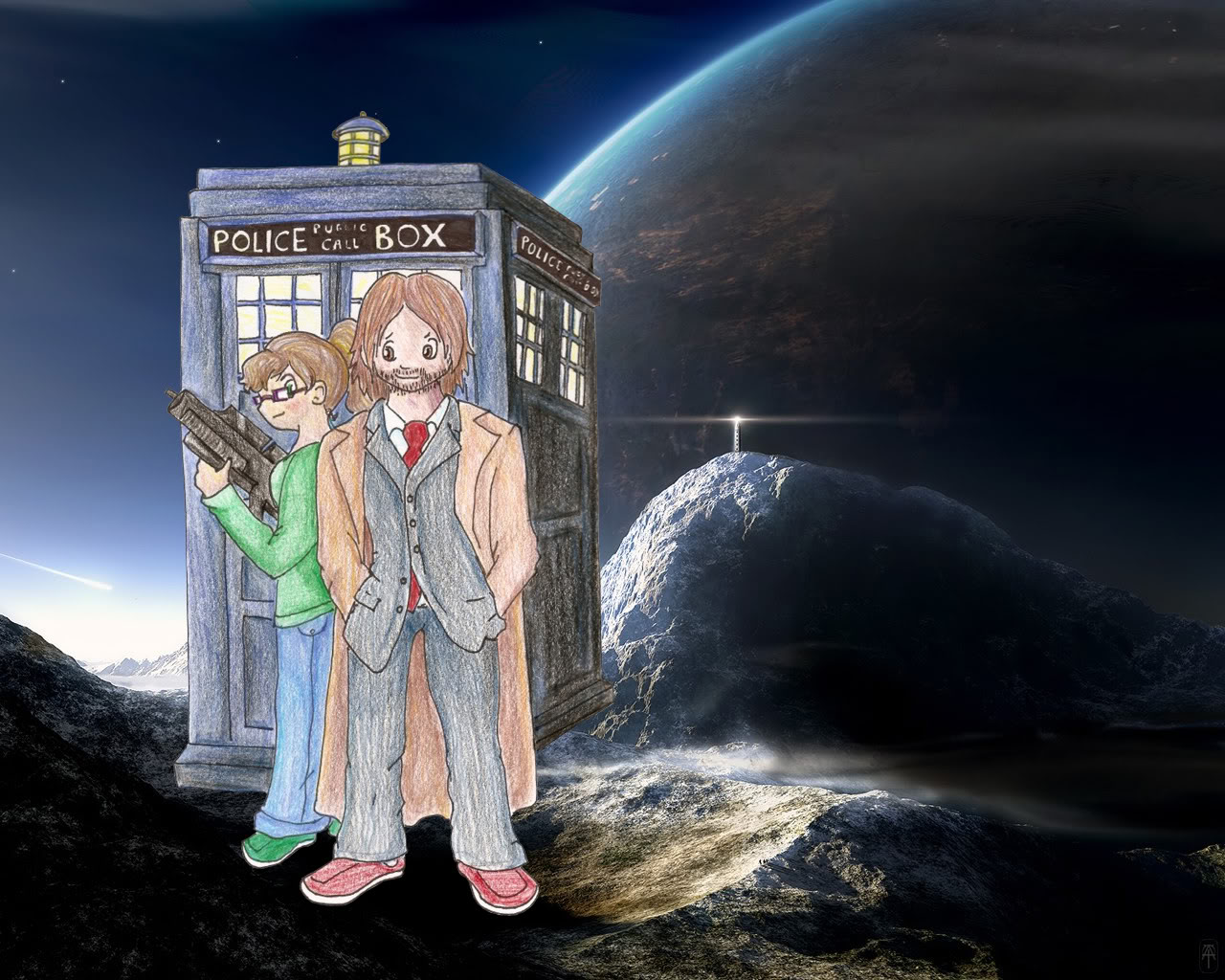
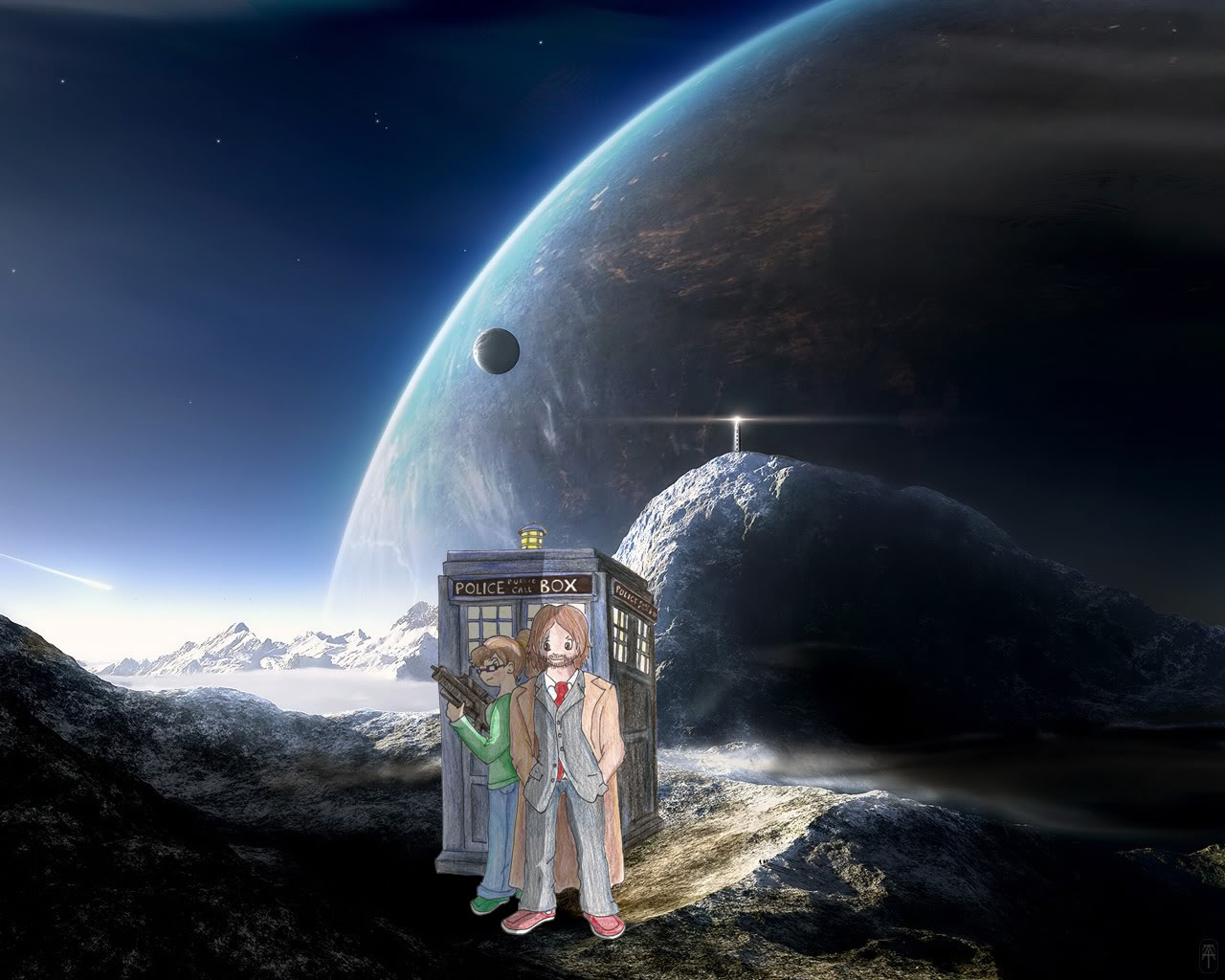
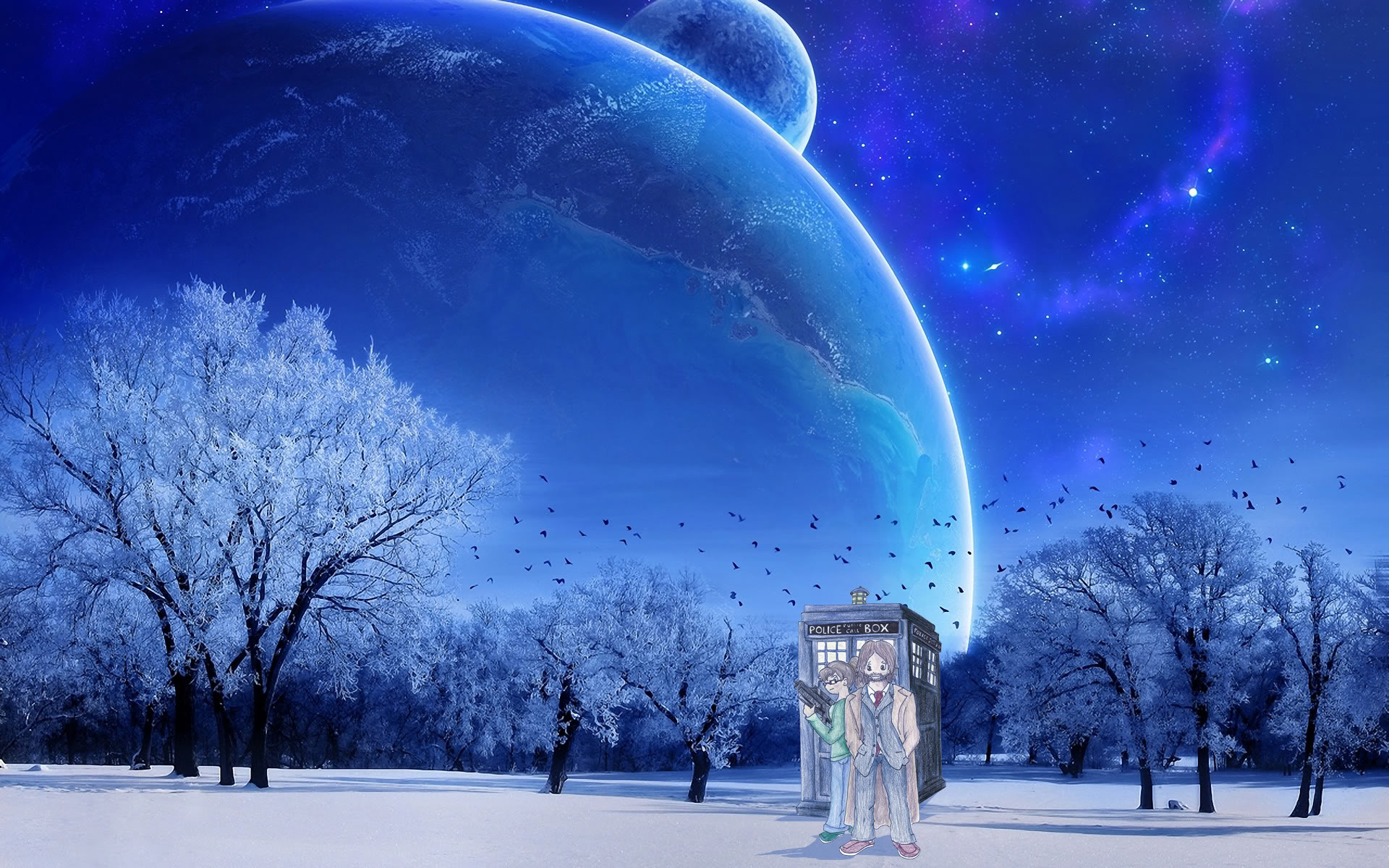
I like your sig a lot by the way 
The third one :| :| :| How can you make the shadow, teach me please 
Thank you so very much!
I really appreciate the help!  :dance:

^No prob 
The third one :| :| :| How can you make the shadow, teach me please
Oh, that's pretty easy. You can make a pretty quick and simple shadow by doing this:
1. Make a selection around the object (magic wand or whatever - I usually use the Polygonal Lasso Tool)

2. Make a new layer and fill the selection

3. Deselect, then press Ctrl+T to transform the layer. Scale it vertically and flip it upside down

4. Skew it

5. Lower the opacity and blur it if you like

So that's what I pretty much did on that image, although the technique only really works properly when the object has a flat edge on the bottom - so I filled in some extra bits on top too.
Oh, it's quite simple  Thank you so much :hell yea!:

Thanks for the tutorial, donbot
Thanks every one. I also got answer of my own problem through upper comments. thanks commentators and every one who take participation here to help volunteerly.
Could anyone please explain to me how to cut/select a picture (even better gif, if that's possible) in diagonal?
It would be very much appreciated! 