Photoshop Tutorials Pinned
453 replies · 142040 views
http://www.bellazon.com/main/index.php?sho...2024&st=100how to make avatars ^^^^
and most use Adobe photoshop and imageready CS2
Thanks!
Do you know if they are on freephotoshop.com?
ummm I don't. I live in Spain...lol. I just ordered mine online from Adobe.
Oh okay.
So you play buy the rules?
I have the money too...so yes. 
Lucky!!!!!
I also just want to try it out. Then I might buy it.

If you have a student ID, get it from your Uni's store for a discount.
Thank you Pinky 
Tell me how I'm doing so far:
1st animation:
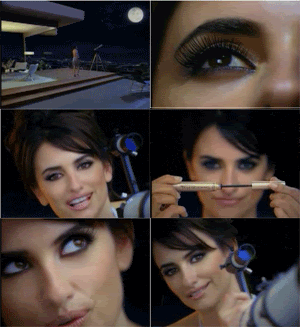
2nd animation:

3rd animation:

^ Pretty Good (Y) What program are you using to capture your frames?
Picture it! what should i use?
Oh I was just curious b/c if knew what program you used I can help you better Hmmm...I have never used Picture It! I use my DVD player program to capture my clips  How does Picture It! work? I think I might have it on my laptop
I just open new projects, then I do the whole print screen thing, paste then crop.
Good job! I love the Penelope one!
ohh, te encanta pnelope? A mi si, es muy bella 
Hey, I'm working on this animation with ImageReady or rather I'm done with it, but the file size is too large for me to make it my avatar. Do I need to reduce the number of frames in my animation? Or is there another was to reduce the quality? I'll post what I have thus far if it helps.

^ You can delete some frames or reduce the image size (like the pixel). Cropping is also an option, but I do not see it applying to your case
Thanks for the advice. I should get around to that in a little bit.
I was being dense. I saw Bellazon's 70KB file size limit and didn't stop to think that I could host the pic somewhere. What a waste of time. I felt like I was doing something wrong. I guess what I had was sufficient.
Ok so I am gonna be a dork and ask cause I can't find it x.x
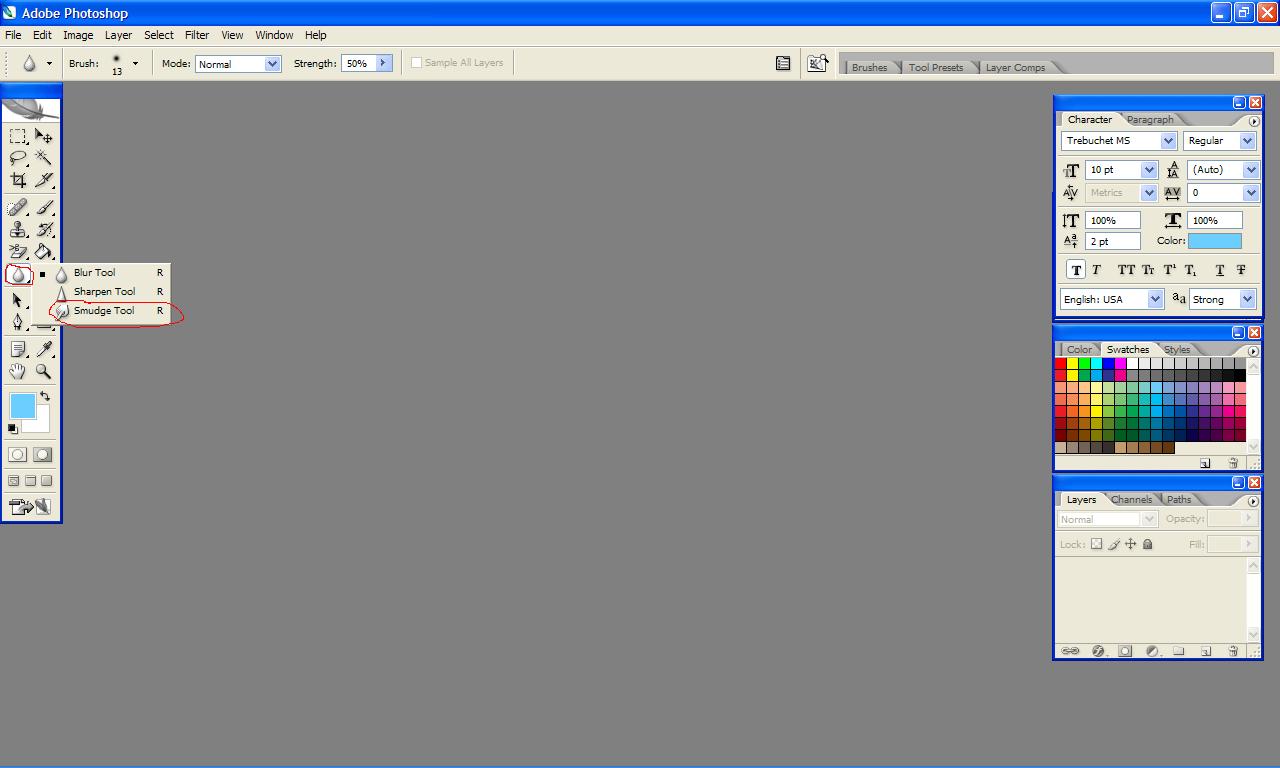
wheres the smudge tool in CS2?
Ok so I am gonna be a dork and ask cause I can't find it x.xwheres the smudge tool in CS2?
Look at the attachment