Photoshop Tutorials Pinned
453 replies · 142036 views
OMG THANK YOU SOOOO MUCH!!!
I just got it so I'm trying to learn all the stuff x.x
thanks again Pink! 

Okay I just got photoshop the other day and i wan wondering how you can do these four effects:
(I got sigs and avatars from users, so do not take and im only using as example  so thanks users!)
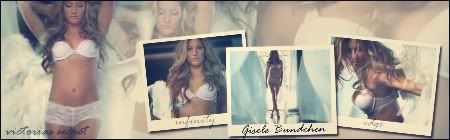
do this effect where it looks like poloraid snapshots.
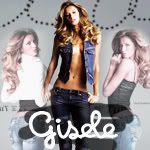
the swirly thing that looks like a bee buzzing. [don't now how to explain it so  ]
]
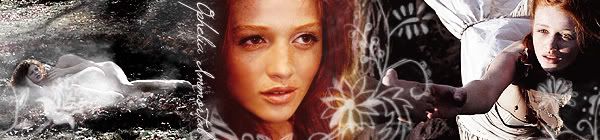
the flower thingy around the middle picture and the last one.
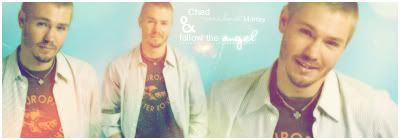
and this gleamy effect.
Thanks! The help would be greatly apprecitated. 
Okay I just got photoshop the other day and i wan wondering how you can do these four effects:(I got sigs and avatars from users, so do not take and im only using as example
do this effect where it looks like poloraid snapshots.
the swirly thing that looks like a bee buzzing. [don't now how to explain it so
the flower thingy around the middle picture and the last one.
and this gleamy effect.
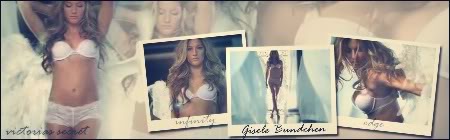
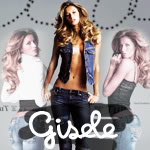
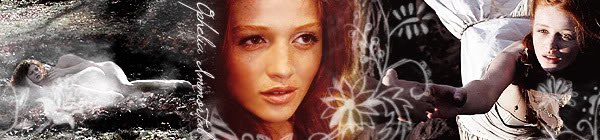
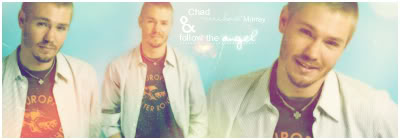
The first three effects you said are just Photoshop Brushes,they're easy to use and my english isn't good enough to explain the glam effect 
sici i messaged you and explained the "gleamy effect" for you...and the three photoshop brushes.
does anyone know how to create color like this photo in photoshop?

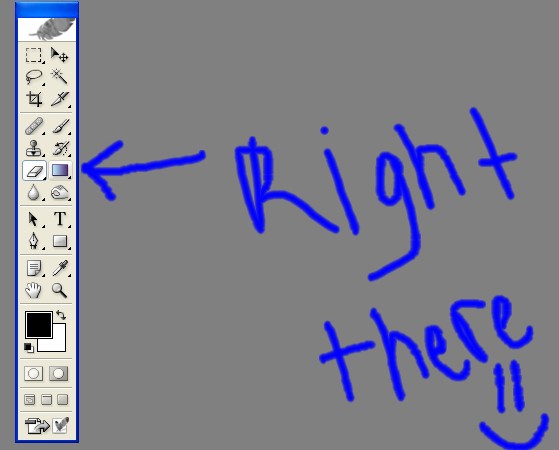
Gardient tool as shown below:
How can i make this effect in Photoshop?

How can i make this effect in Photoshop?
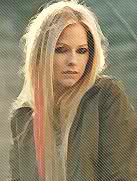
It looks like they used the filter gallery to add a painted brush effect and then applied a halftone pattern over the picture. But I can't be sure because the image is pretty small.
Assuming that is correct, select filter on the top toolbar and then select Artistic > Palette Knife
There are two different ways to add the halftone pattern screen effect. I'll try the more straight forward way. Duplicate the layer that you just filtered. Set the foreground color to white and the background color to black. Or vice-versa. Then go to filter> sketch >halftone pattern. Select dots and make them whatever size you want. Then change the opacity of the layer to something around 50%. That should do it but I don't have Photoshop on this computer.
Hope that helps and works.
Okay I just got photoshop the other day and i wan wondering how you can do these four effects:
and this gleamy effect.
The first three effects you said are just Photoshop Brushes,they're easy to use and my english isn't good enough to explain the glam effect
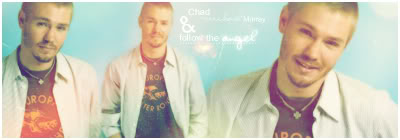
i was also wondering how to do that effect as well. can anyone teach me???
i was wondering how people make animations out of imageready?
i have adobe imageready 7 if that helps

Capture the frames then edit it on imageready
sici i messaged you and explained the "gleamy effect" for you...and the three photoshop brushes.
Could someone possibly explain it too me as well. I'm not sure I know the right tools for those effects either.
Hii  I'm new here
  love the forum!!
I have one question where do I download videos for windows media player??to make animated icons??
How can i make this effect in Photoshop?
It looks like they used the filter gallery to add a painted brush effect and then applied a halftone pattern over the picture. But I can't be sure because the image is pretty small.
Assuming that is correct, select filter on the top toolbar and then select Artistic > Palette Knife
There are two different ways to add the halftone pattern screen effect. I'll try the more straight forward way. Duplicate the layer that you just filtered. Set the foreground color to white and the background color to black. Or vice-versa. Then go to filter> sketch >halftone pattern. Select dots and make them whatever size you want. Then change the opacity of the layer to something around 50%. That should do it but I don't have Photoshop on this computer.
Hope that helps and works.
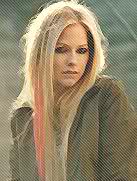
Thank you very much
You're welcome 
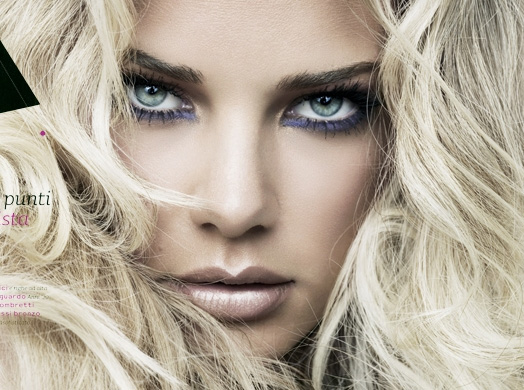
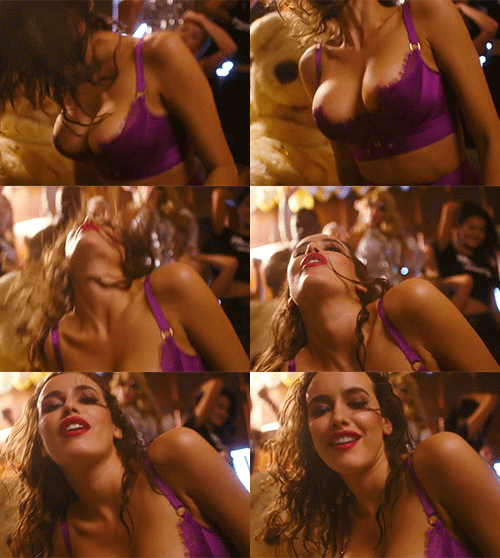
how do I make the skin look like that? x.x
how do I make the skin look like that? x.x
My guess would be median blur effect with some color adjustments thrown in. 
how do I make the skin look like that? x.x
My guess would be median blur effect with some color adjustments thrown in.
That sounds about right. I might duplicate the layer first, then throw on a gaussian blur with a radius from 1 to 3. Then I would experiment with the opacity of the layer on top and the blending properties. A screen or overlay might do it. Adjusting the brightness would also help. But that is also just speculation.
....I am lost. Would anyone care to explain that to me in more detail...please x.x
^ I sent you a PM